
How many mailboxes do you need, and what will it cost?
Size your email infrastructure across Google Workspace, Microsoft 365, and Azure. Start from a daily send volume, or work backwards from the meetings you want to book, and see the mailboxes, domains, and monthly cost it takes to get there.
To send 1,000 emails a day you need about 67 to 69 Google Workspace mailboxes across roughly 23 domains. Set your volume or meetings goal below to see your exact mailboxes, domains, and monthly cost.
Email mailbox calculator
Estimate mailboxes, domains, and monthly cost for Google Workspace, Microsoft 365, and Azure.
About 1,364 emails per day across 22 sending days.
Effective monthly cost
How many mailboxes do I need?
A safe deliverable rate is about 15 emails per day per Google Workspace mailbox and about 5 per Microsoft 365 mailbox. To send 1,000 emails a day on Google you need about 67 mailboxes. The calculator sizes this automatically from your target volume, or works backwards from the meetings you want to book.
What you are actually paying for
Email pricing looks like one per-mailbox number, but most of the value, and most of the surprises, sit underneath it. Here is what the price includes, what scales it, and the costs people forget to budget.
What every mailbox includes
- A real Google Workspace, Microsoft 365, or Azure account, not a grey-market or recycled one
- US-based sending IPs
- SPF, DKIM, and DMARC configured automatically, usually in under 10 minutes
- Per-domain isolation, so one bad mailbox does not drag down the rest
Why the price scales the way it does
- One flat rate per mailbox, stepping down with volume: $3.90 from 1 to 29 mailboxes, $3.25 from 30 to 99, $2.99 from 100 to 199
- Google and Microsoft mailboxes each have a safe daily send limit, about 15 a day on Google and 5 on Microsoft, so your volume is what drives the mailbox count
- Azure is billed at $30 per tenant, not per mailbox
- No platform fee and no plan minimum, so you pay for the mailboxes you actually run. Past 200 mailboxes (or 10 Azure tenants) you move to custom volume pricing
Costs people forget to budget
- Domains are billed once a year, separate from the monthly cost
- You need roughly one domain for every 3 mailboxes
- Warmup is an optional add-on, priced per mailbox
- InfraGuard deliverability monitoring is priced per domain
What the price quietly protects you from
- Domain burning and permanent sender-reputation damage
- Landing in spam instead of the primary inbox
- Cheap or fake accounts that get suspended mid-campaign
- Cross-contamination, where one bad mailbox infects the whole setup
See it in the dashboard
The mailboxes and domains the calculator sizes are the same ones you manage in InboxKit, with deliverability monitoring built in.
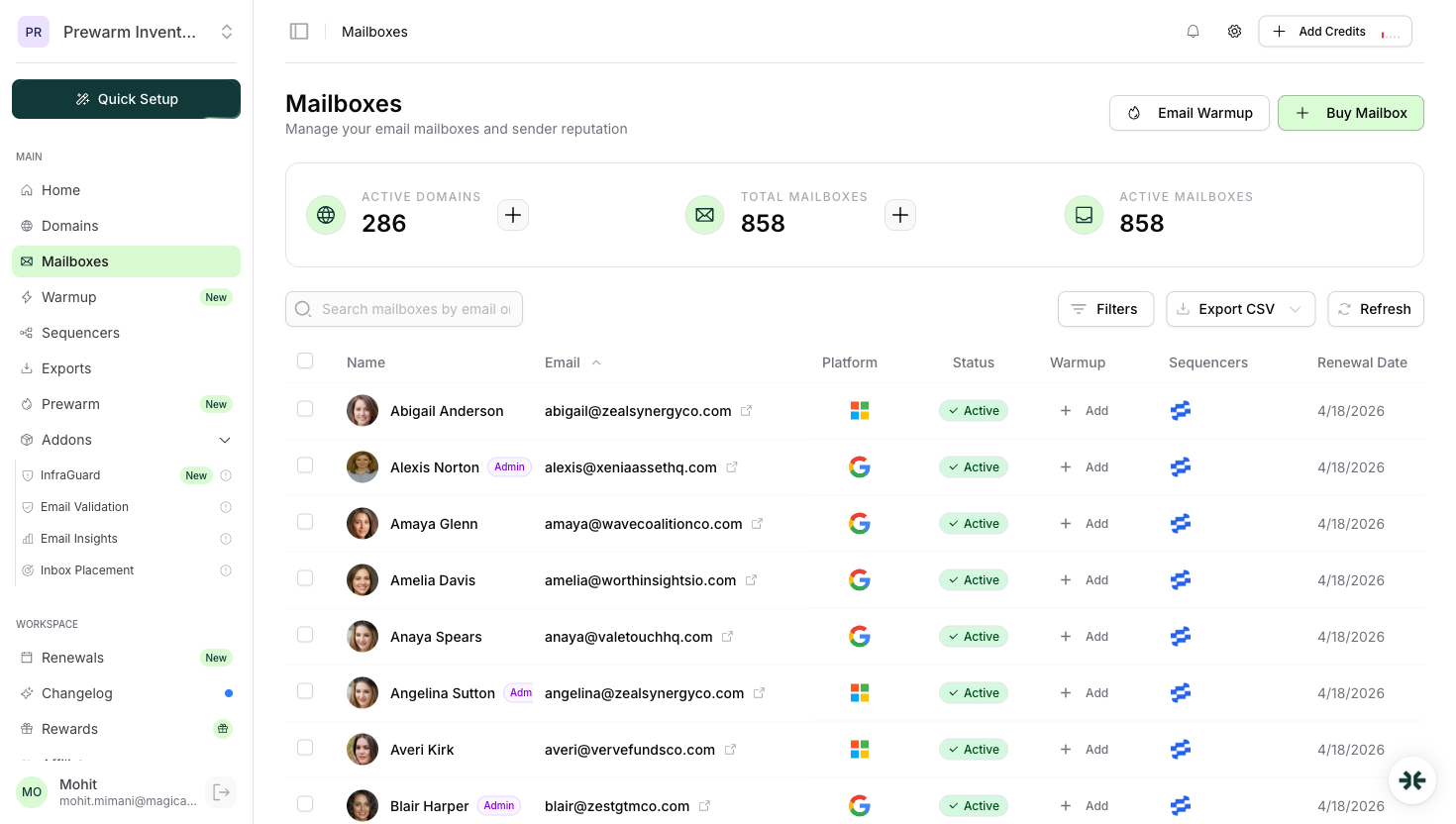
Real Google, Microsoft, and Azure mailboxes, provisioned and ready to send.
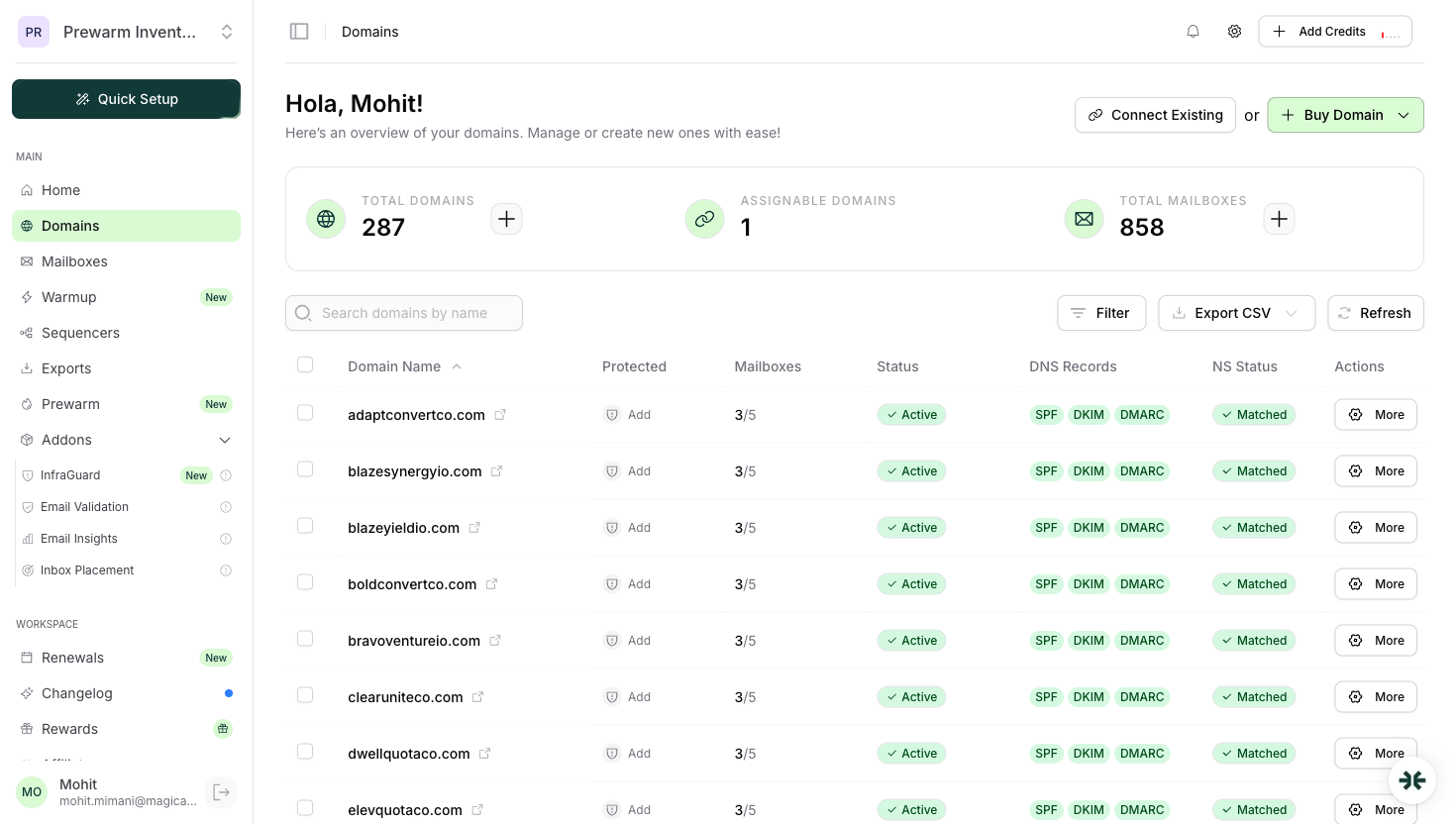
Domains with SPF, DKIM, and DMARC configured automatically.
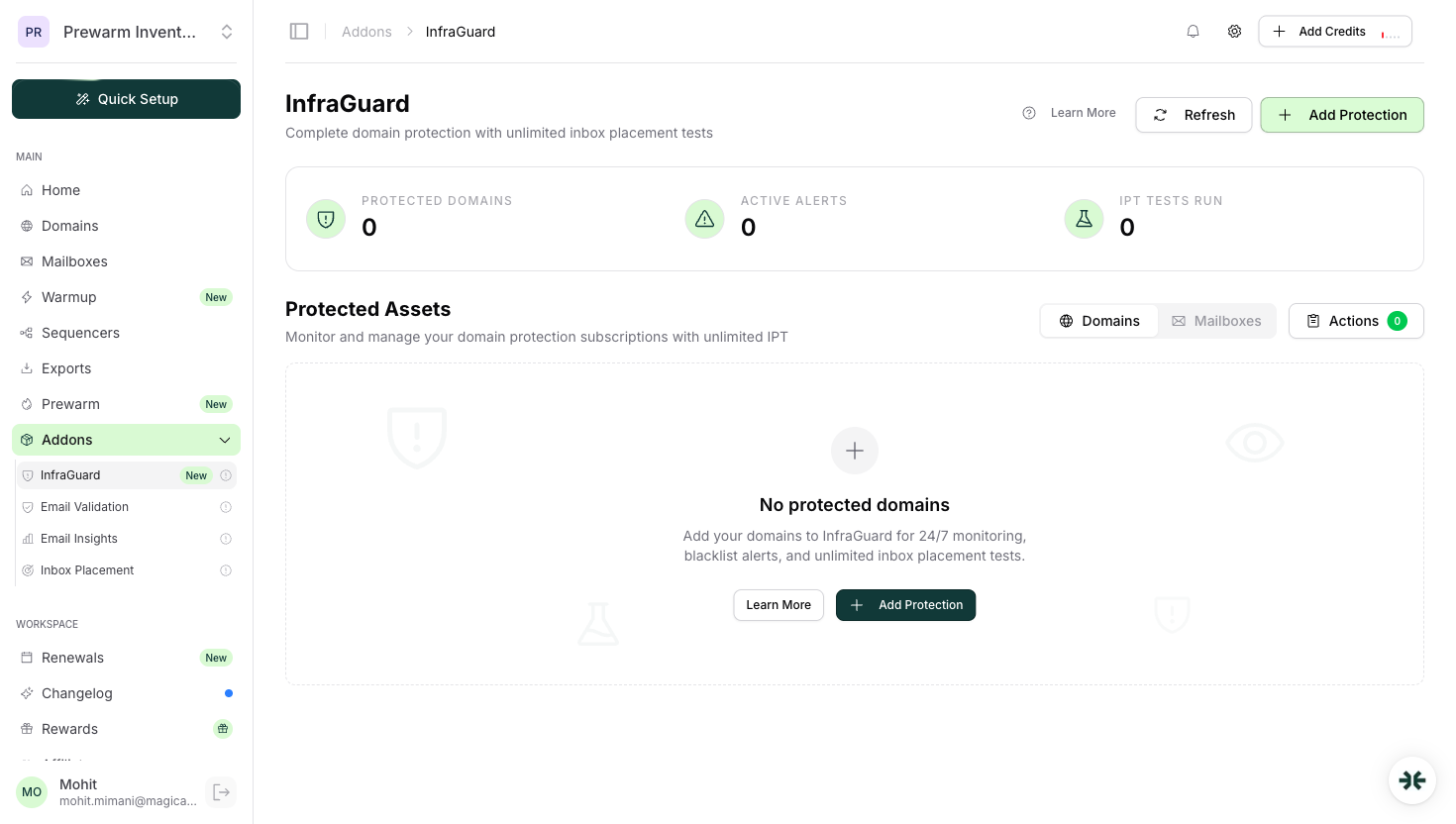
Blacklist, DNS, and deliverability monitoring across your infrastructure.
How is the price calculated?
No black box. Every figure comes from four simple steps, and you can change any assumption in the calculator's advanced settings.
- 1Start from sends, or a goal
Enter a daily send volume. In reverse mode, enter a monthly meetings goal and we convert it through your reply rates into the emails per day you need to send.
- 2Size the domains
Domains equal your daily volume divided by (mailboxes per domain times the per-mailbox daily limit), rounded up. The defaults are 3 mailboxes per domain and about 15 emails a day on Google, 5 on Microsoft.
- 3Fill in the mailboxes
Mailboxes equal the domain count times the mailboxes per domain, so the total capacity always covers your target volume.
- 4Add up the cost
Your mailbox count picks the rate band, then every mailbox is charged at that one rate: $3.90 from 1 to 29, $3.25 from 30 to 99, $2.99 from 100 to 199. Each Azure tenant adds $30, quarterly and annual billing carry their own lower rates rather than a discount stacked on top, domains are billed once a year separately, and past 200 mailboxes pricing becomes a custom volume quote.
Say you want to send 1,000 emails a day, all on Google. Domains = 1,000 divided by (3 times 15) = 23 (rounded up). Mailboxes = 23 times 3 = 69. That lands in the 30 to 99 band, so every mailbox is $3.25: 69 x $3.25 = $224.25 a month, or $186.30 on annual billing at $2.70. Domains are billed once a year separately. Set the monthly volume to 22,000 (1,000 a day across 22 sending days) and pick the All Google preset, and you will see the same 69 mailboxes and 23 domains.
Frequently asked questions
It depends on your daily send volume. A safe deliverable rate is roughly 15 emails per day per Google Workspace mailbox and about 5 per Microsoft 365 mailbox. To send 1,000 emails a day on Google you need about 67 mailboxes. The calculator sizes this automatically from your target volume, or works backwards from the meetings you want to book.
Working backwards from typical email benchmarks: if about 1.5% of sent emails get a positive reply and about 30% of positive replies turn into a booked meeting, you need roughly 220 emails sent per meeting booked. Every account is different, so the calculator lets you edit both rates to match your real numbers.
InboxKit provisions about 3 mailboxes per domain on Google Workspace and Microsoft 365 to protect sender reputation and avoid cross-contamination. Azure is billed per tenant rather than per domain. You can change the mailboxes-per-domain assumption in the calculator's advanced settings.
Every Google or Microsoft mailbox is charged at one flat rate, and the rate drops as your volume grows: $3.90 a mailbox from 1 to 29, $3.25 from 30 to 99, and $2.99 from 100 to 199, on monthly billing. There is no platform fee or plan minimum on top, so 40 mailboxes is simply 40 x $3.25 = $130 a month. Azure is billed at $30 per tenant instead of per mailbox. Past 200 mailboxes (or 10 Azure tenants) pricing moves to a custom volume quote.
Yes. Switch the calculator to reverse mode, enter how many meetings you want to book per month, and it works back through positive replies and emails sent to the daily volume, mailboxes, domains, and monthly cost required to hit that goal.
Each mailbox is a real Google Workspace, Microsoft 365, or Azure account on a US IP, with SPF, DKIM, and DMARC configured automatically and per-domain isolation to protect your sender reputation. Google and Microsoft mailboxes are charged at your volume band's flat rate, from $3.90 down to $2.99 a mailbox, with no separate platform fee, while Azure is billed at $30 per tenant. Volume pricing is custom past 200 mailboxes.
Domains are billed once a year, separate from the recurring monthly cost, and you need about one domain for every 3 mailboxes. Warmup is an optional add-on priced per mailbox, and InfraGuard deliverability monitoring is priced per domain. Past 200 mailboxes (or 10 Azure tenants) pricing moves to a custom volume quote.
Related tools
Deliverability Score
Analyze domain health and DNS configuration.
Spam Checker
Test email content for spam triggers and filters.
Header Analyzer
Analyze email headers for authentication issues.
Domain Scanner
Comprehensive domain analysis for all email records.
Blacklist Checker
Check whether your domain or IP is on a blocklist.
Agency Workflows
Best practices for managing multiple campaigns.