
LearnGuides
Agency Email Workflows: Scale Infrastructure for Clients

By Mohit MimaniPublished on: Mar 30, 2026 · 22 min read · Last reviewed: Mar 2026
TL;DR
Running email infrastructure for multiple clients is operationally complex. This guide covers the workflows, systems, and tools that agencies use to manage 10 to 100+ client accounts without burning out or burning domains.
The biggest mistake agencies make is mixing client infrastructure together. When one client's domains or IPs get flagged, you do not want that affecting other clients. Proper isolation is the foundation of agency-scale email operations.
| Clients | Mailboxes/Client | Total Mailboxes | Monthly Infra Cost | Revenue (at $500/client) | Margin |
|---|---|---|---|---|---|
| 5 | 10-25 | 50-125 | $150-$375 | $2,500 | 85-94% |
| 10 | 10-25 | 100-250 | $300-$750 | $5,000 | 85-94% |
| 25 | 10-25 | 250-625 | $750-$1,875 | $12,500 | 85-94% |
| 50 | 10-25 | 500-1,250 | $1,500-$3,750 | $25,000 | 85-94% |
Here is how agency economics scale on InboxKit:
| Clients | Mailboxes | Monthly Cost | Revenue (at $500/client avg) | Margin |
|---|---|---|---|---|
| 5 | 50-125 | $150-$375 | $2,500 | 85-94% |
| 10 | 100-250 | $300-$750 | $5,000 | 85-94% |
| 25 | 250-625 | $750-$1,875 | $12,500 | 85-94% |
| 50 | 500-1,250 | $1,500-$3,750 | $25,000 | 85-94% |
| 100 | 1,000-2,500 | $3,000-$7,500 | $50,000 | 85-94% |
Costs based on Google Workspace at $2.50/mo per mailbox. Warmup at $3/mailbox/mo and InfraGuard monitoring are additional. No platform fee. Revenue assumes $400-800/mo per client management fee.
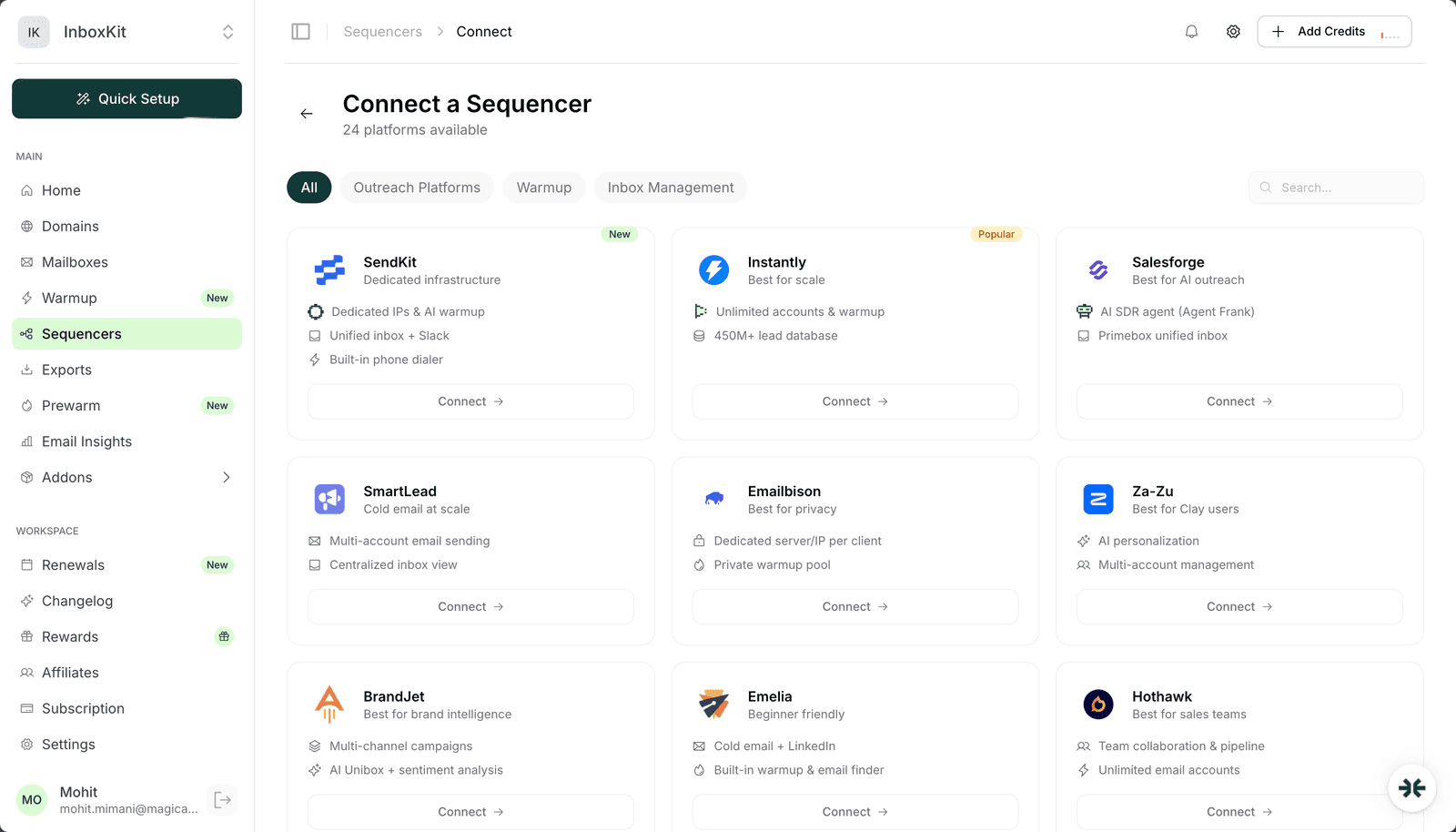
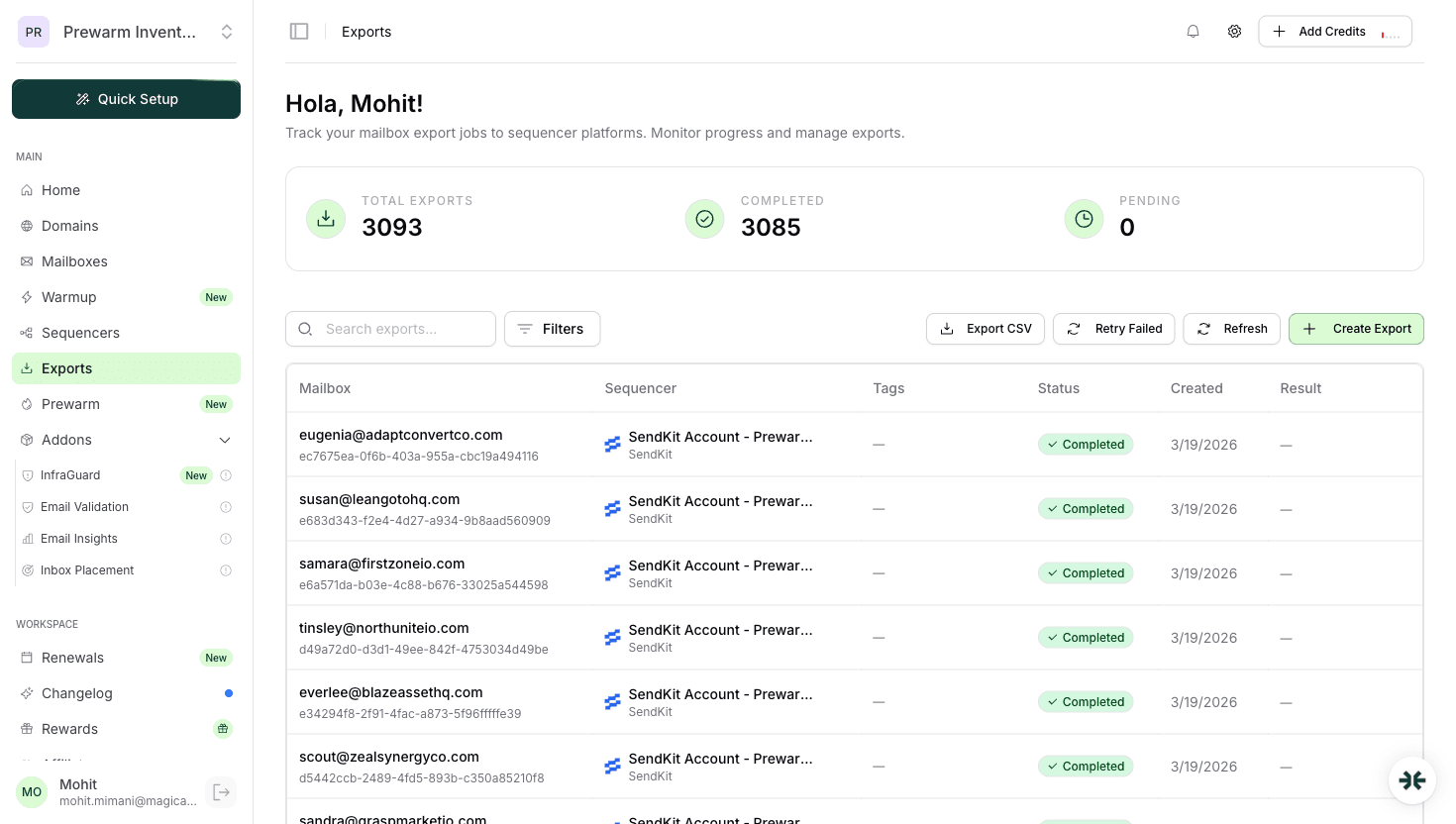
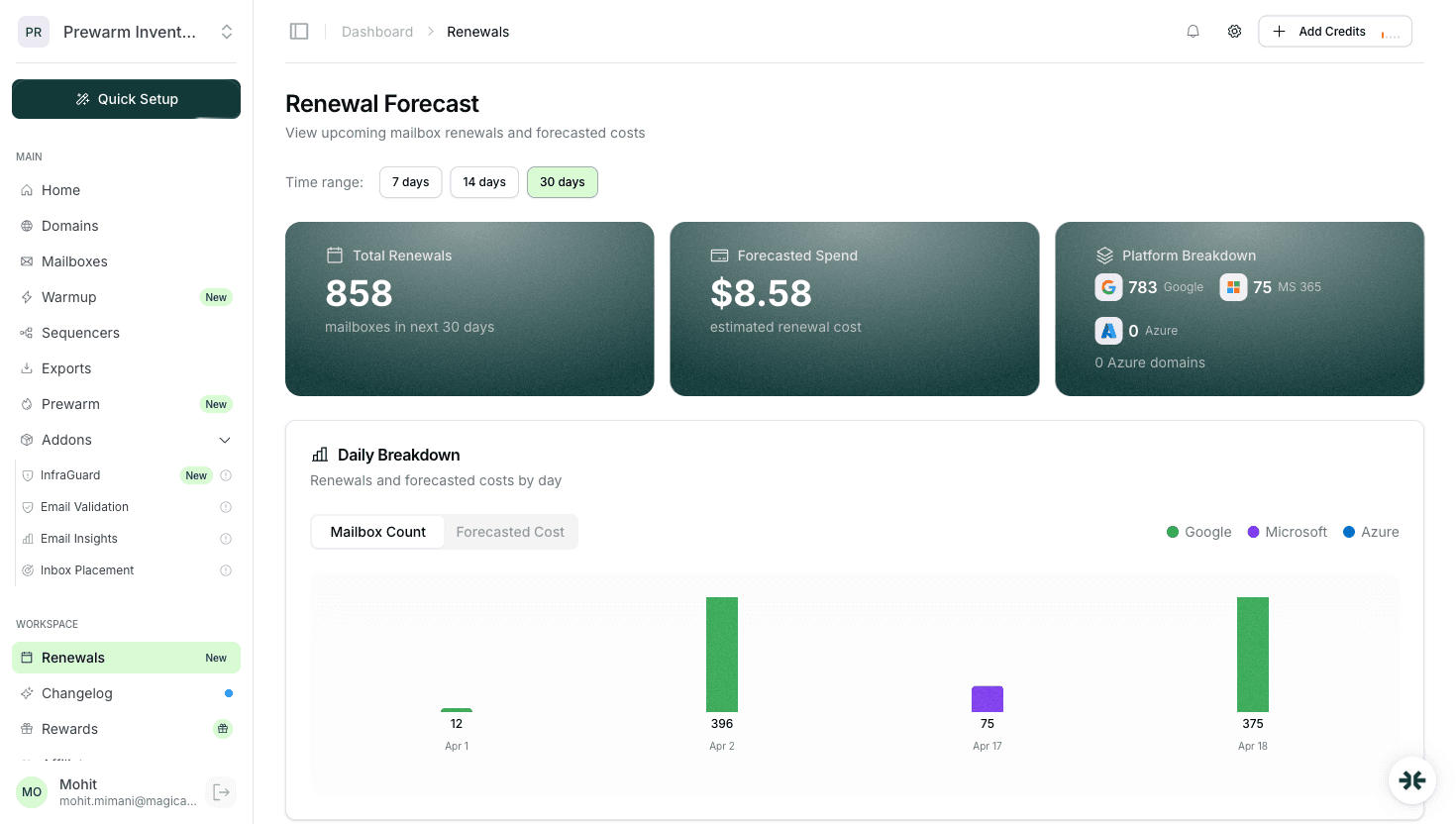
As shown in the connected sequencers panel (see sequencers.png screenshot), InboxKit integrates with Instantly, SmartLead, and other popular tools for multi-client outreach. The export history (see exports.png) provides client-level reporting, and the renewal forecast (see renewals.png) helps you plan infrastructure costs across all accounts.
The workspace model: Create a separate workspace for each client in your infrastructure platform. InboxKit's workspace feature is built for exactly this. each workspace has its own domains, mailboxes, warmup settings, and monitoring. No cross-contamination.
So a typical client has 9-25 mailboxes. At InboxKit's pricing ($2.50/mo per Google Workspace mailbox), a mid-size client setup costs $27-75/mo in mailbox infrastructure.
clientname-01.com, clientname-02.comfirstname@clientname-01.comClientName - [Industry]This sounds basic, but when you manage 30+ clients, inconsistent naming creates confusion that leads to errors.
The isolation principle: Never share domains, IPs, or mailboxes across clients. If Client A has a deliverability issue, it should not affect Client B. This means more domains and mailboxes total, but the operational safety is worth the cost. At $2.50/mo per mailbox and $2/year per domain, the infrastructure cost of proper isolation is minimal compared to the cost of cross-client contamination.
Client onboarding checklist: 1. Create workspace in InboxKit 2. Purchase 3-5 domains ($6-10 total) 3. Create 3-5 mailboxes per domain ($27-75/mo) 4. Activate warmup on all mailboxes 5. Configure forwarding to client's reply inbox 6. Set up InfraGuard monitoring alerts 7. Connect to client's sequencer
Total onboarding time with InboxKit: under 30 minutes per client.
Domain management is the most operationally intensive part of running an agency. Here is how to handle it at scale.
.com and .io extensions. they have the highest baseline trustAt InboxKit's domain pricing ($2/year for standard domains, $30 for Azure domains), stocking spare domains is cheap insurance.
Domain rotation: Rotate sending across all active domains evenly. If a client has 3 domains with 4 mailboxes each, each domain should send roughly the same volume. Uneven distribution means one domain bears more reputation risk.
Rotation frequency: review domain health monthly. If a domain shows declining reputation or hits a blacklist, move it to a resting period and activate a spare.
Retired domain protocol: 1. Remove all mailboxes 2. Disable DNS records 3. Keep domain registration active (do not let it drop. someone else might register it and damage your client's brand) 4. Replace with a fresh domain
Bulk domain operations: For agencies managing 50+ domains, InboxKit's bulk operations save significant time. You can search, purchase, and configure multiple domains in a single workflow. DNS setup is automatic, and warmup can be activated in bulk.
The numbers: A 20-client agency might manage 60-100 domains and 180-500 mailboxes. Monthly infrastructure cost on InboxKit: $540-1,500 for mailboxes + $120-200/year for domains. This is your cost basis. your margin comes from the management fee you charge clients, which typically ranges from $500-2,000/mo per client depending on volume and service level.
Manual warmup does not scale. If you are managing 200 mailboxes across 20 clients, spending 5 minutes per mailbox on warmup management is 16 hours of work per week. Automation is essential.
InboxKit's warmup at scale: Activate warmup on any mailbox with one click. The system handles volume ramping, engagement generation, and metric monitoring automatically. For bulk operations, select multiple mailboxes and activate warmup simultaneously.
Warmup workflow for new client onboarding:
Day 0: Create mailboxes and activate warmup on all of them. Days 1-14: InboxKit runs warmup automatically. Monitor the warmup dashboard daily (takes 2 minutes per client). Day 14: Check warmup metrics. If all mailboxes show healthy engagement (30%+ open rate, 10%+ reply rate), they are ready. Day 15: Transition to outreach. Keep ongoing warmup running at reduced volume alongside cold sending.
Staggering warmup across clients: If you onboard multiple clients in the same week, stagger their warmup start dates by 2-3 days. This gives you time to review each client's warmup progress without everything hitting the critical checkpoints simultaneously.
For failed mailboxes: deactivate, diagnose the issue, fix the root cause, and restart warmup. If the mailbox itself is compromised, replace it. at $2.50/mo, the cost of a new mailbox is negligible compared to the time spent trying to salvage a bad one.
Ongoing warmup management: After the initial 14-day warmup, keep warmup running at maintenance levels (5-10 warmup emails/day) alongside cold outreach. This maintains positive engagement signals and acts as a buffer during periods of low campaign activity. InboxKit manages this automatically. you do not need to adjust warmup settings when campaigns start or stop.
Clients hire you to manage their infrastructure so they do not have to think about it. But they need visibility into performance and costs. Here is the reporting framework that works:
Keep this concise. a dashboard screenshot or a 5-bullet summary email. Clients want to know things are working, not read a dissertation.
This is your opportunity to demonstrate value. Show what problems you caught and fixed before they impacted campaigns.
Reporting tools: InboxKit's dashboard provides the data. Export what you need and format it in your agency's reporting template. Some agencies build lightweight dashboards on top of the InboxKit data, while others use simple Google Docs or Loom videos.
Over-reporting wastes your time and overwhelms clients. Under-reporting makes clients nervous. The cadence above hits the sweet spot for most agency-client relationships.
Understanding the economics is critical for building a sustainable agency practice around email infrastructure management.
For the mid-size client above, your cost is $45.50/mo and your revenue is $400-800/mo. That is 82-94% gross margin on infrastructure management. This is one of the highest-margin services an agency can offer because the operational cost scales sub-linearly. managing 20 clients is not 20x the work of managing 1 client.
Pricing models that work:
Scaling an agency email infrastructure practice from 10 to 100 clients requires different systems at different stages. Here is what changes:
What breaks at each stage:
10 to 25 clients: manual processes break. You cannot personally check 250+ mailboxes. InfraGuard automation and bulk operations become essential.
25 to 50 clients: solo knowledge breaks. You need documented SOPs (standard operating procedures) for every task. New team members must be able to onboard a client without your direct supervision.
50 to 100 clients: communication breaks. Managing 50+ client relationships requires dedicated account management. Technical operations and client-facing work must be separate roles.
The constant across all stages: Your infrastructure platform must handle the scale. InboxKit's workspace system, bulk operations, and automated monitoring were built for exactly this trajectory. The platform cost grows linearly ($2.50/mo per mailbox), but your management efficiency improves as you standardize processes and use automation.
The economics get better at scale because infrastructure costs are variable but management overhead has economies of scale.
A typical mid-size client needs 3-5 domains with 3-5 mailboxes each, totaling 9-25 mailboxes. With InboxKit at $2.50/mailbox/mo on annual billing, this is affordable infrastructure per client.
No. Create client-facing reports that show performance metrics without exposing your infrastructure costs or platform details. Your margin depends on the value you add through management, not transparency on tool pricing.
Pause sending immediately, request blacklist removal, identify the root cause (usually poor list quality or volume spikes), and activate spare domains while the blacklisted domains recover. This is why keeping 1-2 spare domains per client matters.
Three domains minimum. This provides enough rotation to distribute reputation risk. Five domains is ideal for clients sending 50+ emails per day. More domains means lower volume per domain, which reduces the chance of any single domain getting flagged.
Typical agency rates are $400-800/mo per client for standard management (mailbox provisioning, warmup, monitoring, reporting). Premium services including campaign optimization range from $800-2,000/mo. Your infrastructure cost on InboxKit is usually under $75/mo per client, leaving strong margins.
Free tools and pages that go with this guide.
 Guides
 Rahul LakhaneyGuidesRahul LakhaneyGuides
 Saksham JainGuidesSaksham Jain
From $2.50/mailbox/mo. No plans or slots. Automated DNS, warmup, and InfraGuard monitoring included.