
LearnGuides
Email Warmup Process: 14-Day Guide (2026)

By Rahul LakhaneyPublished on: Mar 30, 2026 · Updated: Jul 29, 2026 · 18 min read · Last reviewed: Jul 2026
TL;DR
The warmup process is where most emailers fail before they even start. This 14-day guide covers exactly how to build sender reputation from zero, what volume to send each day, and how to know when you are ready for real outreach.
I have seen agencies spend weeks perfecting their email sequences. subject lines, personalization, CTAs. only to have 60% of those emails land in spam because they skipped warmup. The best email copy in the world is worthless if nobody sees it.
When you create a new mailbox, it has zero sending history. ISPs like Gmail, Outlook, and Yahoo have no data on your domain or your sending behavior. So they default to suspicion. A brand-new account that suddenly sends 100 emails on day one looks exactly like a spam account to automated filters.
Warmup solves this by building a track record of legitimate sending behavior. You start small, generate positive engagement signals (opens, replies, conversations), and gradually increase volume. After 14-21 days, ISPs have enough data to trust your account.
The numbers tell the story clearly. In our data across InboxKit accounts, mailboxes that complete a full 14-day warmup achieve 88% average inbox placement in their first month of outreach. Mailboxes that skip warmup or do an abbreviated 3-5 day warmup average just 54% inbox placement. That is a 34 percentage point gap. and it translates directly into fewer booked meetings and less revenue.
Warmup is not optional. It is the single most impactful thing you can do for your email deliverability.
This is the exact protocol we run for every InboxKit mailbox. Here is the complete 14-day warmup schedule in table format:
| Day | Phase | Emails to Send | Cold % | Target Open Rate | Target Reply Rate | Key Action |
|---|---|---|---|---|---|---|
| 1 | Foundation | 3-5 | 0% | 90%+ | 60%+ | Send only to colleagues and friends who will definitely reply |
| 2 | Foundation | 5-8 | 0% | 85%+ | 50%+ | Same warm recipients; reply to every response same day |
| 3 | Foundation | 8-12 | 0% | 80%+ | 40%+ | Add warm contacts. people who know you but are not close |
| 4 | Building | 12-15 | 10% | 60%+ | 30%+ | Mix in newsletter signups for inbound email activity |
| 5 | Building | 15-18 | 15% | 55%+ | 25%+ | Include 3-5 cold-ish contacts who might know your company |
| 6 | Building | 18-22 | 20% | 50%+ | 20%+ | If reply rate drops below 20%, reduce cold contacts |
| 7 | Building | 22-25 | 25% | 45%+ | 18%+ | Checkpoint: run inbox placement test (target 85%+) |
| 8 | Transition | 25-30 | 50% | 35%+ | 15%+ | Shift to majority cold outreach |
| 9 | Transition | 28-32 | 60% | 30%+ | 12%+ | Monitor bounce rates. must stay under 3% |
| 10 | Transition | 30-35 | 65% | 28%+ | 10%+ | All metrics healthy = on track |
| 11 | Transition | 28-32 | 70% | 25%+ | 10%+ | Begin settling into target volume |
| 12 | Transition | 25-30 | 75% | 25%+ | 10%+ | Reduce to target daily volume |
| 13 | Transition | 20-30 | 80% | 25%+ | 10%+ | Near-production sending patterns |
| 14 | Ready | 20-30 | 85%+ | 25%+ | 10%+ | Checkpoint: run final inbox placement test (target 85%+) |
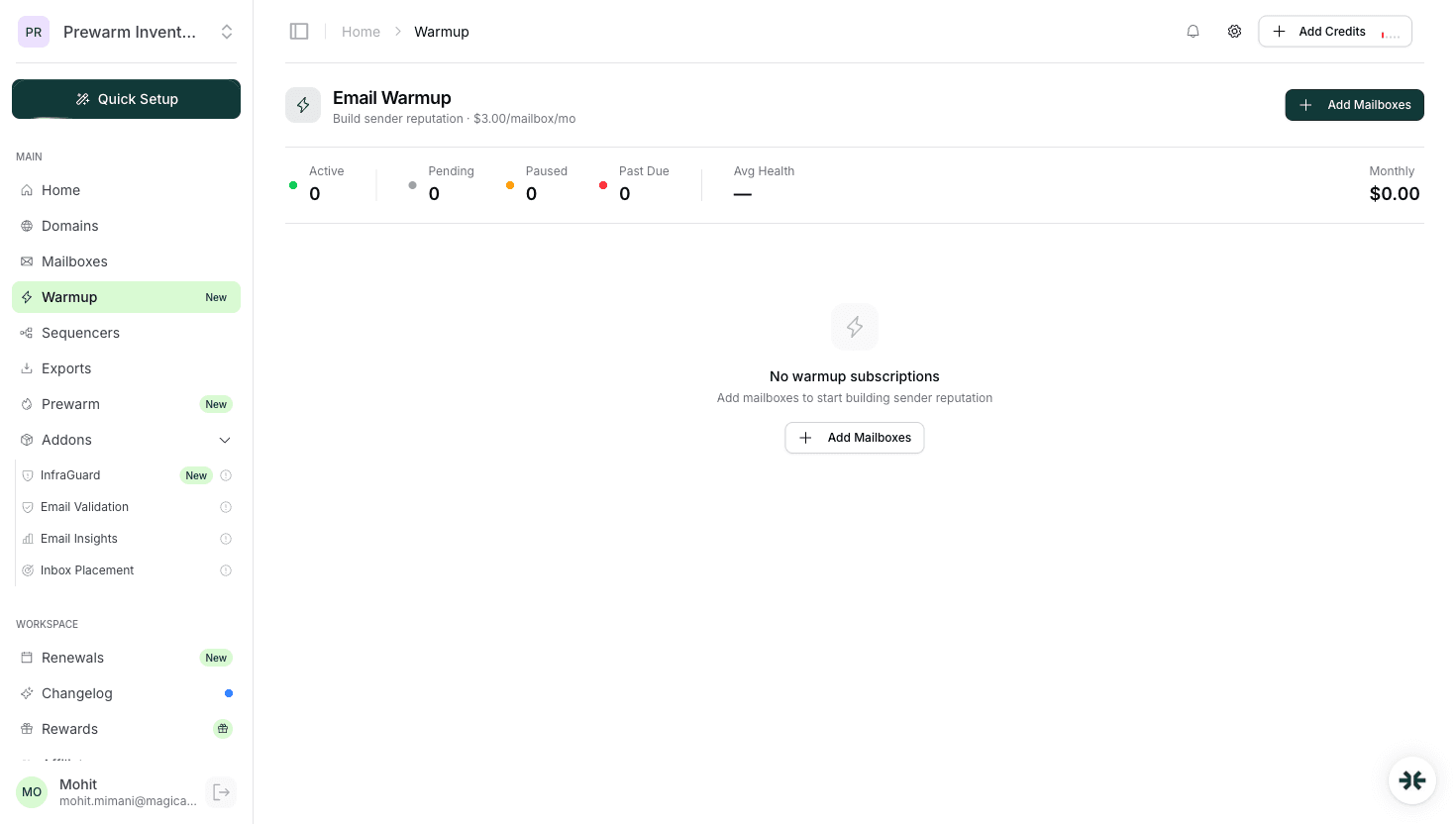
Screenshot reference: See the warmup.png screenshot in the InboxKit dashboard. the warmup management panel shows daily send volume ramp-up, open rates, reply rates, and warmup health status per mailbox. Green indicators mean healthy progress; red means pause and investigate.
These numbers are per mailbox. If you have 50 mailboxes at $2.50/mo each, each one goes through this independently. InboxKit's automated warmup ($3/mailbox/mo) handles the volume, timing, and engagement automatically at scale.
The volume scaling during warmup follows a specific logic. ISPs track your sending patterns over rolling windows. typically 7-day and 30-day averages. Large deviations from your established pattern trigger scrutiny.
The 30% rule: Never increase your daily sending volume by more than 30% compared to the previous day. This is the safest rate of acceleration. Going from 10 to 15 emails (50% increase) on day 2 is fine because the absolute numbers are small. But going from 100 to 200 (100% increase) later in the process will raise flags.
Weekday vs. weekend: During warmup, send only on weekdays (Monday through Friday). Weekend sending is unusual for business email and can look automated. After warmup, you can send on weekends if your audience warrants it, but maintain lower weekend volumes.
Time distribution: Spread your daily emails across a 6-8 hour window during business hours (9 AM to 5 PM in the recipient's timezone). Sending all 30 emails between 9:00 and 9:15 AM looks like a batch blast. Sending them between 9 AM and 4 PM with random 5-30 minute intervals looks natural.
Volume per mailbox post-warmup: The industry sweet spot for email is 15-25 emails per mailbox per day. Some senders push to 40-50/day, but deliverability consistently drops above 30/day per mailbox. The better approach is to add more mailboxes. At InboxKit's pricing ($2.50/mo per Google Workspace mailbox), it costs less to add 5 mailboxes at 20/day ($14.95/mo for 100 emails/day capacity) than to risk burning a single overworked mailbox.
Scaling math for agencies: If your client needs to send 500 emails per day, plan for 20-25 mailboxes. At $2.50/mo each, that is $60-75/mo in mailbox costs. Add 15-20 domains at $2/year each, and total infrastructure cost is under $80/mo for 500 emails/day of capacity with strong deliverability.
Not all engagement is equal in the eyes of ISPs. Here is what actually moves the needle during warmup, ranked by importance:
1. Replies (highest impact) A reply is the strongest positive signal you can generate. It tells the ISP that the recipient actively wanted to engage with your email. During warmup, optimizing for replies is more important than optimizing for volume. One mailbox with 10 emails/day and 5 replies is building reputation faster than another with 30 emails/day and 0 replies.
2. Emails moved from spam to inbox When a recipient finds your email in spam and moves it to their inbox, this sends an extremely strong positive signal. It is essentially the recipient overriding the ISP's decision. This is hard to generate organically, but it happens naturally when you email people who are expecting to hear from you.
3. Opens with dwell time Simply opening an email is a weak signal. But opening it and spending 10+ seconds reading it is stronger. ISPs track this through tracking pixels and interaction patterns. Emails that are opened and immediately deleted are weaker than emails that are opened and read.
4. Contact additions When a recipient adds you to their contacts or address book, it tells the ISP to trust future emails from you. This is difficult to influence but happens naturally with engaged contacts.
5. Clicks Clicking a link in your email shows engagement, but it is a weaker signal than replies. During warmup, I recommend minimizing links and focusing on replies instead.
6. Forwards Forwarding your email to someone else is a positive signal, though rare in email.
InboxKit's isolated warmup system generates authentic reply-based engagement. The warmup network consists of real InboxKit accounts having real conversations, which produces the reply and open signals that matter most.
I have diagnosed warmup failures across hundreds of accounts. These are the mistakes that come up repeatedly:
Mistake 1: Starting cold outreach too early Some senders start blasting emails on day 3 or 4 because they are impatient. The warmup infrastructure has not built enough reputation yet, and the sudden shift from warm to cold recipients causes engagement to crater. ISPs interpret this as a spam pattern. Fix: stick to the 14-day protocol. Cold outreach should not exceed 30% of your volume before day 8.
Mistake 2: Using low-quality warmup services Shared warmup pools mix your account with thousands of others, including some that may be spamming. If your warmup network includes bad actors, their behavior can negatively impact your reputation. Fix: use an isolated warmup system like InboxKit's, where the warmup network is controlled and monitored.
Mistake 3: Sending identical content to all warmup recipients Some warmup tools send the same template to every recipient. ISPs detect duplicate content across multiple recipients and flag it. Fix: use warmup systems that generate varied, natural-sounding conversations.
Mistake 4: Ignoring bounce rates during warmup A bounce rate above 3% during warmup is a red flag. Some senders push through bounces without investigating. Fix: pause and clean your recipient list if bounces exceed 3%. During warmup, every bounce hurts more because your reputation is still fragile.
Mistake 5: Warming up and sending outreach from the same mailbox simultaneously Do not run warmup emails and cold outreach from the same mailbox at the same time during the first 14 days. The sending patterns conflict and ISPs get mixed signals. Fix: complete warmup first, then transition to outreach. After the initial warmup period, you can run ongoing warmup at reduced volume alongside outreach. InboxKit handles this automatically.
Mistake 6: Not warming up after a pause If a mailbox sits idle for 2+ weeks, you need to re-warm it. ISPs decay your reputation during inactivity. Coming back with full volume after a long pause looks like a compromised account. Fix: treat any pause longer than 10 days as a restart. Run a 5-7 day abbreviated warmup before resuming normal volume.
Warmup is not just about sending emails and waiting. You need to track specific metrics daily to ensure the process is working.
Metrics to track during warmup:
What healthy warmup looks like: Day 3: Open rate 65%, reply rate 40%, zero bounces, zero complaints. Day 7: Open rate 45%, reply rate 20%, bounce rate 1%, zero complaints. Day 14: Open rate 30%, reply rate 12%, bounce rate 2%, zero complaints, inbox placement 87%.
What unhealthy warmup looks like: Day 3: Open rate 30%, reply rate 5%, bounce rate 4%, one complaint. Day 7: Open rate 15%, reply rate 2%, bounce rate 6%, inbox placement 55%.
If you see unhealthy patterns, do not push forward. Pause for 24-48 hours, reduce volume by 50%, focus exclusively on warm contacts, and try again.
InboxKit's warmup dashboard shows these metrics in real-time for every mailbox. You can see daily trends, get alerts when metrics dip below thresholds, and the system automatically adjusts volume based on performance. For agencies managing 50+ mailboxes, this automated monitoring is essential. manually checking warmup progress on 50 accounts daily is not realistic.
After the 14-day warmup, continue monitoring for the first 30 days of outreach. The transition from warmup to live sending is when most issues surface.
The minimum warmup period is 14 days. For best results, allow 21 days before starting full cold outreach. High-volume accounts (50+ emails/day) may need 30 days. InboxKit's automated warmup handles the timing and volume scaling for you.
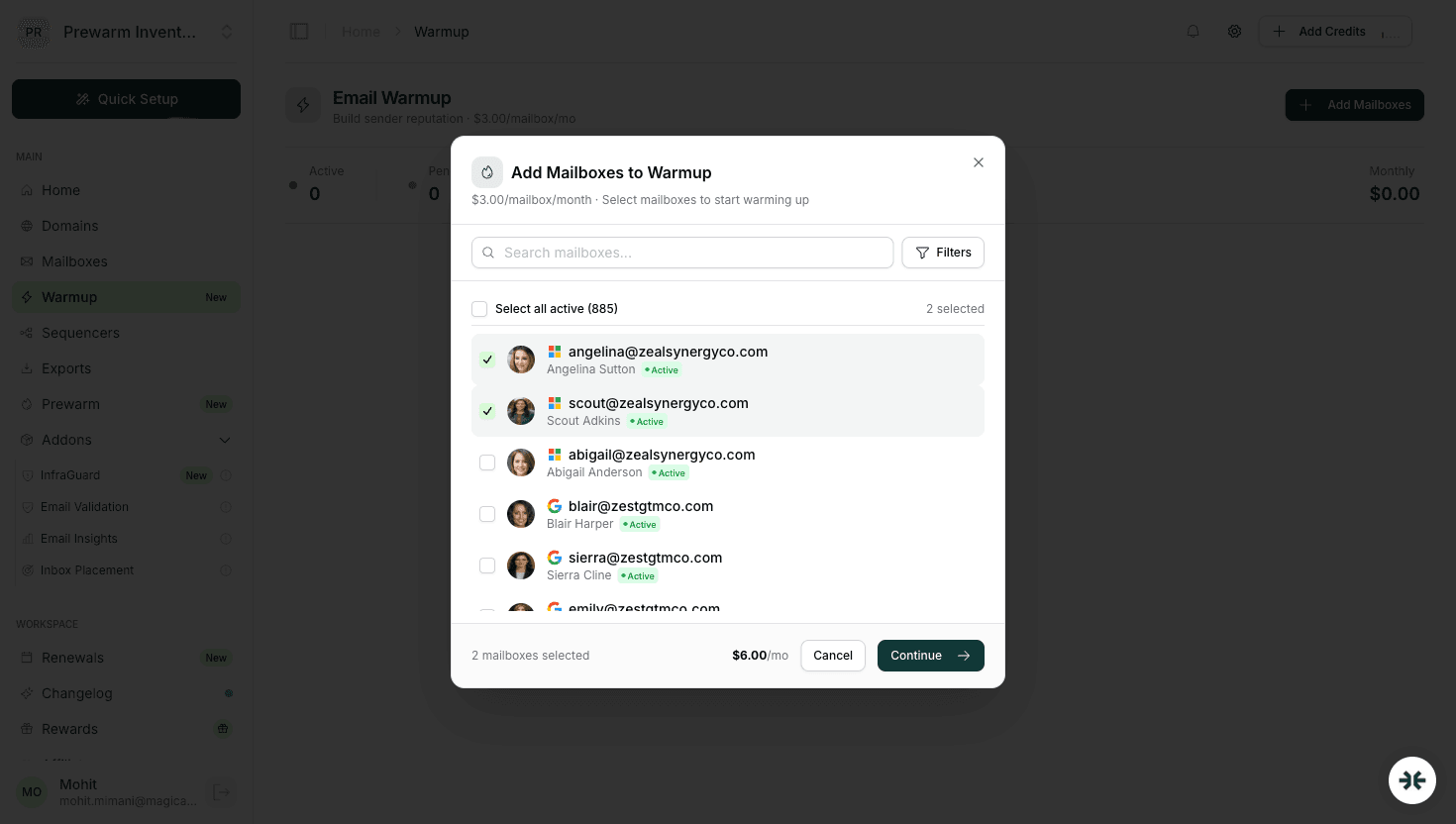
Yes, and you should. Each mailbox warms up independently. InboxKit lets you activate warmup on all your mailboxes simultaneously. With InboxKit plans from $39/mo plus $3/mailbox/mo for warmup (add-on), warming up 20-50 accounts in parallel is standard for agencies.
Skipping warmup typically results in 50-70% of your emails landing in spam, potential blacklisting, and possible account suspension. Recovering from a burned mailbox takes longer than warming up properly in the first place.
Yes. Ongoing warmup at reduced volume (5-10 warmup emails/day alongside your outreach) maintains positive engagement signals and protects your reputation during low-engagement periods. InboxKit runs ongoing warmup automatically.
InboxKit uses an isolated warmup network, meaning your account only interacts with controlled, monitored accounts. Shared warmup pools mix you with potentially bad actors. The isolated approach produces more consistent results and avoids reputation contamination.
 Rahul Lakhaney
 Saksham JainRahul LakhaneyRahul Lakhaney
Plans from $39/mo with 10 mailboxes included. Automated DNS, warmup, and InfraGuard monitoring included.
