
LearnGuides
Why Are My Cold Emails Going to Spam? (Fix Guide)

By Rahul LakhaneyPublished on: Mar 30, 2026 · 12 min read · Last reviewed: Mar 2026
TL;DR
Cold emails land in spam because of infrastructure problems, authentication failures, content triggers, or reputation damage. Here is how to diagnose the exact cause and fix it step by step.
Cold emails go to spam for three categories of reasons. Here is the complete 12-cause checklist with the fix for each:
| # | Category | Cause | Fix | Priority |
|---|---|---|---|---|
| 1 | Infrastructure | Shared IP addresses (Mailforge, Infraforge) | Switch to real Google/Microsoft accounts. InboxKit $2.50/mo | Critical |
| 2 | Infrastructure | No warmup or incomplete warmup | Complete 14-21 day warmup before any cold outreach | Critical |
| 3 | Infrastructure | Domain blacklisted | Check MXToolbox, request delisting, pause sending for 24-48 hours | Critical |
| 4 | Infrastructure | Sending volume too high per mailbox | Stay at 30-40 emails/day per mailbox maximum | High |
| 5 | Infrastructure | New domain with zero reputation | Buy domains 2-4 weeks before you need them; age + warmup | High |
| 6 | Authentication | SPF record missing or misconfigured | Add correct SPF TXT record; verify with Gmail Show Original | Critical |
| 7 | Authentication | DKIM not enabled | Enable DKIM for every sending domain. 10-15% inbox placement impact | Critical |
| 8 | Authentication | DMARC record missing | Add DMARC record with p=none minimum; Google/Yahoo require it | High |
| 9 | Content | Spam trigger words in subject line | Avoid free, guaranteed, act now, limited time, click here | Medium |
| 10 | Content | Too many links or link shorteners | Keep to 1-2 links maximum; no bit.ly or similar shorteners | Medium |
| 11 | Content | Heavy HTML formatting | Cold emails should be plain text. look like a real human sent them | Medium |
| 12 | Content | No unsubscribe option | Add one-click unsubscribe. required by CAN-SPAM and Google/Yahoo | High |
Most spam issues are infrastructure-related (causes 1-5 account for ~70%). Fix infrastructure first, content second. InboxKit eliminates causes 1, 2, 5, 6, 7, and 8 automatically.
Check your mailbox type: Shared IP mailboxes (Mailforge, Infraforge) have 15-25% lower inbox placement than real Google/Microsoft accounts (InboxKit, Zapmail). If you are on shared IPs, this is likely your primary issue.
Check warmup status: Did you warm up for 14-21 days? Did you maintain warmup during campaigns? Insufficient warmup is the number one cause of spam.
Check for blacklists: Use MXToolbox or similar tools. A blacklisted IP or domain kills deliverability instantly.
Check sending volume: Over 50 emails/day per mailbox triggers spam filters. Stay at 30-40 for best results.
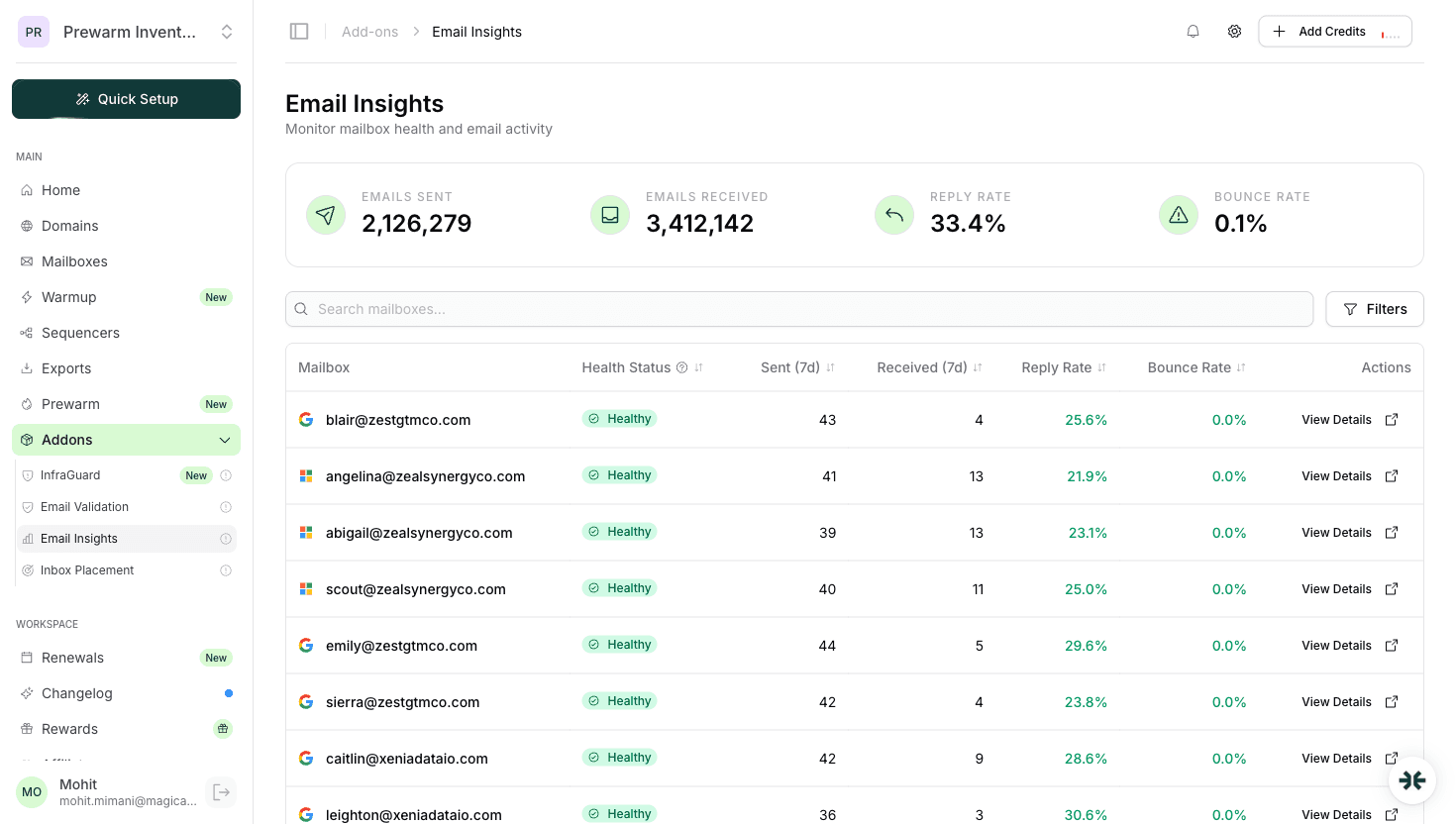
InfraGuard on InboxKit catches all infrastructure issues automatically.
Send a test email to a Gmail account, open it, click three dots > "Show Original":
All three must pass. One failure can send you to spam.
InboxKit sets up all three automatically and monitors them continuously.
Spam trigger words: Avoid "free," "guaranteed," "act now," "limited time," "click here" in subject lines.
Link count: Keep to 1-2 links maximum. No link shorteners.
HTML vs plain text: Cold emails should look like regular emails. Heavy HTML formatting triggers filters.
Personalization: Generic emails get flagged. Use merge tags for first name, company, and specific details.
Unsubscribe link: Required by CAN-SPAM. Missing it increases spam complaints.
Follow this 7-step recovery protocol in exact order. Do not skip steps:
| Step | Action | How to Verify | Time to Impact |
|---|---|---|---|
| 1 | Switch to real Google/Microsoft accounts if on shared IPs | Check your provider. InboxKit Google WS at $2.50/mo | Immediate (new accounts need warmup) |
| 2 | Complete warmup for 14-21 days before any cold outreach | Monitor open rates (40%+ during warmup) and bounce rates (<3%) | 14-21 days |
| 3 | Verify SPF, DKIM, DMARC all pass | Gmail > Show Original. all three should show PASS | 1-4 hours after DNS changes |
| 4 | Enable InfraGuard monitoring | Activate in InboxKit dashboard. checks run every few hours | Immediate |
| 5 | Run inbox placement tests before every campaign | InboxKit built-in testing. target 85%+ inbox placement | 10-15 minutes per test |
| 6 | Clean your email list | Remove bounces, unengaged contacts, and catch-all addresses | Before every campaign |
| 7 | Optimize content | Remove spam triggers, reduce to 1-2 links, personalize with real details | Ongoing |
Expected recovery timeline: If you follow all 7 steps, expect inbox placement to improve from 50-60% to 80-90% within 3-4 weeks for new accounts, or 1-2 weeks for accounts with existing but damaged reputation.
Use InboxKit for real Google/Microsoft accounts with automatic DNS setup, isolated warmup, and InfraGuard monitoring. This prevents 90% of infrastructure-related spam issues.
Run inbox placement tests before every major campaign. Built into InboxKit.
Monitor continuously. Problems compound silently. InfraGuard catches issues in hours, not days.
Maintain warmup. Even after campaigns start, keep warmup activity running to maintain reputation.
Poor infrastructure: shared IPs, insufficient warmup, or misconfigured DNS. Fix infrastructure first, content second.
Use inbox placement testing (built into InboxKit) to send test emails to seed accounts and see exactly where they land.
Sometimes. Remove from blacklists, fix authentication, re-warm for 2-3 weeks. If severely damaged, starting with new domains is often faster.
Plans from $39/mo with 10 mailboxes included. Automated DNS, warmup, and InfraGuard monitoring included.


