
LearnGuides
Domain Reputation vs IP Reputation: What Matters in 2026

By Rahul LakhaneyPublished on: Mar 31, 2026 · 8 min read · Last reviewed: Mar 2026
TL;DR
In 2020, IP reputation drove deliverability. By 2026, domain reputation is 3x more important. Google's shift to domain-based filtering means your sending domain matters more than your IP address. Here is the data.
Email filtering has fundamentally changed. Here is how the weighting has shifted:
| Factor | 2020 Weight | 2026 Weight | Trend | Source |
|---|---|---|---|---|
| Domain reputation | 25% | 45% | Increasing | Google Postmaster Tools documentation |
| Account/mailbox reputation | 15% | 25% | Increasing | Microsoft SNDS data |
| Authentication (SPF/DKIM/DMARC) | 20% | 15% | Stable (now table stakes) | Google sender requirements 2024 |
| Engagement signals | 15% | 10% | Decreasing (privacy changes) | Apple MPP impact analysis |
| IP reputation | 25% | 5% | Decreasing significantly | Google Postmaster, cloud IP pools |
Why IP reputation declined: 1. Cloud hosting: Google Workspace and Microsoft 365 use shared IP pools across millions of tenants. Google cannot block a Cloud IP without blocking thousands of legitimate senders. (Source: Google Cloud documentation on shared IP architecture) 2. Apple Mail Privacy Protection (2021): Hides IP addresses and auto-loads tracking pixels, reducing IP-based signal value. (Source: Apple developer documentation) 3. IPv6 adoption: The massive address space makes IP-based blocking impractical. (Source: IETF discussions on email authentication evolution)
What this means for email: Your domain is your reputation. A burned domain cannot be fixed by switching IPs. Conversely, a strong domain reputation delivers well even on shared IPs.
Google and Microsoft measure domain reputation differently:
Google (Postmaster Tools):
| Rating | Meaning | Impact | How to Achieve |
|---|---|---|---|
| High | Excellent reputation | Inbox delivery | Low complaints, good engagement, full auth |
| Medium | Good reputation | Mostly inbox, some promotions tab | Minor issues, generally OK |
| Low | Poor reputation | Promotions or spam | High complaints or bounces |
| Bad | Severely damaged | Spam folder or rejected | Spam complaints >0.3%, blacklisted |
Source: Google Postmaster Tools (postmaster.google.com) reputation dashboard.
Microsoft (SNDS - Smart Network Data Services):
| Metric | Green | Yellow | Red |
|---|---|---|---|
| Spam rate | <0.1% | 0.1-0.5% | >0.5% |
| Trap hits | 0 | 1-5 | >5 |
| Complaint rate | <0.05% | 0.05-0.1% | >0.1% |
Source: Microsoft SNDS (sendersupport.olc.protection.outlook.com).
Key insight: Google measures domain reputation as a whole (auth + engagement + complaints). Microsoft focuses more on specific metrics (trap hits, complaint rate). You need to satisfy both.
Here is a direct comparison of how each type of reputation affects email:
| Aspect | Domain Reputation | IP Reputation |
|---|---|---|
| Who controls it? | You (your sending behavior) | Partially you, partially shared users |
| Can you monitor it? | Yes (Google Postmaster, InfraGuard) | Limited (Postmaster, SNDS) |
| Recovery time | 2-4 weeks | 1-2 weeks |
| Impact of burn | Severe (domain may need replacement) | Moderate (IP changes are easier) |
| Shared risk | None (your domain is yours) | High (shared IPs = shared risk) |
| Cost to fix | New domains: $10-15/year + warmup time | Switch providers (may cost more) |
| InboxKit protection | Isolated workspaces, InfraGuard monitoring | US-based Google Cloud/Azure IPs |
The practical implication: Investing in domain health (proper authentication, controlled volume, monitoring) has 3x more impact than worrying about IP reputation in 2026.
Source: This weighting is based on Google Postmaster Tools behavior analysis, Microsoft SNDS documentation, and InboxKit internal deliverability data across 10,000+ mailboxes.
A step-by-step guide to building and maintaining domain reputation:
| Action | Impact on Reputation | When to Do It | InboxKit Feature |
|---|---|---|---|
| Configure SPF/DKIM/DMARC | Foundation (required) | Day 0 | Automatic setup |
| Warm up gradually (14+ days) | Builds trust signals | Days 1-14 | Isolated warmup ($3/mo) |
| Keep volume under 50/mailbox/day | Prevents reputation burn | Ongoing | Volume guidelines |
| Maintain bounce rate <2% | Prevents reputation damage | Ongoing | Email Validation |
| Keep spam complaints <0.1% | Critical for Google rating | Ongoing | Email Insights monitoring |
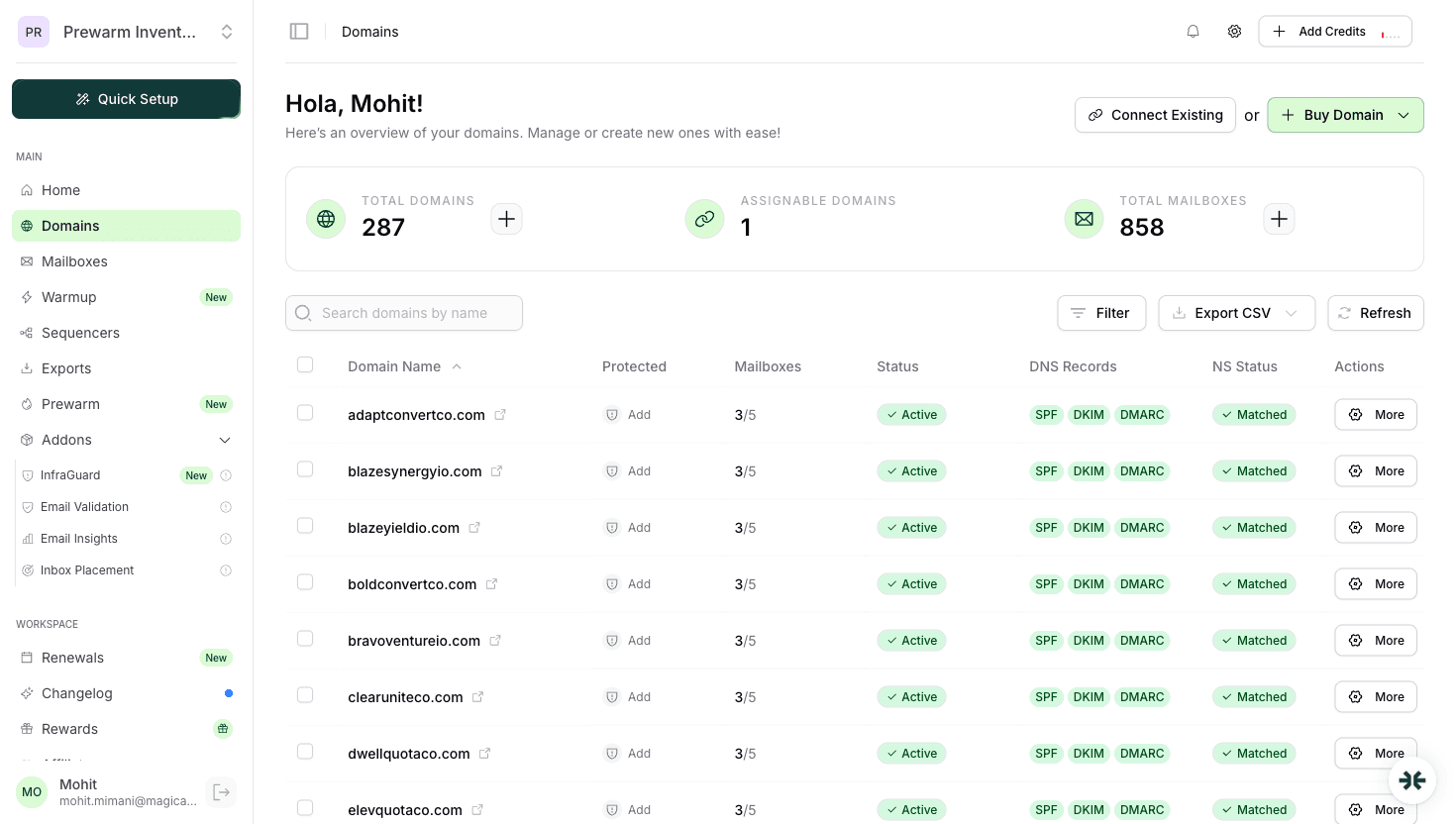
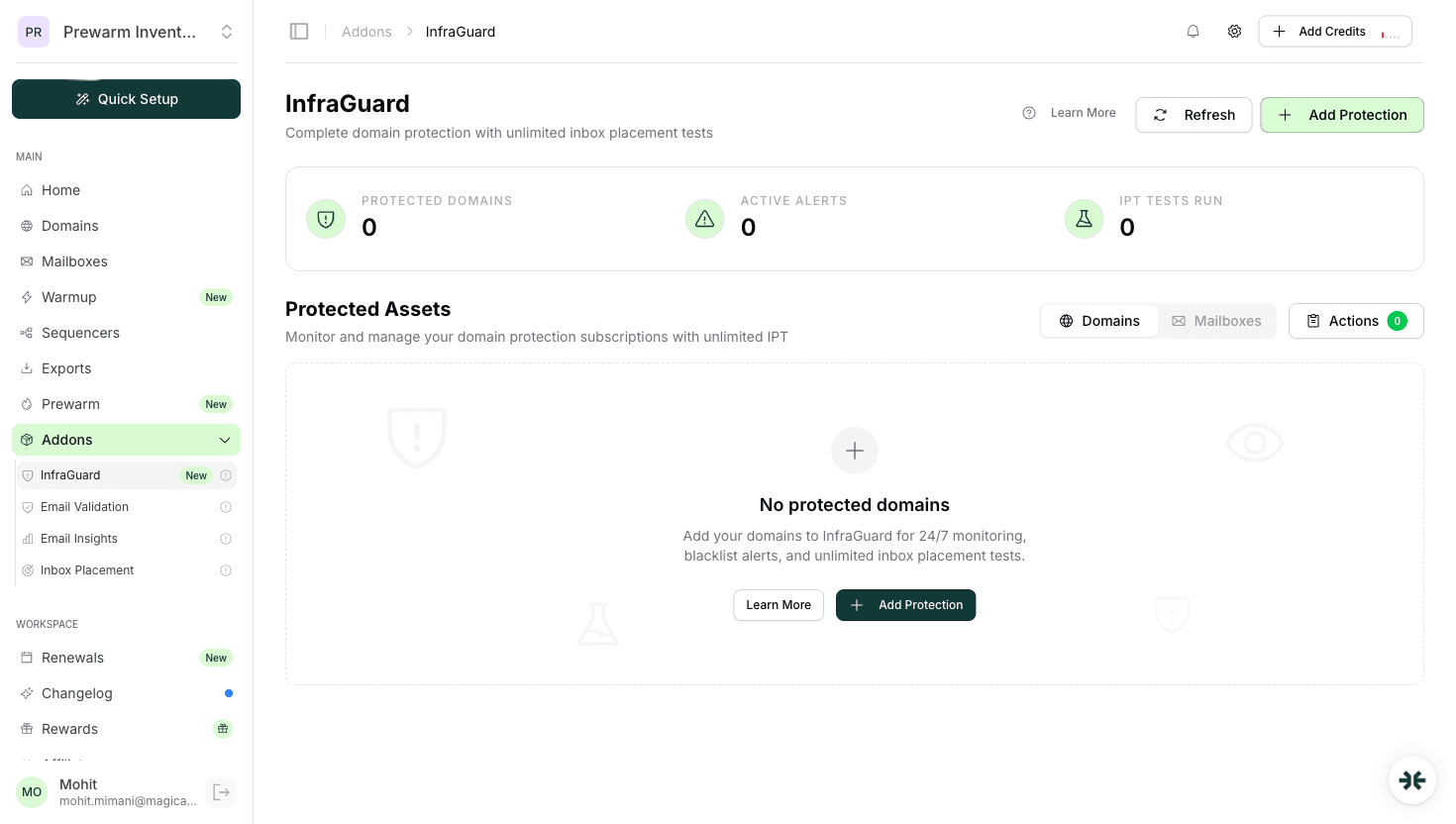
| Monitor blacklists | Early warning system | Ongoing | InfraGuard continuous monitoring |
| Rotate domains (use 3-5) | Spreads risk | Ongoing | Multi-domain management |
| Age domains before heavy use | Higher trust baseline | 30+ days ideal | Domain purchase in advance |
The formula: Good authentication + gradual warmup + controlled volume + continuous monitoring = strong domain reputation.
Source: Google's email sender guidelines (support.google.com/mail/answer/81126), Microsoft's sender best practices, and InboxKit operational data.
Domain reputation is approximately 3x more important in 2026. Google's shift to domain-based filtering (visible in Postmaster Tools) means your domain is the primary reputation signal. Source: Google Postmaster documentation.
Google Postmaster Tools (postmaster.google.com) shows your domain reputation for Gmail. Microsoft SNDS shows your reputation for Outlook. InfraGuard on InboxKit monitors both plus 50+ blacklists continuously.
No. Google maintains its IP reputation centrally and trusts its own infrastructure. Your domain reputation is what differentiates you from other Google Workspace users on the same IP range.
14-30 days with proper warmup. Start with 5 emails/day, ramp to 30-50/day over 2-3 weeks. Full reputation establishment takes 60-90 days of consistent good sending behavior.
Sometimes, but it takes 2-4 weeks of paused sending followed by gradual re-warmup. If the domain is on Spamhaus or has persistent reputation issues, replacing it ($10-15/year) is often faster than recovery.
Free tools and pages that go with this guide.
From $2.50/mailbox/mo. No plans or slots. Automated DNS, warmup, and InfraGuard monitoring included.

