
LearnGuides
Cold Email Soft Bounce Fix Guide (2026)

By Saksham JainPublished on: Apr 11, 2026 · 10 min read · Last reviewed: Apr 2026
TL;DR
A soft bounce is a temporary SMTP failure (4xx code) that your sequencer will retry. But repeat soft bounces are a warning sign. Here's how to decode the error, fix the cause, and keep reputation intact.
A soft bounce is a temporary SMTP delivery failure reported with a 4xx response code (4.x.x enhanced status code). The receiving server is saying "not now, try later." The message is not necessarily lost: most sequencers retry soft bounces 3-5 times over 24-72 hours.
A hard bounce is a permanent failure with a 5xx code (5.x.x enhanced). The mailbox does not exist, the domain has no MX record, or the receiving server explicitly rejected the sender. Hard bounces should not be retried, retrying them damages reputation and can trigger blacklisting.
The critical mistake most cold emailers make: treating repeated soft bounces as "no big deal" because the sequencer retries automatically. A single soft bounce is noise. Repeat soft bounces at > 3% of volume are a warning sign that receiving servers are rate-limiting or temporarily de-prioritizing your sender, and that signal tends to precede a hard-bounce wave by 48-72 hours. Fix them early.
This guide decodes the most common SMTP 4xx codes and walks through the fix for each cause.
Your sequencer logs the SMTP error string when a soft bounce happens. Open the campaign's bounce log and grab the full error. It looks like:
421 4.7.0 [IP] Our system has detected an unusual rate of unsolicited mail originating from your IP address. To protect our users from spam, mail sent from your IP address has been temporarily rate limited. Please visit https://support.google.com/mail/?p=UnsolicitedRateLimitErrorThe important parts:
| Field | Example | Meaning |
|---|---|---|
| Basic code | 421 | 4 = transient failure; 2 = connection; 1 = specific reason |
| Enhanced code | 4.7.0 | 4 = transient; 7 = security/policy; 0 = specific |
| Explanation text | "unusual rate of unsolicited mail" | Plain-language reason from the receiving server |
The most common cold email soft bounce codes and their causes:
| Code | Enhanced | Meaning | Root Cause |
|---|---|---|---|
| 421 | 4.7.0 | Too many connections / rate limited | Sending volume exceeded receiver's threshold for your IP or domain. Gmail and Microsoft 365 are the usual source. |
| 421 | 4.4.5 | Server busy, try again later | Real server load, transient, will clear on retry. |
| 450 | 4.2.1 | Mailbox busy or locked | Recipient's mailbox is over quota or has a temporary lock. |
| 451 | 4.3.0 | Local error in processing | Receiving server had an internal hiccup. Retry. |
| 451 | 4.7.1 | Greylisted | Receiving server is using greylisting, wait and retry in 10-30 minutes. |
| 452 | 4.2.2 | Mailbox over quota | Recipient's inbox is full. They need to empty it. |
| 451 | 4.7.500 | Sender reputation issue (Microsoft 365 specific) | Microsoft's filter has flagged your IP/domain reputation. |
| 421 | 4.7.28 | Gmail unusual traffic | You tripped a rate limit on Gmail. Pause and slow down. |
Whatever code you see, check the URL in the error message. Gmail and Microsoft both link to an explanation page that tells you exactly why the message was rate limited. Read it before making any config changes, the fix depends on the specific code.
The single most common cold email soft bounce. SMTP 421 4.7.0 and 421 4.7.28 are both rate-limit responses from Gmail. Microsoft's equivalent is 421 4.7.500 or 451 4.7.28.
What triggers rate limiting:
| Trigger | Threshold | Effect |
|---|---|---|
| Sends per minute to one recipient domain | > 10/min to gmail.com | 421 4.7.0 |
| Sends per mailbox per day | > 50 on a new mailbox | 421 4.7.28 |
| Sends per IP per hour | > 100 from a shared IP | Widespread 421 |
| Bulk to free consumer domains | > 20/min to yahoo.com/hotmail.com | Temp rate limit |
The fix is throttling, not retrying harder:
The math: for cold email, 30-35 sends/mailbox/day at 90-second intervals is the steady-state sweet spot. That maps to ~5-6 sends per hour per mailbox, well below any provider's rate threshold. Full send-limit reference in email-sending-limits-google-microsoft.
Greylisting is a spam defense where the receiving server temporarily rejects the first delivery attempt from an unknown sender and waits to see if the sender retries. Legitimate mail servers retry automatically; most spam bots don't bother, so greylisting filters them out.
What you see: one 451 4.7.1 Greylisted per new recipient, followed by successful delivery on the retry (usually 10-30 minutes later). This is working as intended and is not a deliverability problem. Most corporate and small-business mail servers use greylisting.
When it becomes a problem:
How to verify greylisting vs a real problem: wait 30 minutes after the 451, then check the sequencer. If the message delivered on retry, it was greylisting. If it's still bouncing, move to Fix 3 or Fix 4.
When Microsoft 365 or Gmail issues a sender-reputation soft bounce, it's a warning that your IP or domain is being temporarily de-prioritized. Repeat offenders get hard-blocked.
What these codes look like:
451 4.7.500 Server busy, please try again later [Microsoft 365]
550 5.7.520 Access denied, please try again later [Microsoft 365 - harder]
421-4.7.28 Gmail will not accept your message. Unusual traffic [Gmail]
Root causes in cold email setups:
| Cause | Signal | Fix |
|---|---|---|
| Shared IP contamination | Hit rate above 5%, affects all mailboxes on the same provider | Migrate to real Google Workspace / Microsoft 365 accounts with provider-owned IPs |
| Aggressive volume ramp | Soft bounces appear within 48h of a volume increase | Drop volume to 50% of previous day, hold for 7 days, ramp at 20% per week |
| List quality issue | Soft bounces cluster on specific recipient domains | Clean the list; remove addresses that bounced >2 times |
| Sending during off-hours | Hit rate spikes at 2-4 AM local time | Limit sends to 9 AM-5 PM recipient local time |
| Spammy content patterns | Soft bounces accompanied by Gmail content warnings | Rewrite template, remove tracking pixel, reduce link count |
Stop-the-bleed protocol for reputation-flagged soft bounces:
Some soft bounces have nothing to do with your sending setup, the recipient's mailbox or server is the problem. These codes are usually safe to ignore on the first occurrence:
| Code | Meaning | Your Action |
|---|---|---|
| 450 4.2.1 | Mailbox busy / locked | Sequencer will retry. Usually resolves within a few hours. |
| 452 4.2.2 | Mailbox over quota | Recipient's inbox is full. Retry for 72 hours; if still bouncing, remove from list. |
| 451 4.3.0 | Receiving server internal error | Transient. Retry. If a specific recipient domain consistently 451s, their mail server may be broken, flag and skip. |
| 421 4.4.5 | Server busy | Recipient's server is overloaded. Retry at off-peak. |
When a soft bounce should be treated as a hard bounce: after 5 retry attempts over 72 hours, a persistent soft bounce is effectively a hard bounce for deliverability purposes. Remove the address from your list, further retries damage reputation.
Most sequencers have configurable "maximum retry attempts": set to 5-7 and "maximum retry duration" to 72 hours. Anything longer wastes capacity and compounds reputation issues. Reference bounce rate targets in cold-email-bounce-rate-benchmarks.
Soft bounces below 2% are normal background noise. Above that threshold, they start predicting hard bounces and reputation damage:
| Soft Bounce Rate | Interpretation | Action |
|---|---|---|
| < 2% | Healthy baseline, greylisting, transient issues, full mailboxes | Monitor, no action |
| 2-4% | Warning zone, early signs of throttling or list quality issues | Audit recent SMTP codes; clean high-bounce domains |
| 4-7% | Active problem, reputation damage likely within days | Pause affected mailboxes, diagnose root cause, reduce volume by 50% |
| > 7% | Critical, often coincides with blacklist events or severe throttling | Full diagnosis: check blacklists, Postmaster Tools, and volume history |
Track soft and hard bounces separately. A sequencer dashboard that combines them into a single "bounce rate" hides the signal. If your sequencer only shows combined bounces, export the raw SMTP logs weekly and compute the split manually, or use a tool that does it automatically.
One more pattern to watch: soft-to-hard conversion rate. If soft bounces are increasing and hard bounces are also increasing two days later, you're in an active reputation decay cycle. Pause, audit, and rebuild. This pattern is visible in email-deliverability-monitoring-setup.
InboxKit's soft bounce defense is baked into the infrastructure and monitoring layer:
| Feature | Effect on Soft Bounces |
|---|---|
| Real Google Workspace / Microsoft 365 mailboxes | Sends go through the provider's own outbound infrastructure, which has the highest possible baseline trust, far fewer 421/451 reputation rejections than shared-IP providers. |
| Built-in volume ramp rules | Enforces 20-40/day per mailbox on new accounts, ramping over 14-21 days. Stops the volume-spike cause before it starts. |
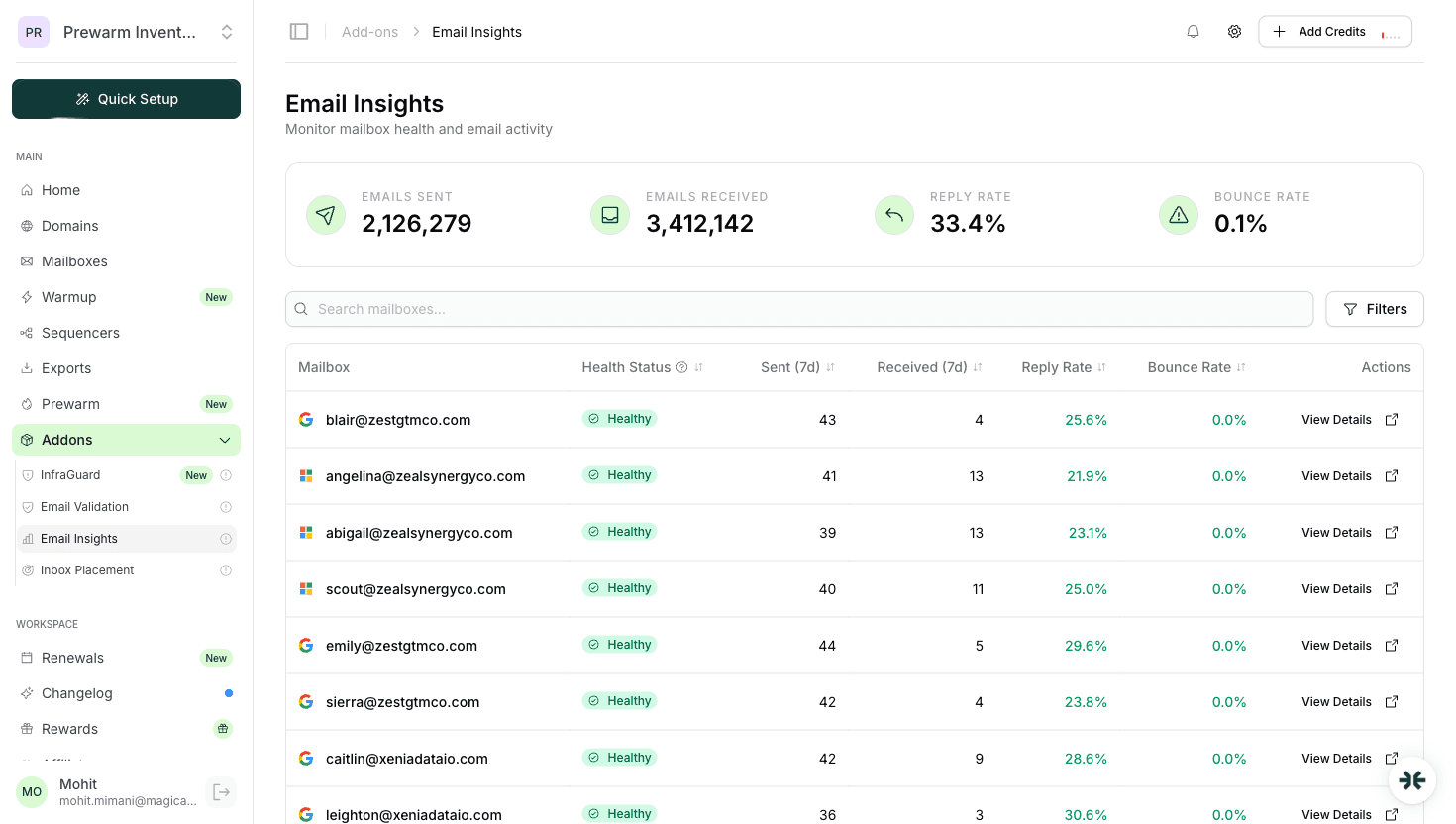
| InfraGuard 6-hour reputation checks | Monitors blacklists and SMTP error patterns. If soft bounce rate spikes above 3%, InfraGuard alerts and optionally auto-pauses sending on the affected mailbox. |
| Isolated warmup at $3/mailbox/mo | Generates positive engagement signals that offset transient reputation hits. Because the warmup pool is isolated (not shared across customers), your mailbox's reputation isn't contaminated by other customers' mistakes. |
| 24+ native sequencer integrations | Ensures SMTP responses are passed back to your sequencer so retries and bounces are tracked correctly. |
Pricing: $39/mo for 10 slots ($3.50 extra) Professional, $99/mo for 30 slots ($3.25 extra) Agency. Warmup is a separate $3/mailbox/mo add-on. Full breakdown in inboxkit-pricing.
Most cold emailers discover too late that the soft bounce rate on shared-IP providers is structurally higher than on real mailboxes, not because of your behavior, but because the shared IP absorbs noise from every other customer. Migrating to real accounts typically drops soft bounce rate from 4-6% to under 2% without any other change.
A soft bounce is a temporary 4xx SMTP failure, the message can be retried and may still deliver. A hard bounce is a permanent 5xx failure, the message will never deliver and the address should be removed. Retrying hard bounces damages sender reputation.
Gmail 421 4.7.0 and 421 4.7.28 are rate-limit responses. You're sending too fast, too many per mailbox per day, or your IP/domain reputation has been temporarily de-prioritized. Drop volume to 50% and add 60-120 seconds between sends per mailbox.
No. Set maximum retry attempts to 5-7 over 72 hours. A persistent soft bounce is effectively a hard bounce and should be removed from your list. Retrying beyond 72 hours compounds reputation damage with no benefit.
Under 2% is normal background noise. 2-4% is a warning zone. Above 4% means you have an active throttling or list quality issue that will convert into hard bounces and reputation damage within a few days if you don't act.
Greylisting itself is not a deliverability problem. It just delays first delivery by 10-30 minutes. It becomes a problem if your sequencer's retry window is too short or if you count greylist 451s as "failed" without tracking the eventual successful delivery.
 Rahul LakhaneyRahul LakhaneyRahul Lakhaney
 Saksham JainSaksham Jain
Plans from $39/mo with 10 mailboxes included. Automated DNS, warmup, and InfraGuard monitoring included.
