
LearnGuides
SPF Record Setup Guide for Cold Email (2026)

By Saksham JainPublished on: Mar 30, 2026 · 10 min read · Last reviewed: Mar 2026
TL;DR
SPF records tell receiving servers which IP addresses can send email on behalf of your domain. Get it wrong and your emails go straight to spam. Here is the complete setup guide.
SPF (Sender Policy Framework) is a DNS TXT record that lists the mail servers authorized to send email from your domain. When a receiving server gets an email from your domain, it checks the SPF record to verify the sending server is authorized.
If the sending server is not listed, the email fails SPF authentication. Depending on your DMARC policy, this can mean the email goes to spam or gets rejected entirely.
Every SPF record follows the same structure. Here is the complete syntax reference:
| Component | Example | What It Does |
|---|---|---|
| Version | v=spf1 | Required prefix. always spf1 |
| include: | include:_spf.google.com | Authorizes another domain's mail servers |
| ip4: | ip4:192.168.1.0/24 | Authorizes a specific IPv4 address or range |
| ~all | ~all | Soft fail. recommended for cold email |
| -all | -all | Hard fail. risky, can bounce legitimate emails |
Ready-to-use SPF records:
| Provider Setup | SPF Record |
|---|---|
| Google Workspace only | v=spf1 include:_spf.google.com ~all |
| Microsoft 365 only | v=spf1 include:spf.protection.outlook.com ~all |
| Google + Microsoft | v=spf1 include:_spf.google.com include:spf.protection.outlook.com ~all |
| Google + Instantly | v=spf1 include:_spf.google.com include:sendgrid.net ~all |
Critical rule: Only ONE SPF record per domain. Combine all senders into a single record.
These are the 5 SPF errors that cause the most deliverability damage in cold email setups:
| # | Mistake | What Happens | How to Fix |
|---|---|---|---|
| 1 | Too many DNS lookups (>10) | SPF record exceeds the 10 DNS lookup limit and fails entirely for all emails | Each include: counts as 1+ lookups. Audit with MXToolbox SPF checker. Use ip4: for static IPs to reduce lookups |
| 2 | Using -all instead of ~all | Hard fail (-all) causes legitimate emails to bounce if any config issue exists | Always use ~all (soft fail) for cold email domains |
| 3 | Multiple SPF records on one domain | Both SPF records fail validation. all emails fail SPF | Combine all authorized senders into a single TXT record starting with v=spf1 |
| 4 | Forgetting to add your sequencer | Emails sent through Instantly, SmartLead, etc. fail SPF authentication | Check your sequencer docs for their SPF include: value and add it to your record |
| 5 | Not updating after adding services | New sending service emails fail auth while old services continue working | Audit your SPF record every time you add a new sending tool or email service |
Quick diagnostic: Send a test email to Gmail > click three dots > Show Original. If SPF shows FAIL, your record is misconfigured. If it shows PERMERROR, you have exceeded the 10-lookup limit or have duplicate records.
Here is the complete reference for SPF include values by provider and sequencer:
| Provider / Sequencer | SPF Include Value | DNS Lookups Used |
|---|---|---|
| Google Workspace | include:_spf.google.com | 3-4 lookups |
| Microsoft 365 | include:spf.protection.outlook.com | 2-3 lookups |
| Instantly | include:sendgrid.net | 1-2 lookups |
| SmartLead | include:_spf.smartlead.ai | 1 lookup |
| Lemlist | include:_spf.lemlist.com | 1 lookup |
| Woodpecker | include:wdpkr.com | 1 lookup |
Watch the 10-lookup limit. Google alone uses 3-4 lookups. Adding Microsoft and a sequencer can push you to 7-8. Always verify your total lookup count with MXToolbox.
InboxKit configures the correct SPF record automatically for Google Workspace ($2.50/mo) and Microsoft 365 ($2.50/mo) mailboxes.
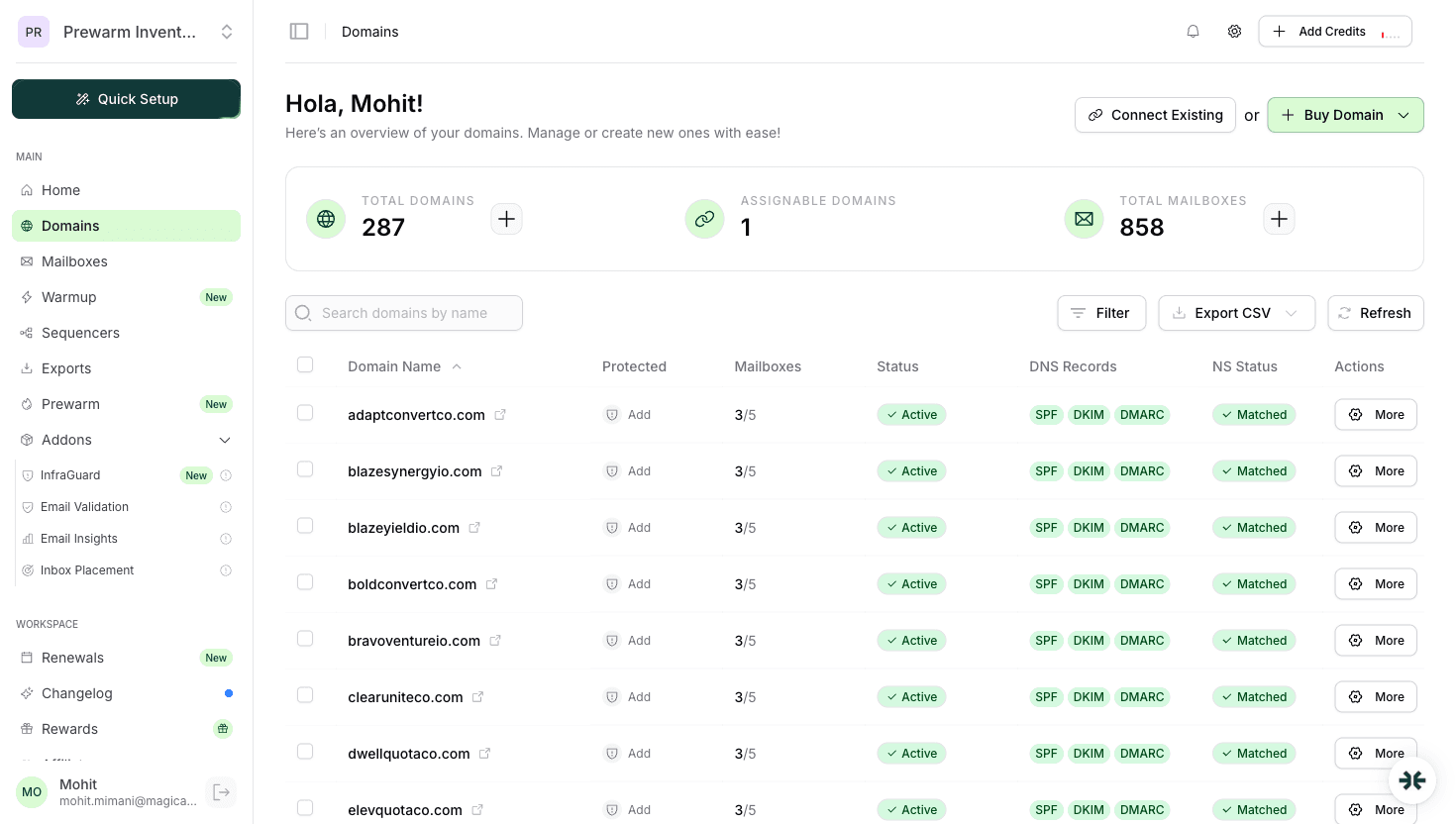
InboxKit configures SPF records automatically when you create a mailbox. Here is what happens behind the scenes:
| Step | What InboxKit Does | Time |
|---|---|---|
| 1. Record creation | Generates the correct SPF TXT record for your mailbox provider (Google/Microsoft) | Instant |
| 2. DNS propagation | Publishes the record to your domain's DNS zone | 1-4 hours |
| 3. Validation | Verifies the SPF record resolves correctly and lookup count is under 10 | Automatic |
| 4. Ongoing monitoring | InfraGuard checks SPF integrity every few hours | Continuous |
| 5. Alert on changes | Notifies you immediately if SPF records are modified, deleted, or corrupted | Instant alerts |
This eliminates the most common source of deliverability problems: incorrect DNS configuration. For teams managing 50+ domains, InboxKit saves approximately 8-10 hours of manual SPF configuration and prevents the copy-paste errors that break authentication.
Check your current SPF: 1. Use a DNS lookup tool (MXToolbox, Google Admin Toolbox) 2. Look for the TXT record starting with v=spf1 3. Verify all your sending services are included 4. Confirm you have only ONE SPF record 5. Check the DNS lookup count is under 10
InboxKit users: InfraGuard continuously monitors SPF records and alerts you to any issues automatically.
Emails fail SPF authentication. Depending on your DMARC policy, they go to spam or get rejected. Always verify after making DNS changes.
Yes. InboxKit configures SPF records automatically when you create mailboxes. InfraGuard also monitors them continuously.
No. Only one SPF record per domain. Multiple records cause both to fail. Combine all authorized senders into a single record.
Plans from $39/mo with 10 mailboxes included. Automated DNS, warmup, and InfraGuard monitoring included.

