
LearnReviews
MightyMail Review 2026

By Saksham JainPublished on: May 23, 2026 · 9 min read · Last reviewed: May 2026
TL;DR
MightyMail is an enterprise-positioned email infrastructure provider built around Microsoft Azure Outlook inboxes. Per the homepage and multiple third-party directory listings, it advertises 99 Microsoft Azure inboxes per domain, fully done-for-you, with email copy audits and 24/7 Slack support included. The verdict up front: MightyMail's concept is reasonable, direct Azure infrastructure rather than cheap reseller accounts, high density to cut per-inbox cost, and helpful extras most providers do not bundle. But it carries an unusual cluster of transparency and trust gaps: no public pricing, no public API documentation we could find, no independent reviews on G2/Trustpilot/Reddit at the time of writing, a no-refunds policy referenced in third-party coverage, and a multi-business-day setup timeline (prior third-party coverage cites around 5 business days; we could not independently re-verify the exact verbatim wording on the live homepage because our automated fetch was blocked).
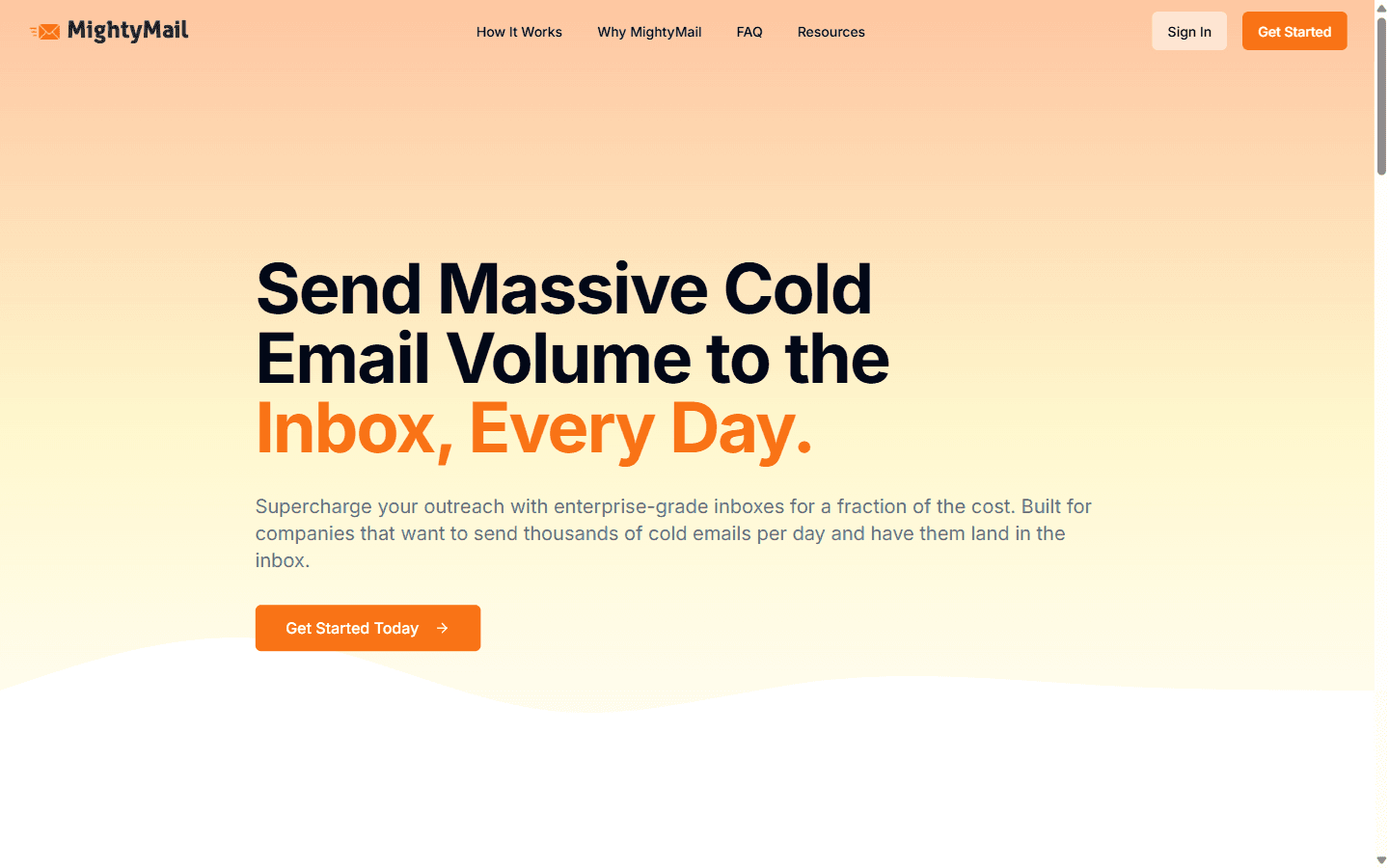
MightyMail (mightymail.ai) is an email infrastructure provider that positions itself as an enterprise-grade alternative to cheap reseller accounts, emphasizing direct Microsoft Azure infrastructure over third-party provisioning. Our automated re-fetch of the homepage was blocked, so the description here leans on third-party directory listings (Salesforge, ColdEmailKit) and prior third-party coverage rather than a direct live read. Per those sources, MightyMail creates 99 high-reputation Outlook inboxes per domain and is Azure-only (no Google Workspace option). Published daily-volume figures vary by source: one third-party directory cites a headline capacity around 792 emails per domain per day under its recommended configuration; conservative real-world email send caps may be substantially lower depending on warmup and list quality. Setup is handled by MightyMail's team.
The model is fully done-for-you: bring your domain, and MightyMail configures everything else. Two things MightyMail emphasizes as differentiators:
The target buyer is a company that wants to send sizable volumes of email without touching technical configuration, and is comfortable on Microsoft/Outlook infrastructure.
This is the first major friction point: MightyMail does not publish pricing. There are no tiers on its website; you must book a demo to receive a custom quote. Searches across Reddit, directories (Salesforge, PuzzleInbox), and the open web did not surface a publicly available price list at the time of writing.
| Item | What's known |
|---|---|
| Platform | Microsoft Azure Outlook inboxes |
| Density | 99 Microsoft Azure inboxes per domain (per MightyMail's homepage and third-party directory listings) |
| Setup | Done-for-you; prior third-party coverage cites around 5 business days. We could not independently re-verify the exact verbatim wording on the live homepage at the time of writing |
| Pricing | Not published, demo/quote required |
| Refunds | No refunds per third-party coverage; confirm in writing |
| Included | Email copy audits, best-practices guidance, 24/7 Slack (per MightyMail) |
The lack of transparent pricing makes it hard to evaluate ROI before engaging sales, and the reported no-refunds policy means a poor fit is money you do not recover. Get a written quote, refund terms, and setup timeline before committing.
What we could not find publicly: API documentation (so we cannot confirm whether automated inbox creation or CRM integration is supported), published deliverability data, or a public self-serve dashboard story. For a provider pitching "enterprise-grade," the absence of public API documentation is a meaningful gap; ask MightyMail directly if this matters to you.
MightyMail's deliverability premise rests on Microsoft Azure's default IP reputation plus what it describes as high-reputation Outlook inboxes. For Outlook-heavy and enterprise audiences, Microsoft infrastructure can be effective, and the included copy audits show some attention to the non-infrastructure side of deliverability.
The honest caveats are substantial:
The honest read: MightyMail may well be a legitimate Azure Outlook provider with useful included extras, but it currently asks for an unusual amount of pre-commitment trust — no public pricing, limited public review base, no API documentation we could find, no refunds per third-party coverage, and a slower setup. Treat it as prove-it-first: insist on references, written pricing and terms, and a small test before any commitment.
The summary below reflects publicly advertised strengths and the documented transparency gaps at the time of writing.
Pros
Cons
Possible fit:
Bad fit (most buyers):
| Provider | Platform | Density | Pricing | Best for |
|---|---|---|---|---|
| MightyMail | Microsoft Azure Outlook | 99/domain | Not public | Hands-off Outlook setup, if you'll do diligence |
| Slicey | Microsoft | 49-99/domain | ~$1/inbox (quote) | Outlook-heavy senders wanting cheap inboxes |
| LUNATRO.MX | Microsoft Azure | 100/domain | $199/mo (public) | Cheap managed Azure capacity |
| MailDeck | Microsoft/Google/SMTP | 100/domain | $30-45/domain (public) | Cheapest multi-platform at scale |
| InboxKit | Standard, isolated | Standard | Public, self-serve | Inboxes plus real-time InfraGuard monitoring |
The honest positioning: if you want Outlook inboxes, several providers offer comparable (or better) value with transparent pricing and real reviews, which MightyMail lacks. And with high-density Azure specifically, the smart safeguard is monitoring, catching a domain before it takes 99 inboxes down. InboxKit pairs warmed, isolated mailboxes with InfraGuard (real-time blacklist alerts, DNS drift detection, and bounce-rate alerting) on transparent, self-serve terms, so you're not committing blind to an opaque, no-refund provider. Disclosure: InboxKit is the publisher of this review.
Editorial rating: 5.5 / 10
MightyMail has a reasonable core idea, direct Microsoft Azure Outlook infrastructure at high density, with useful included extras (copy audits, best-practices guidance) and 24/7 Slack support per the provider's marketing. For an Outlook-focused team that wants a hands-off setup and is willing to engage sales, there is a plausible offering here.
It lands at 5.5 because of how much pre-commitment trust it currently requires: no public pricing, no public API documentation we could find, no independent reviews on the major platforms at the time of writing, a no-refund policy referenced in prior coverage, and a multi-business-day deployment, plus the concentration risks that come with high-density Azure. The concept is fine; the publicly observable transparency and track record are not there yet. If you proceed, ask for references, get pricing/refund/setup terms in writing, and run a small test before scaling.
If you want Outlook-capable infrastructure with transparent pricing and real-time monitoring, see how InboxKit compares.
MightyMail does not publish pricing. You must book a demo for a custom quote, and we could not find tiered pricing on its site or any third-party source. Third-party coverage indicates a no-refund policy; confirm refund terms directly in writing.
Microsoft Azure Outlook inboxes. Third-party directory listings cite 99 high-reputation inboxes per domain. Daily-volume figures vary by source and depend on per-inbox send caps.
5 business days, as stated verbatim on MightyMail's homepage ("Get your inboxes within 5 business days"). That is slower than most providers, which advertise provisioning in hours; confirm the current timeline directly if it has changed since publication.
Not many independent ones that we could find. At the time of writing, we could not find reviews on G2, Trustpilot, or Reddit, which makes independent evaluation difficult and is a meaningful risk factor.
We could not find any public API documentation. If automation or CRM integration is important, ask MightyMail directly whether API access is available before committing.
Free tools and pages that go with this guide.
From $2.50/mailbox/mo. No plans or slots. Automated DNS, warmup, and InfraGuard monitoring included.


