
On this page

 vs
vsInboxKit vs Mailreef: Dedicated Servers vs Real Accounts Compared (2026)
Mailreef provides fully dedicated servers per customer with dedicated IPs, 150+ mailboxes per server, and claims 99.9% uptime across 100 million+ emails per month. InboxKit offers real Google Workspace accounts from $2.50/mo with transparent per-mailbox pricing and built-in monitoring. Mailreef's server-based pricing starts at $240/month (Agency, 12-month) or $249/month (Agency Flex, month-to-month), while InboxKit offers per-mailbox pricing from $2.50/mo.
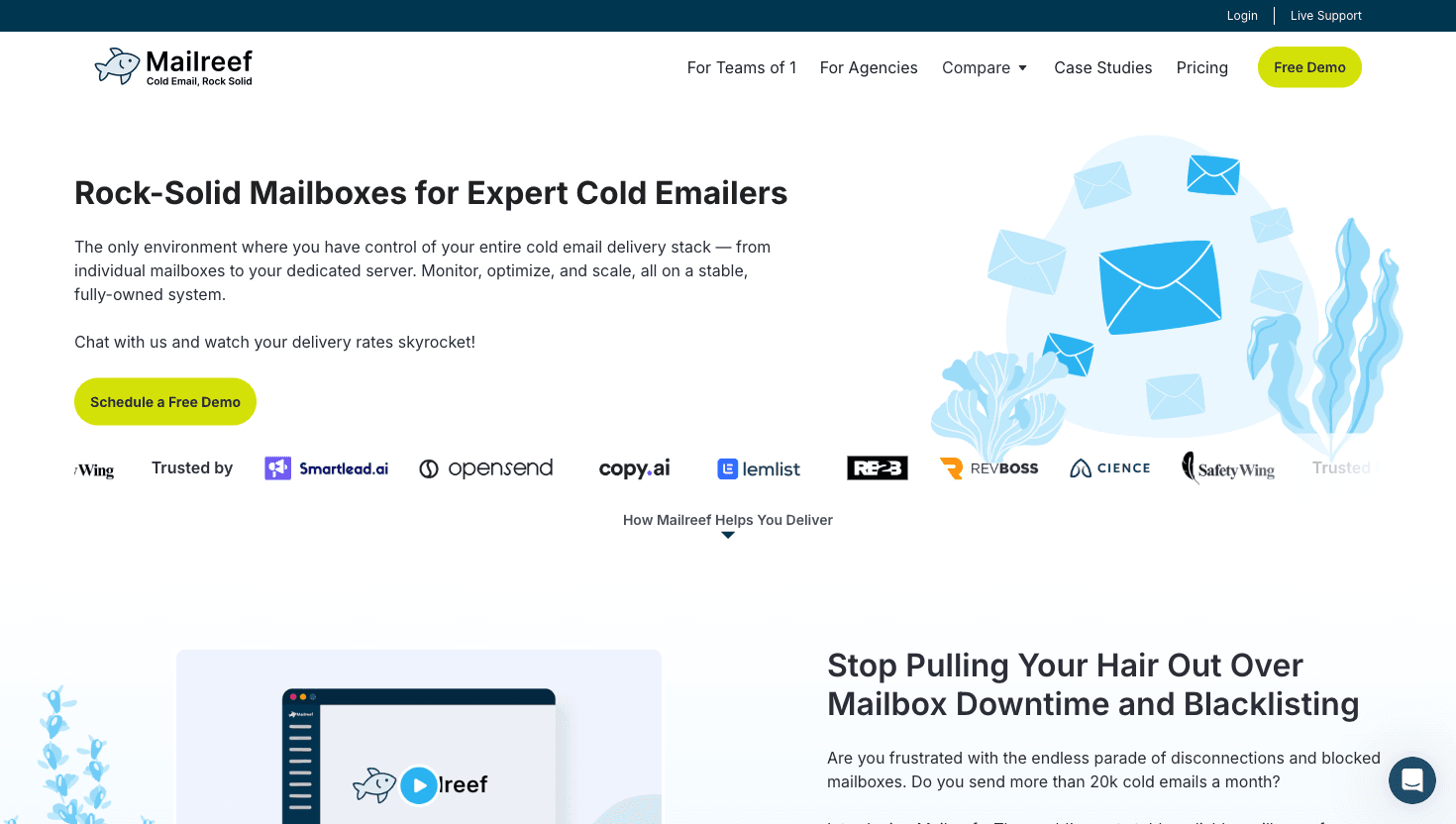
Mailreef homepage as of Apr 2026
Our Summary
Mailreef.com is a managed email infrastructure provider that assigns a fully dedicated server to each customer. Unlike shared-infrastructure providers, every Mailreef customer gets their own isolated server with a dedicated IP address, 150+ mailboxes per server, and personalized deliverability consulting. The platform reports processing over 100 million emails per month with zero blocked mailboxes and 99.9% mail server uptime.
The platform offers 1-click domain purchases, 1-click mailbox creation, automated SPF/DKIM/DMARC configuration, and server and mailbox monitoring. Mailreef includes live delivery consulting, live technical support, and a spammer screening process that vets customers to protect the infrastructure's reputation. All mailboxes use Microsoft Outlook-based SMTP with full SMTP/IMAP capabilities.
Mailreef integrates with Smartlead and Instantly and provides a developer API with Zapier integration. Pricing is publicly listed: Agency at $240/month (12-month commitment) and Agency Flex at $249/month (month-to-month), both with $0.001/send overage. The spammer screening process, while protective of reputation, adds friction to the onboarding process compared to self-serve platforms.
Feature Comparison
| Feature |  InboxKit InboxKit | |
|---|---|---|
| Infrastructure | ||
| Account Type | Real Google Workspace & Microsoft 365 | Dedicated SMTP server (Outlook-based) |
| Pricing Model | Per-mailbox from $2.50/mo | Per-server from $240/mo (150+ mailboxes) |
| Monitoring & Deliverability | ||
| Domain Monitoring | InfraGuard included | Server & mailbox monitoring included |
| Inbox Placement | Unlimited testing | Not offered |
Switch to InboxKit
Dedicated IPs. Isolated infrastructure. From $2.50/mo.
Pricing Comparison
InboxKit
inboxkit.com
- Google WorkspaceFrom $2.50/mailbox/mo
Real US-IP Google accounts, full admin access. One flat rate per mailbox: $3.00/mo monthly, $2.70 quarterly, $2.50 annual. No plans, no slots, no base fee.
- Microsoft 365From $2.50/mailbox/mo
Official Microsoft 365 accounts with admin control. Same flat rate as Google Workspace, no Microsoft premium.
- Azure Mailboxes$30/tenant/mo
Up to 100 mailboxes per tenant on Azure infrastructure. Same price on every cycle.
 Mailreef
mailreef.com
- Agency (12-month)$240/month + $0.001/send
Dedicated server, dedicated IP, 150+ mailboxes, all features included
- Agency Flex (month-to-month)$249/month + $0.001/send
Same features as Agency, cancel anytime, no long-term commitment
- EnterpriseCustom pricing
Custom infrastructure, request a quote
Pricing Verdict: Mailreef's server-based pricing starts at $240/month (Agency, 12-month) for a dedicated server with 150+ mailboxes, making the effective per-mailbox cost ~$1.60 at full capacity. InboxKit's Google Workspace starts at $2.50/mailbox/month on annual billing with all monitoring and testing features included. For small teams, InboxKit's per-mailbox model is significantly cheaper. At high volumes (150+ mailboxes), Mailreef's flat-rate server model becomes cost-competitive on per-mailbox cost alone, but lacks inbox placement testing and warmup.
Infrastructure and Deliverability
Per-Mailbox Pricing Flexibility
InboxKit lists all pricing publicly: Google Workspace and Microsoft 365 both from $2.50/mo on annual billing ($2.99/mo monthly), with Azure tenants at $30/domain. Mailreef's server-based pricing starts at $240/month for 150+ mailboxes, which is cost-effective at scale but requires a higher upfront commitment than InboxKit's pay-per-mailbox model.
Real Google Workspace Accounts
InboxKit provisions official Google Workspace accounts that send through Google's infrastructure. Mailreef uses dedicated servers with their own infrastructure, which lacks the sender reputation advantage of sending from Google or Microsoft domains.
Self-Serve Instant Setup
InboxKit allows self-serve setup in under 60 seconds. Mailreef requires booking a demo and going through a spammer screening process before onboarding, which adds time to the setup timeline.
Unlimited Inbox Placement Testing
Built-in testing across Gmail, Outlook, and Yahoo. Mailreef does not appear to offer inbox placement testing as a feature.
Broader Sequencer Compatibility
InboxKit connects to 24+ sequencer platforms. Mailreef lists integrations with Smartlead and Instantly, requiring manual setup for other tools.
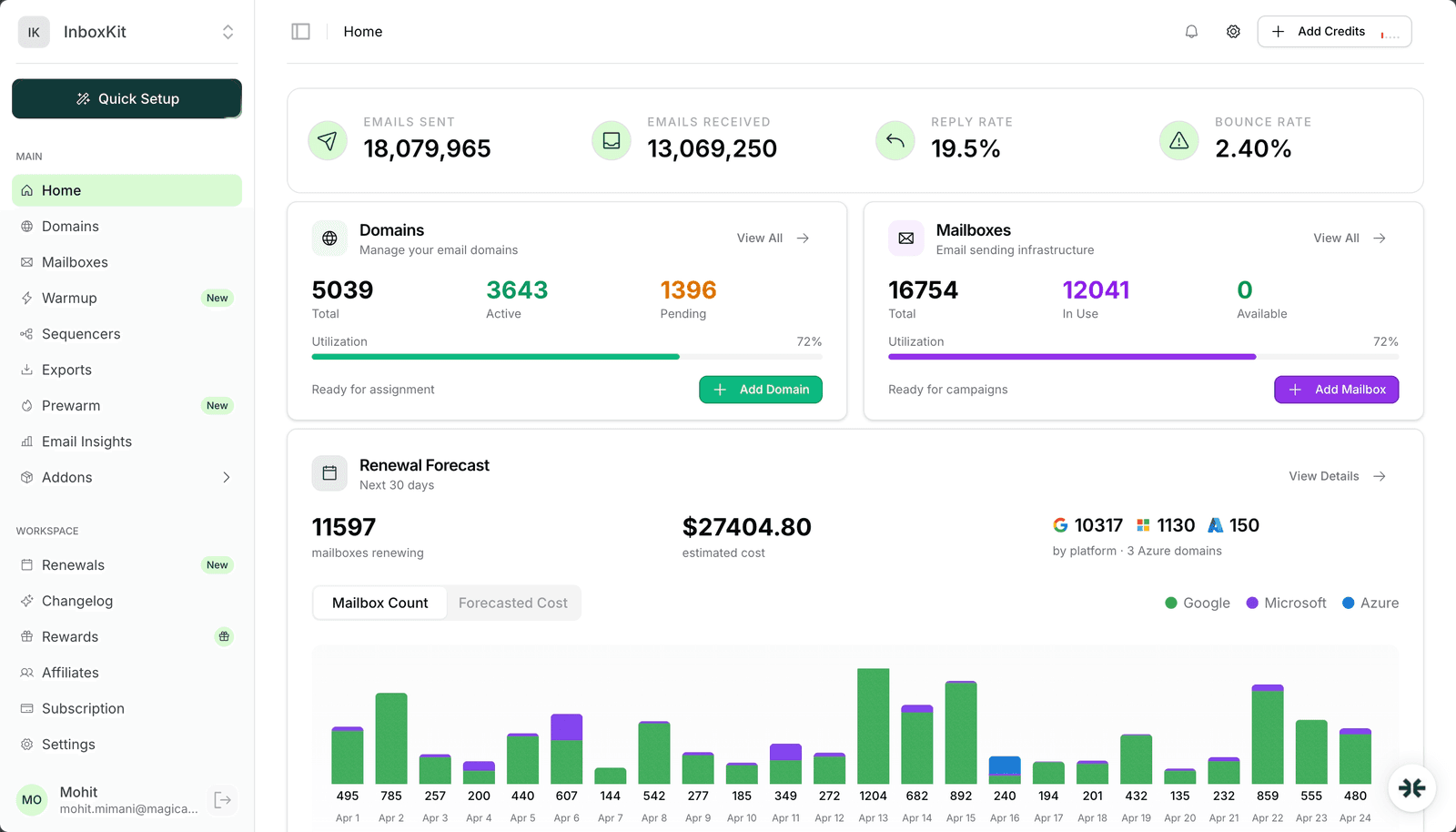
InboxKit dashboard — 18M+ emails, 5,039 domains, 16,754 mailboxes for a single client
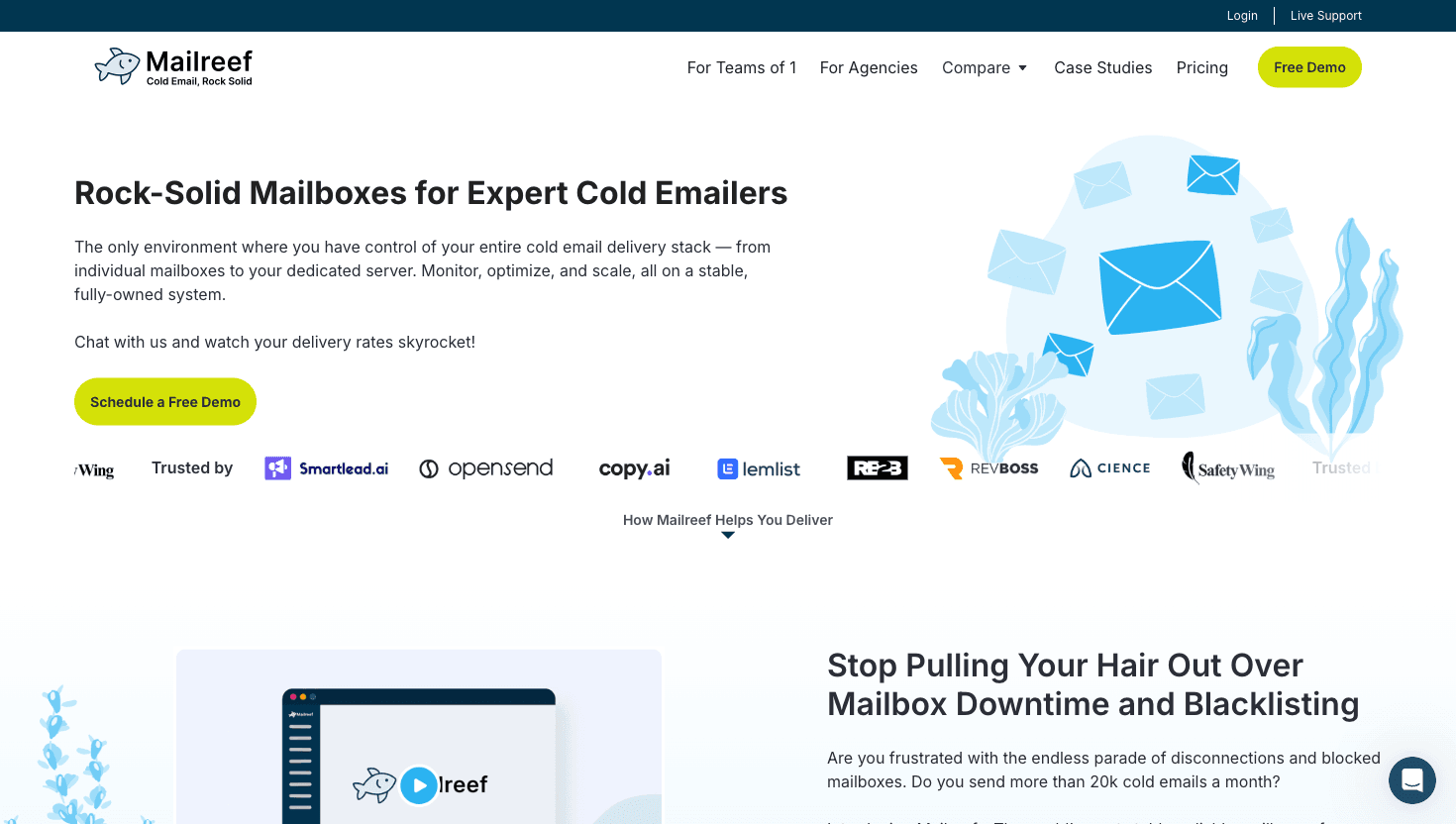
Mailreef homepage
Pros & Cons
InboxKitStrengths
- Per-mailbox pricing from $2.50/mo
- InfraGuard monitoring and unlimited placement testing
- 24+ sequencer integrations
- Full REST API and webhooks
Limitations
- Isolated Warmup is a paid add-on ($3/mb/mo)
Strengths
- Dedicated server with dedicated IP per customer
- Live delivery consulting and spammer screening
- 150+ mailboxes per server at flat $240-249/mo rate
Limitations
- No inbox placement testing
- No built-in warmup
- Requires demo and screening to onboard
Who Should Choose What
Mailreef is best suited for high-volume agencies sending 20K+ emails monthly that want dedicated server isolation, 150+ mailboxes at a flat rate, and included deliverability consulting. Their spammer screening and 99.9% uptime claim indicate a quality-focused approach. InboxKit is the better fit for teams that want real Google Workspace accounts, per-mailbox pricing flexibility, instant self-serve setup, and unlimited inbox placement testing. If you need fewer than 150 mailboxes, InboxKit's per-mailbox pricing is significantly cheaper. If dedicated server isolation and live consulting are priorities, Mailreef's $240/month server model is worth evaluating.
Got questions? We've got answers.
Mailreef charges per server, not per mailbox: Agency at $240/month (12-month commitment) or Agency Flex at $249/month (month-to-month), with a $0.001/send overage. Each server supports 150+ mailboxes with a dedicated IP. InboxKit's per-mailbox model starts at $2.50/mo, making it more flexible for smaller teams.
Instead of sharing infrastructure with other customers, Mailreef provisions an entire server exclusively for your use. This means your sender reputation is completely isolated from other senders. InboxKit achieves isolation differently by using real Google and Microsoft accounts, which carry the platform's own reputation.
Mailreef uses its own dedicated server infrastructure, not Google Workspace or Microsoft 365 accounts. InboxKit provides real Google Workspace and Microsoft 365 accounts with full admin access.
Mailreef vets potential customers before allowing them to use the platform. This filtering protects the infrastructure's reputation by preventing spammers from degrading deliverability for other users. InboxKit uses real Google and Microsoft accounts, so each account carries its own independent reputation.
Mailreef reports over 100 million emails per month across their platform, with zero blocked mailboxes. This indicates significant scale. InboxKit does not publish aggregate platform volume but provisions accounts on Google's and Microsoft's infrastructure, which collectively handles billions of emails daily.
Mailreef's pricing is publicly listed ($240/mo Agency or $249/mo Flex), but onboarding requires booking a demo and passing their spammer screening process. InboxKit is fully self-serve: you can sign up, create mailboxes, and start within 60 seconds without talking to sales.
Keep Reading
Competitor pricing and feature details were verified in June 2026. Pricing changes often — always confirm current rates on the provider's official website.
Ready to try InboxKit?
Dedicated US IPs. Isolated infrastructure. Real Google & Microsoft accounts from $2.50/mo.