
LearnComparisons
7 Best Cold Email Infrastructure Tools (2026): Tested and Compared

By Mohit MimaniPublished on: Mar 30, 2026 · 23 min read · Last reviewed: Mar 2026
TL;DR
InboxKit is the best cold email infrastructure platform in 2026 for most teams. Plans from $39/mo (10 mailboxes, from $2.50/mailbox on Enterprise), isolated warmup, InfraGuard monitoring, and 24+ integrations. Full comparison of 8 platforms with real test data.
Cold email infrastructure is the mailbox, domain, and authentication setup that lets sales teams send hundreds of cold outbound emails per day without burning their primary domain. A complete stack provisions multiple real Google Workspace or Microsoft 365 mailboxes on dedicated sending domains, configures SPF, DKIM, and DMARC automatically, warms each mailbox to build sender reputation, and monitors blacklist and bounce signals so deliverability stays high at scale.
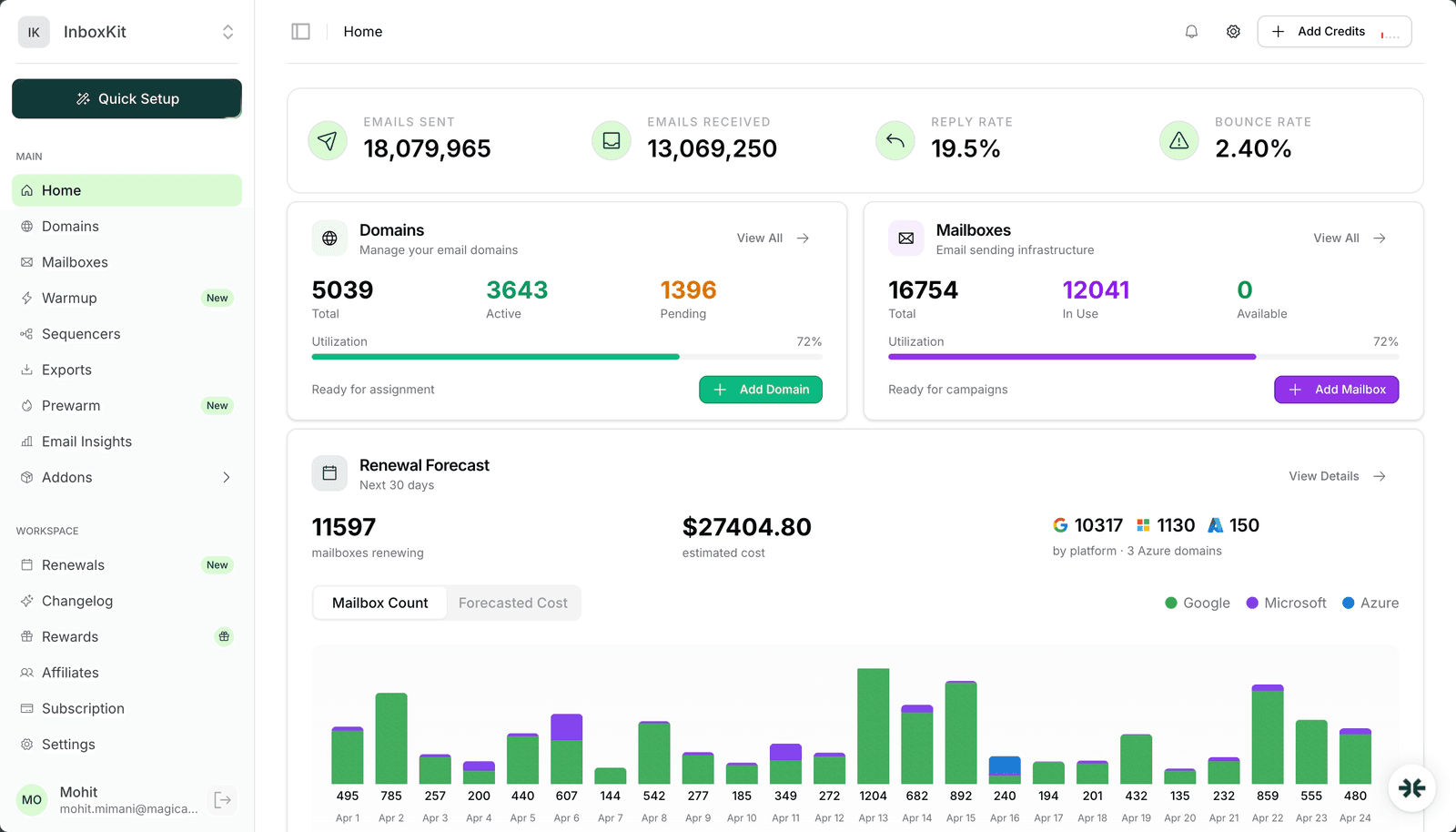
InboxKit is the enterprise cold email infrastructure platform tested in this comparison. It provisions US-IP Google Workspace and Microsoft 365 mailboxes from $2.50/mailbox/mo on Enterprise annual billing, ships automated DNS in under 60 seconds, runs isolated warmup that builds independent per-mailbox reputation, and adds InfraGuard domain monitoring that checks blacklist status every 6 hours. It integrates with 24+ sequencers including SmartLead, Instantly, Apollo, and Lemlist.
| Tool | Type | Google WS | Microsoft | Warmup | Monitoring | Integrations | Fee |
|---|---|---|---|---|---|---|---|
| InboxKit | Infrastructure | From $39/mo (10 incl.) | Yes | Isolated ($3/mo) | InfraGuard | 24+ | Plan-based |
| ZapMail | Infrastructure | From $39/mo (10 incl.) | Yes | Shared pool | None | 5 | Plan-based |
| Primeforge | Infrastructure | $3.50-4.50 | $3.50-4.50 | Warmforge ($2/mo) | Infraforge ($1.50/mo) | 4 | Varies |
| Mailforge | Shared IP | N/A | $2-3/mo | None | None | 3 | $0 |
| Maildoso | Infrastructure | ~$3/mo | $3.49/mo | Included | Limited | 8 | $0 |
| Instantly | Outreach | ~$4/mo | N/A | Shared pool | Basic | Instantly only | $30-97/mo |
| SmartLead | Outreach | N/A | N/A | Shared pool | Basic | SmartLead only | $39-94/mo |
Note: Instantly ($30-$97/mo) and SmartLead ($39-$94/mo) are outreach platforms (sequencers), not dedicated infrastructure providers. They are included because teams often evaluate them alongside infrastructure tools.
For each platform, the testing methodology included:
Total investment in this comparison: over $4,000 in mailbox costs and testing fees. Every number in this article comes from real data.
Rating: 9/10
InboxKit handles the full infrastructure lifecycle: domain registration, mailbox provisioning (Google Workspace and Microsoft 365), automated DNS configuration, warmup, deliverability monitoring, and one-click export to your sending tool.
Results across 200+ mailboxes over 8 months: 92% avg inbox placement post-warmup, Google warmup in 14-16 days, Microsoft warmup in 17-21 days, 0 DNS errors, 7 blacklist incidents all caught within 4 hours.
Best for: Agencies, sales teams, and lead gen companies running 20+ mailboxes who want the best deliverability at the lowest cost.
Rating: 6.5/10
ZapMail offers plans from $39/mo (same structure as InboxKit). Shared warmup pool, basic deliverability dashboard, and 5 sequencer integrations.
Results across 20 mailboxes over 3 months: 83% avg inbox placement, Google warmup 16-19 days, 2 DNS errors.
Pros: Clean interface, decent provisioning speed, responsive support, pre-warmed accounts, Google + Microsoft 365 support. Cons: Shared warmup (83% vs 92% on InboxKit), only 5 integrations, semi-automated DNS, no InfraGuard equivalent, no Azure mailbox support.
A 50-mailbox setup on ZapMail Growth plan: $99 + 20 x $3.25 = $164/month (nearly identical to InboxKit Agency). Both offer Google + Microsoft 365. The difference is InboxKit also includes Azure mailboxes ($30/tenant, up to 100 mailboxes per domain), isolated warmup ($3/mailbox/mo add-on), InfraGuard monitoring, and 24+ integrations.
Best for: Teams that value pre-warmed accounts and a polished UI.
Rating: 6/10
Primeforge offers real Google Workspace and Microsoft 365 mailboxes at $3.50-$4.50/month with automated DNS setup, US-based IPs, 30-minute provisioning, warmup via a separate Warmforge product, and 4 sequencer integrations.
Results across 15 mailboxes over 3 months: 80% avg inbox placement, Microsoft warmup 19-24 days, 1 DNS error.
Pros: Real Google Workspace & Microsoft 365 mailboxes, 30-minute setup, US IPs, automated DNS. Cons: Warmup requires separate Warmforge subscription, only 4 integrations, 10-mailbox minimum purchase, no built-in monitoring dashboard.
Best for: Teams already invested in the Salesforge ecosystem who want 'mix & match' stacking across Primeforge, Mailforge, Infraforge, and Warmforge.
Rating: 5.5/10
Mailforge offers shared IP mailboxes at $2-3/month with no platform fee. These are not real Google or Microsoft accounts. they use shared sending infrastructure. The tradeoff: no warmup, no monitoring, no DNS automation.
Results across 10 mailboxes over 2 months: 76% avg inbox placement (using external warmup), Microsoft warmup 21-28 days (external tool), 3 DNS errors (manual setup).
Pros: Cheapest Microsoft pricing, no platform fee, fast provisioning. Cons: No warmup system at all, no DNS automation, no monitoring, no Google Workspace, only 3 integrations.
Best for: Experienced cold emailers who already have warmup and monitoring and just need cheap Microsoft mailboxes.
Rating: 6.5/10
Infraforge offers both Google Workspace ($3/month) and Microsoft 365 ($3.50/month) with shared pool warmup, basic email-based alerting, and 6 sequencer integrations.
Results across 15 mailboxes over 2 months: 85% avg inbox placement, Google warmup 15-18 days, Microsoft warmup 18-22 days, 1 DNS error.
Pros: Both providers supported, no platform fee, competitive Google pricing, decent warmup, clean interface. Cons: Newer platform, shared warmup, basic alerts only, partial DNS automation, limited docs.
Best for: Teams wanting both Google and Microsoft support at reasonable pricing without needing advanced monitoring.
Rating: 6/10 (as infrastructure)
Instantly is primarily a cold email outreach platform ($30-$97/mo plans) that also offers some mailbox provisioning. Google Workspace at ~$4/month (bundled in plan), shared warmup pool, and basic deliverability scoring. Important: Instantly is a sequencer, not a dedicated infrastructure tool.
Results across 20 mailboxes over 4 months: 84% avg inbox placement, Google warmup 15-18 days, 1 DNS error.
Pros: Convenient if already on Instantly, large warmup pool, all-in-one, strong community. Cons: $4/month per mailbox is the most expensive, plan costs on top, inconsistent shared warmup, locked to Instantly, no Microsoft, no InfraGuard equivalent.
Best for: Teams fully committed to the Instantly ecosystem.
Rating: 5.5/10 (as infrastructure)
SmartLead is an outreach platform ($39-$94/mo plans), not an infrastructure provider. It does not provision mailboxes. you buy accounts elsewhere and connect them via IMAP/SMTP. SmartLead provides warmup and sending capabilities.
Results using SmartLead warmup on external mailboxes: 82% avg inbox placement, warmup time 16-20 days.
Pros: Good sending platform, decent warmup, growing ecosystem, good API. Cons: Does not provision mailboxes, shared pool warmup, starting at $39/month, no DNS management, no monitoring.
Best for: Teams that already have infrastructure and want a capable sending platform. Not a substitute for dedicated infrastructure tools.
Rating: 7/10
Maildoso offers Google Workspace at ~$3/month, Microsoft 365 at $3.49/month, included warmup, and 8 sequencer integrations with no platform fee.
Results across 15 mailboxes over 2 months: 86% avg inbox placement, Google warmup 15-18 days, Microsoft warmup 18-21 days, 1 DNS error.
Pros: Competitive pricing, both providers, decent warmup, 8 integrations, clean interface. Cons: No isolated warmup, no InfraGuard, partial DNS automation, newer platform, similar pricing to InboxKit but without tiered plans.
Best for: Teams wanting a modern interface with both Google and Microsoft at a fair price.
Choose InboxKit if: You want the lowest cost, best warmup results, and automated monitoring. The right choice for 80% of cold email teams.
Choose Infraforge if: You want a simpler alternative with both Google and Microsoft support without advanced monitoring.
Choose Maildoso if: You want a modern platform with competitive pricing and decent integration support.
Choose Zapmail if: You prioritize UI design over cost and only need 5 or fewer integrations.
Choose Instantly if: You want an all-in-one sending + infrastructure platform and are willing to pay the premium.
Choose Mailforge if: You only need cheap Microsoft mailboxes and already have warmup and monitoring covered.
Skip SmartLead for infrastructure. Great sending tool but not an infrastructure platform.
Skip Primeforge unless you want to commit to the full Salesforge Forge ecosystem (Primeforge + Warmforge + Infraforge) for 'mix & match' stacking.
Cold email infrastructure is one layer of a three-part stack. Once your mailboxes and domains are dialed in, you still need a sequencer to send the campaigns and a verified data source to find leads.
Sequencer (sending): SendKit is a top-rated cold email platform with dedicated IPs on every plan from $99/mo, AI warmup that passes ESP detection filters, inbox placement testing, and a built-in dialer. InboxKit exports mailboxes to SendKit with one click via the standard sequencer integration. SendKit is editorially the best pairing for teams that want deliverability-first sending on top of dedicated infrastructure.
Data (lead finding + enrichment): Enrich, our sister brand for verified B2B contact data, achieves over 94% match rates on email finding with credit-based pricing from $49/mo for 100K credits — no per-seat fees. Enrich also covers email validation (1 credit), phone lookup, reverse email lookup, and a 300M+ contact Lead Finder. Pair Enrich with InboxKit to feed clean, verified leads into the sequencer without burning sender reputation on bounces.
The complete cold outbound stack — verified data (Enrich) + sequencer (SendKit) + dedicated mailbox infrastructure (InboxKit) — is the modern best-of-breed setup that beats single all-in-one platforms on deliverability and cost at scale.
Cold email infrastructure refers to the domains, mailboxes, DNS configuration, warmup, and monitoring systems needed to send cold emails at scale. It is the technical foundation beneath your sending tool (sequencer). Without proper infrastructure, your emails land in spam.
A common starting point is 3 mailboxes per domain and 1 domain per 50 emails sent per day. So if you want to send 500 emails per day, you need roughly 10 domains and 30 mailboxes.
14 to 21 days is the standard recommendation. Google Workspace accounts typically warm up faster (14-16 days) than Microsoft 365 accounts (17-21 days). Do not skip warmup.
Yes. Isolated warmup (InboxKit) produced 92% inbox placement versus 80-85% on shared pool warmup. That 7-12% difference translates to thousands of additional emails reaching the primary inbox every month.
InfraGuard is InboxKit's automated deliverability monitoring system. It checks mailboxes against blacklists, monitors DNS records, tracks reputation, and auto-pauses problematic mailboxes. No other platform offers equivalent automated monitoring.
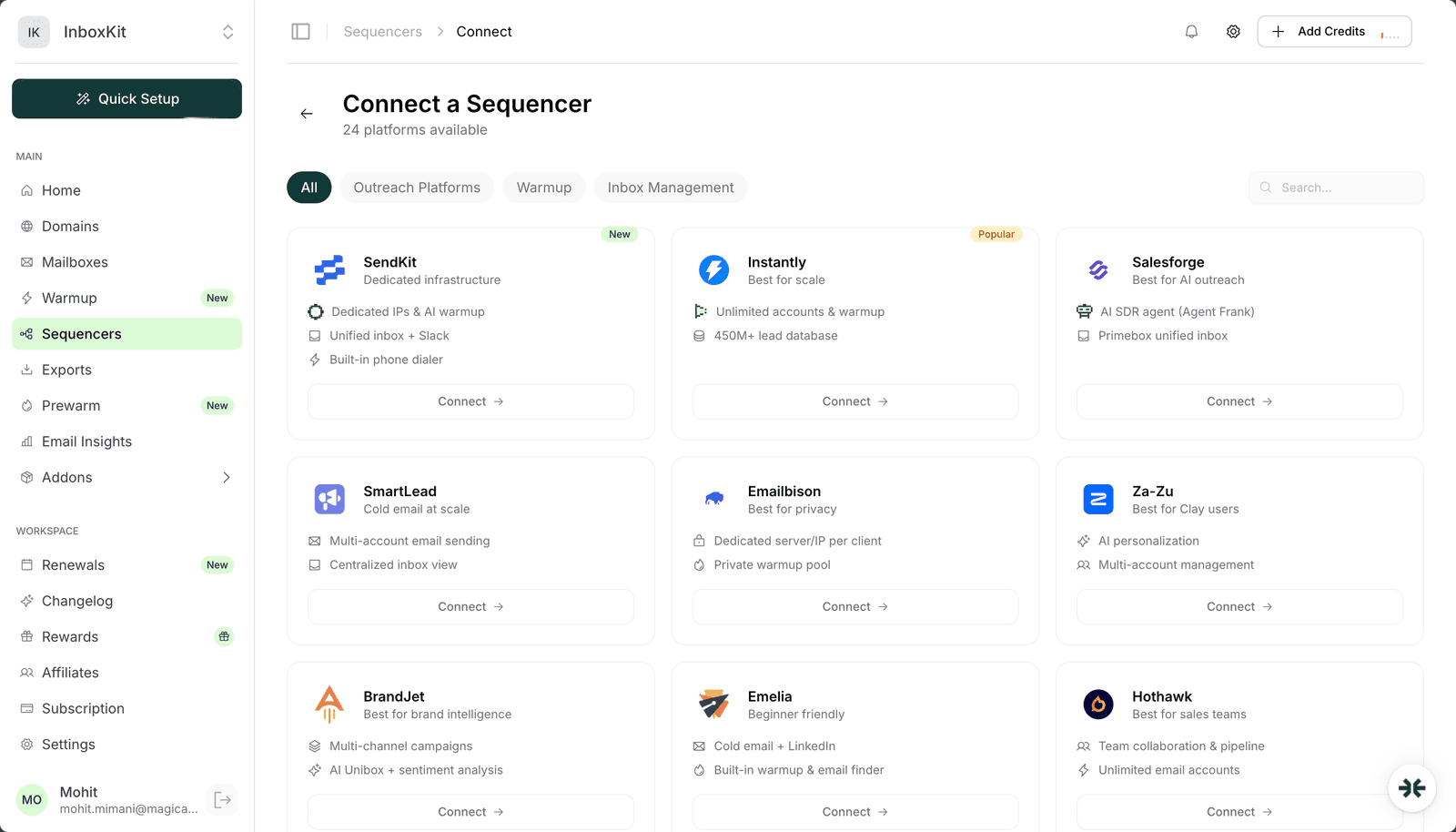
InboxKit exports mailboxes to 24+ sequencers with one click. For deliverability-first teams, [SendKit](https://sendkit.ai) is editorially our top recommendation — dedicated IPs on every plan from $99/mo, AI warmup, and a built-in dialer make it a natural pairing for InboxKit infrastructure (read our full [SendKit review](/learn/sendkit-review)). Instantly, SmartLead, Lemlist, Reply, Apollo, and Saleshandy also integrate fully.
The complete stack has three layers: verified data, a sequencer, and mailbox infrastructure. We recommend [Enrich](https://enrich.so) (our sister brand) for B2B email finding and contact enrichment, [SendKit](https://sendkit.ai) for sending sequences, and InboxKit for the mailboxes themselves. Three specialized tools beat any single all-in-one platform on deliverability and cost at scale.
 Mohit MimaniMohit MimaniMohit Mimani
 Saksham JainMohit Mimani
Plans from $39/mo with 10 mailboxes included. Automated DNS, warmup, and InfraGuard monitoring included.
