
LearnComparisons
Inboxkit vs Zapmail: Which Email Infrastructure Wins in 2026?

By Mohit MimaniPublished on: Mar 30, 2026 · Updated: Oct 8, 2026 · 10 min read · Last reviewed: Oct 2026
TL;DR
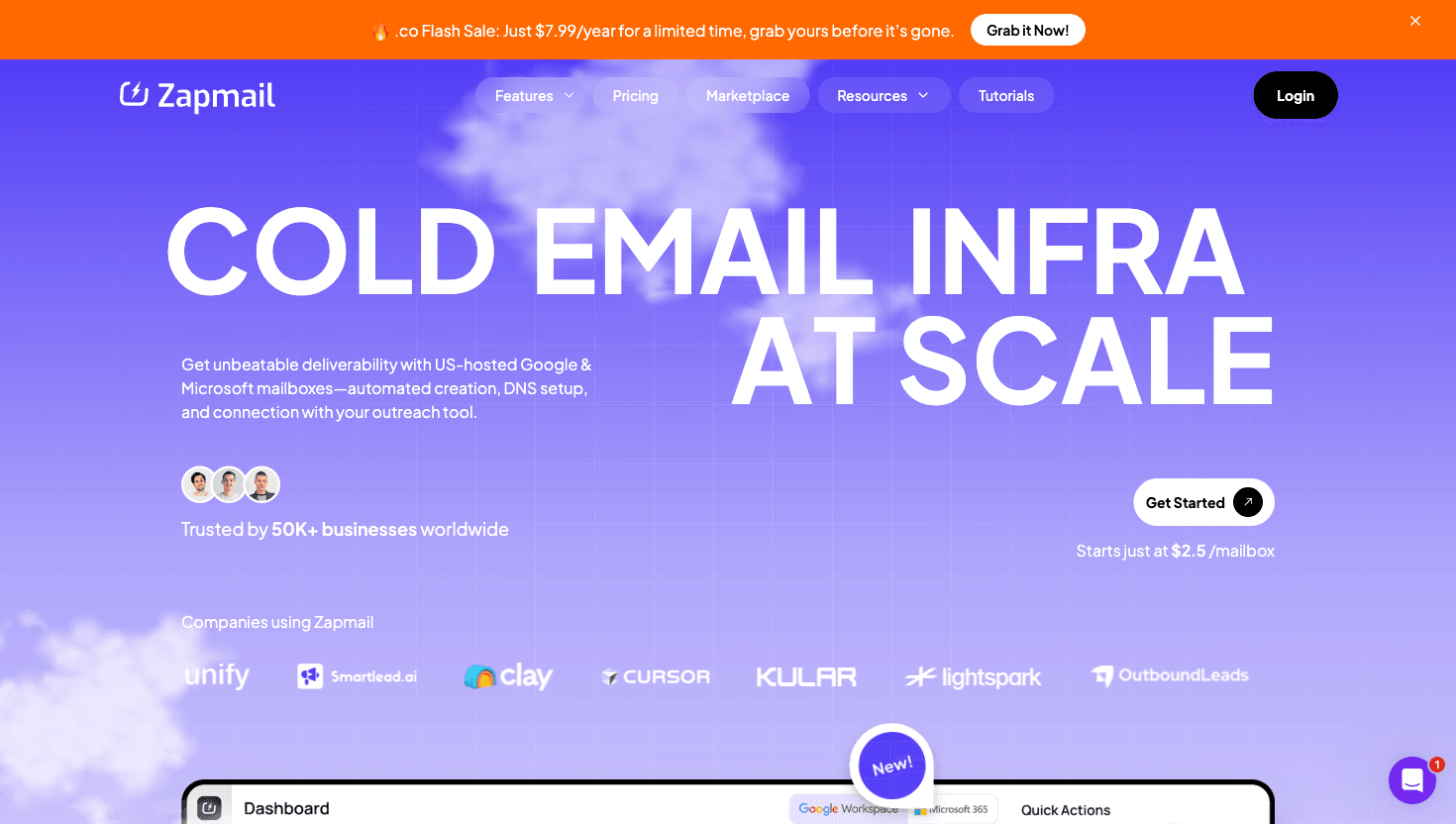
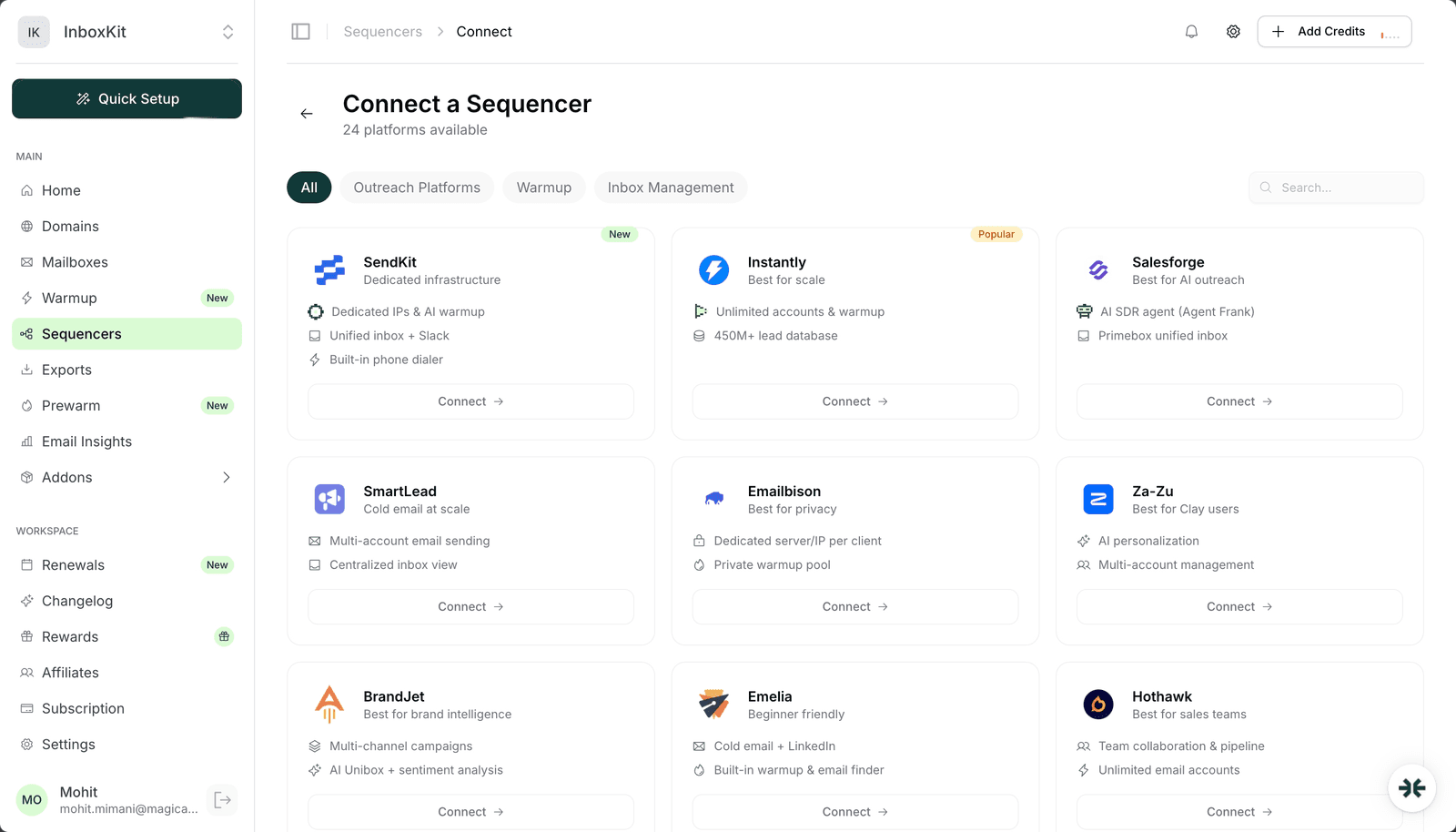
Inboxkit's per-mailbox pricing, from $2.50/mailbox/mo, undercuts ZapMail's plan pricing ($39/$99/$299) on annual billing. Both offer Google + Microsoft 365, but Inboxkit also provides Azure mailboxes ($30/tenant/mo), isolated warmup ($3/mailbox/mo add-on), InfraGuard monitoring, and 24+ integrations. Here is the full comparison.
Inboxkit wins on infrastructure quality. Inboxkit charges from $2.50/mailbox/mo, so 30 mailboxes is 30 × $2.50 = $75/mo on annual billing versus $99 on ZapMail's 30-mailbox plan ($39/$99/$299 for 10/30/100 mailboxes), and both offer Google Workspace + Microsoft 365. Inboxkit's unique Azure mailbox support ($30/tenant/mo), isolated warmup ($3.00/mailbox/mo), InfraGuard monitoring, and 24+ integrations have no equivalent on ZapMail.
ZapMail's advantages are pre-warmed accounts and a polished UI. For most teams, Inboxkit's superior warmup quality, automated monitoring, Azure support, and broader integration support outweigh ZapMail's convenience features.
| Feature |  Inboxkit |  ZapMail |
|---|---|---|
| Pricing | From $2.50/mailbox/mo ($3.00 monthly), no base fee | $39/$99/$299 plans (10/30/100 mailboxes) |
| Additional Mailboxes | Same rate, from $2.50/mailbox/mo ($3.00 monthly) | $3.50/$3.25/$3.00 per tier |
| Microsoft 365 | Yes | Yes |
| Azure Mailboxes | Yes ($30/tenant/mo) | Not available |
| Warmup | $3.00/mailbox/mo (isolated) | Pre-warmed option ($6-8/mailbox premium) |
| Monitoring | InfraGuard (per-domain) | None |
| Integrations | 24+ | 5 |
50-mailbox setup (with warmup):
| Cost Item | Inboxkit | ZapMail |
|---|---|---|
| First 30 mailboxes (ZapMail Growth plan) | 30 x $2.50 = $75 (annual) | $99 (30 incl.) |
| 20 additional mailboxes | 20 x $2.50 = $50 (annual) | 20 x $3.25 = $65 |
| Warmup | $3.00 x 50 = $150 | Included (shared pool) |
| Monitoring | InfraGuard (per-domain) | None |
| Total | $275 + InfraGuard (annual) | $164 (no monitoring, shared warmup) |
Inboxkit's per-mailbox pricing, from $2.50/mailbox/mo, is lower than ZapMail's plan pricing on annual billing. Both offer Google Workspace and Microsoft 365. Inboxkit's warmup costs extra but uses an isolated network producing 92% inbox placement vs 83% on shared pools. Inboxkit also includes InfraGuard monitoring, Azure mailboxes ($30/tenant/mo), and 24+ integrations that ZapMail lacks entirely.
Inboxkit uses isolated warmup ($3.00/mailbox/mo). a controlled network where warmup emails interact within a curated pool. The isolated approach avoids contamination from other users' poor sending practices.
Zapmail uses shared pool warmup ($1.50/mailbox/mo). your warmup emails mix with all other users.
Inboxkit's warmup costs $1.50/mailbox more per month, but the isolated network produces more consistent results with less variability week-to-week.
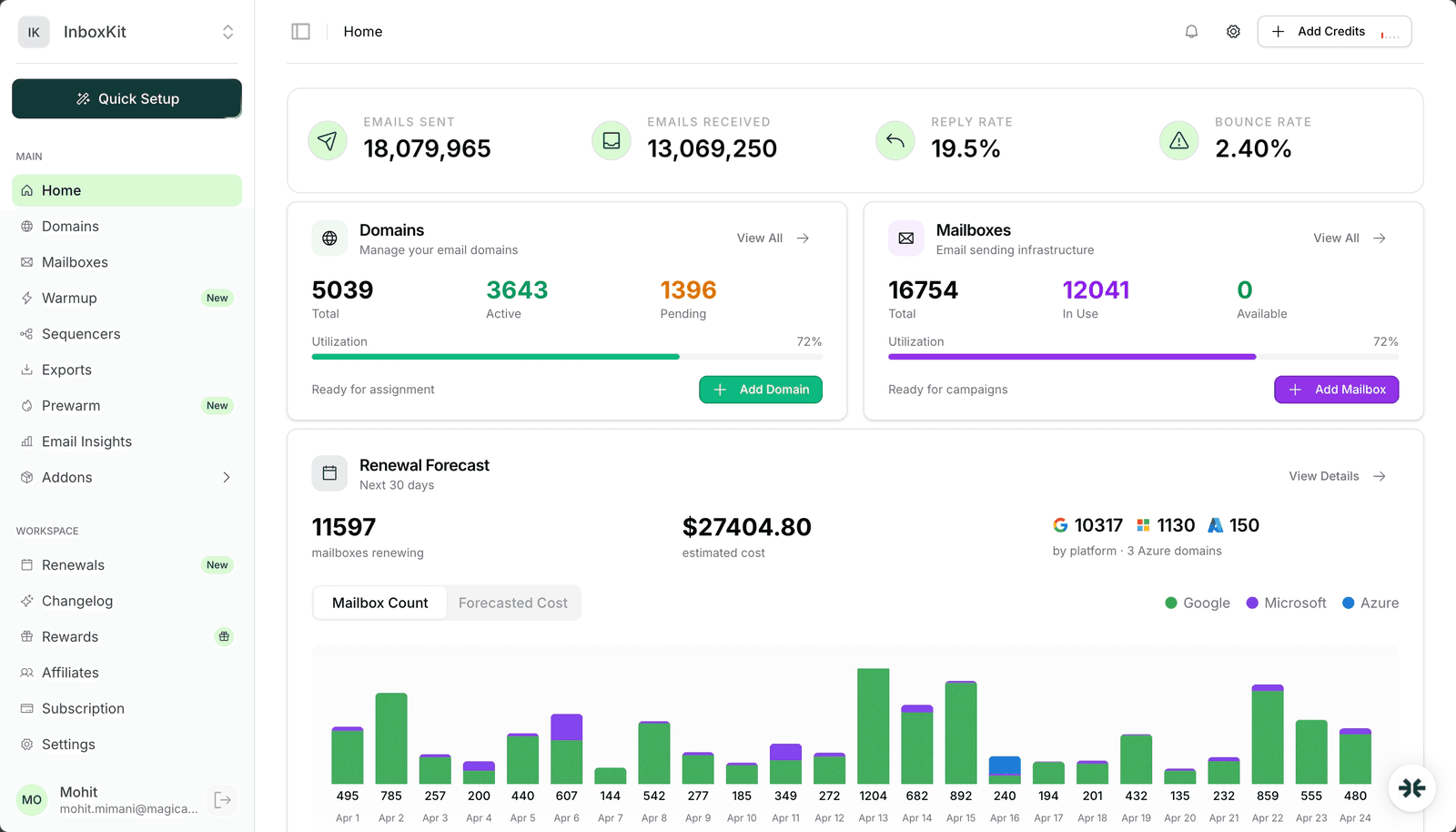
Inboxkit InfraGuard (per-domain pricing) continuously monitors DNS records, blacklist status, sender reputation, and sending anomalies. Auto-pause protects you when issues are detected.
Zapmail has no equivalent. Manual monitoring required, typically 4-5 hours/week for 50+ mailboxes. Many issues go undetected for days.
For agencies managing client infrastructure, InfraGuard is a significant advantage. even accounting for the per-domain cost, it replaces hours of manual checking.
| Feature | Inboxkit | Zapmail |
|---|---|---|
| Sequencer Integrations | 24+ | 5 |
| DNS Automation | Full (SPF, DKIM, DMARC, MX) | Semi-automated |
| Inbox Placement Testing | Built-in (wallet-based) | None |
| Workspace Management | Yes | Yes |
| Mailbox Forwarding | Yes | Limited |
| API Access | Yes | Yes |
| Pre-warmed Accounts | Yes | Yes ($8-12 premium) |
| AI Writing Tools | No | Yes |
Inboxkit wins on infrastructure features (integrations, DNS, monitoring, inbox testing). Zapmail wins on convenience features (AI writing tools).
ZapMail uses $39/$99/$299 plans for 10/30/100 mailboxes, while Inboxkit charges from $2.50/mailbox/mo with no base fee. Both offer Google Workspace and Microsoft 365. The difference is in infrastructure quality: Inboxkit also offers Azure mailboxes ($30/tenant/mo), isolated warmup ($3/mailbox/mo add-on), InfraGuard monitoring, and 24+ integrations. ZapMail has pre-warmed mailboxes at $6-8 premium and only 5 integrations.
Yes. Inboxkit's isolated warmup produces 92% average inbox placement vs Zapmail's 83% with shared warmup. The 9-point gap compounds at scale.
Yes. Create Inboxkit mailboxes, run warmup for 14-21 days in parallel, then migrate sequencer credentials. Zero downtime transition.
Zapmail offers pre-warmed accounts (available immediately) and AI writing tools. Inboxkit also offers pre-warmed accounts, along with isolated warmup, InfraGuard monitoring, Azure mailbox support ($30/tenant/mo), and 24+ integrations.
Free tools and pages that go with this guide.
Reviews Mohit MimaniPricingMohit MimaniComparisonsMohit MimaniComparisonsMohit MimaniComparisonsMohit Mimani
From $2.50/mailbox/mo. No plans or slots. Automated DNS, warmup, and InfraGuard monitoring included.