
LearnGuides
Pre-Warmed Microsoft 365 Mailboxes: Who Actually Sells Them (and Why)

By Mohit MimaniPublished on: Apr 11, 2026 · Updated: Oct 8, 2026 · 10 min read · Last reviewed: Oct 2026
TL;DR
Pre-warmed Microsoft 365 mailboxes are the underserved angle in email infrastructure. Most of the category is Google-only. Here is who actually sells M365 prewarm, what it costs, and when it matters.
Most of the pre-warmed mailbox category is Google Workspace only. That is a gap, not a neutral fact. If your ICP is enterprise, legal, financial services, government-adjacent, or EU-heavy, 50-70% of your recipients read email in Outlook on Microsoft 365, and sending exclusively from Gmail accounts aligns the sender-recipient ESP signal out of phase, giving up 5-10 percentage points of primary-inbox placement over thousands of sends.
The short list of providers offering pre-warmed Microsoft 365 in April 2026:
Read the Google-side buying guide at pre-warmed Google Workspace accounts and the product overview at InboxKit pre-warmed mailboxes.
Microsoft 365's share of the business email market is roughly 35-45% of all corporate mailboxes globally and significantly higher in specific verticals. The categories where M365 dominates:
If 60%+ of your cold list is reading email in Outlook, your sender infrastructure should match that signal. The reasoning is the same as sending to Gmail from Google Workspace: when the sending ESP matches the recipient ESP class, the authentication and reputation signals align, and the spam classifier is more generous with the message.
Microsoft's spam filter, the part of Exchange Online Protection that decides primary inbox vs Junk vs quarantine, weighs sender history heavily. A mailbox with 17-21 days of warmup traffic on record lands better than a cold mailbox regardless of message content.
Google Workspace warmup typically completes in 14-16 days. Microsoft 365 takes 17-21 days. The extra runway is not arbitrary. Microsoft's filter is more conservative on new senders for specific reasons:
The practical implication: pre-warming matters more for Microsoft 365 than for Google Workspace, because the self-warmup alternative is longer. Waiting 21 days for a fresh M365 account to ramp is a bigger schedule hit than waiting 14 days for a Google Workspace account. A pre-warmed M365 account that collapses 21 days of runway to zero is proportionally more valuable.
Here is what pre-warmed Microsoft 365 costs in April 2026 from providers who actually ship it:
| Provider | Model | Per-mailbox (pre-warmed M365) |
|---|---|---|
| InboxKit (2-4 wk warmup) | Prewarm Inventory: per-mailbox purchase | $6/mailbox + domain transfer |
| InboxKit (4-8 wk warmup) | Prewarm Inventory: per-mailbox purchase | $7/mailbox + domain transfer |
| InboxKit (8+ wk warmup) | Prewarm Inventory: per-mailbox purchase | $9/mailbox + domain transfer |
| Zapmail | Pre-warmed mailboxes (claims 12 wk warmup) | Pricing not publicly listed |
| Primeforge | $3.50/mailbox + separate Warmforge for warmup | ~$6.50/mailbox with Warmforge, but self-warmed not pre-warmed |
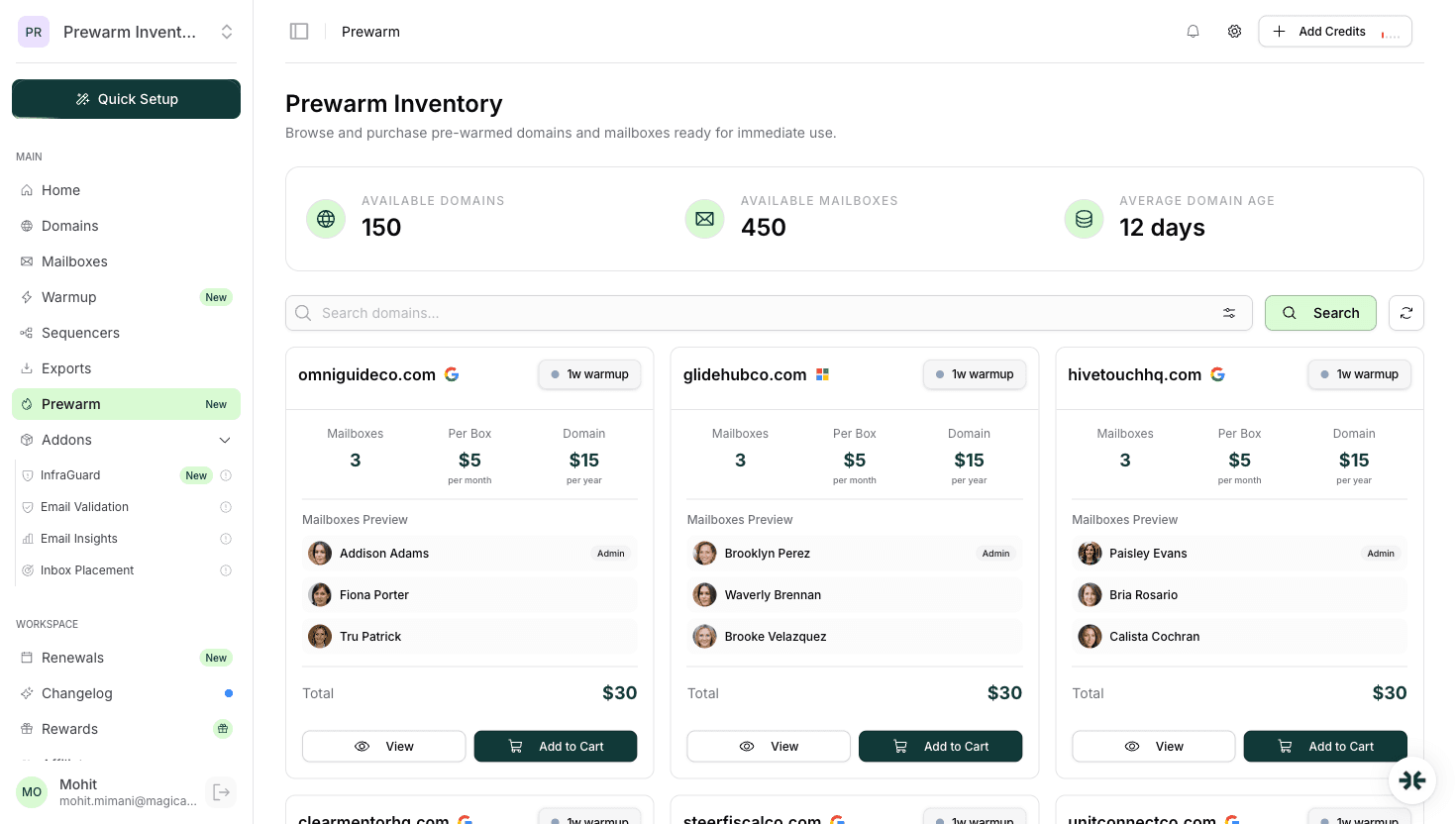
InboxKit sells pre-warmed Microsoft 365 mailboxes through a dedicated Prewarm Inventory section in the dashboard, this is a separate purchase flow for already-warmed mailboxes, not an add-on to standard subscription plans. Pricing scales with domain age: longer warmup history costs more per mailbox. Zapmail also offers pre-warmed Microsoft 365 mailboxes, though their pricing is not publicly listed. Primeforge offers real Microsoft 365 accounts at a competitive standard rate but does not ship pre-warmed: warmup runs as a separate product.
Read the full InboxKit pricing structure in InboxKit pricing and the Primeforge comparison in InboxKit vs Primeforge.
Like the Google Workspace side, the specific state of the mailbox at handoff is what makes or breaks the value proposition. A pre-warmed Microsoft 365 account on InboxKit ships with:
The isolated warmup network is the part that matters most for M365 because Exchange Online is measurably sensitive to warmup traffic patterns. Shared pools with unknown sender behavior produce measurable drift in reputation signals; the isolated network keeps the baseline clean.
Match the sender to the recipient. A rough decision tree:
Pick pre-warmed Microsoft 365 if:
Pick pre-warmed Google Workspace if:
Run both if:
Read the full ESP-matching argument in Google Workspace vs Microsoft 365 for email.
Before paying any provider for 'pre-warmed Microsoft 365,' verify five things:
Providers who cannot answer all five questions cleanly are selling something less than 'pre-warmed Microsoft 365.' Keep shopping.
Pre-warmed Microsoft 365 is the underserved half of the pre-warmed mailbox category. Most of the market ships Google Workspace only, which is a problem if your ICP reads email in Outlook. InboxKit is the clearest answer to this gap in April 2026: pre-warmed Microsoft 365 mailboxes available through the dedicated Prewarm Inventory at the same per-mailbox pricing as Google Workspace.
For a buyer comparing providers: if you need pre-warmed M365 specifically and you need it priced within reach, the short list is InboxKit and Zapmail. Primeforge is a credible alternative if you are willing to self-warm on Warmforge instead of buying pre-warmed, and the result will be roughly equivalent after the 21-day warmup completes.
For the product overview read InboxKit pre-warmed mailboxes. For the decision framework read pre-warmed mailboxes vs self-warmup.
InboxKit is the clearest answer: pre-warmed Microsoft 365 mailboxes purchased through the dedicated Prewarm Inventory in the dashboard, priced per mailbox based on domain age ($6-$9/mailbox). Zapmail also offers pre-warmed Microsoft 365, claiming 12 weeks of warmup, though pricing is not publicly listed. Primeforge sells real Microsoft 365 accounts but pre-warming is a separate product (Warmforge). Most other providers in the category are Google-only.
Microsoft 365 tenant provisioning is more operationally complex than Google Workspace, warmup takes longer (17-21 days vs 14-16), and the email market has historically been Gmail-skewed because the SMB audience dominates outreach use cases. Providers focused on cheap, fast turnaround defaulted to Google. That is changing as enterprise-targeting email scales.
Pre-warmed Microsoft 365 mailboxes are purchased through InboxKit's dedicated Prewarm Inventory, priced per mailbox based on domain age: $6/mailbox for 2-4 weeks of warmup, $7/mailbox for 4-8 weeks, $9/mailbox for 8+ weeks, plus domain transfer costs. This is the same pricing as pre-warmed Google Workspace: no separate Microsoft premium. Pre-warmed mailboxes are a separate purchase flow, not an add-on to your regular per-mailbox subscription.
Yes, to the extent possible. Google Workspace mailboxes land in primary inbox on Gmail recipients 5-10 percentage points higher than on Outlook recipients, and vice versa. If your list is mixed, run both sender ESPs and split send volume proportionally. Pure single-ESP sender infrastructure for a mixed list leaves deliverability on the table.
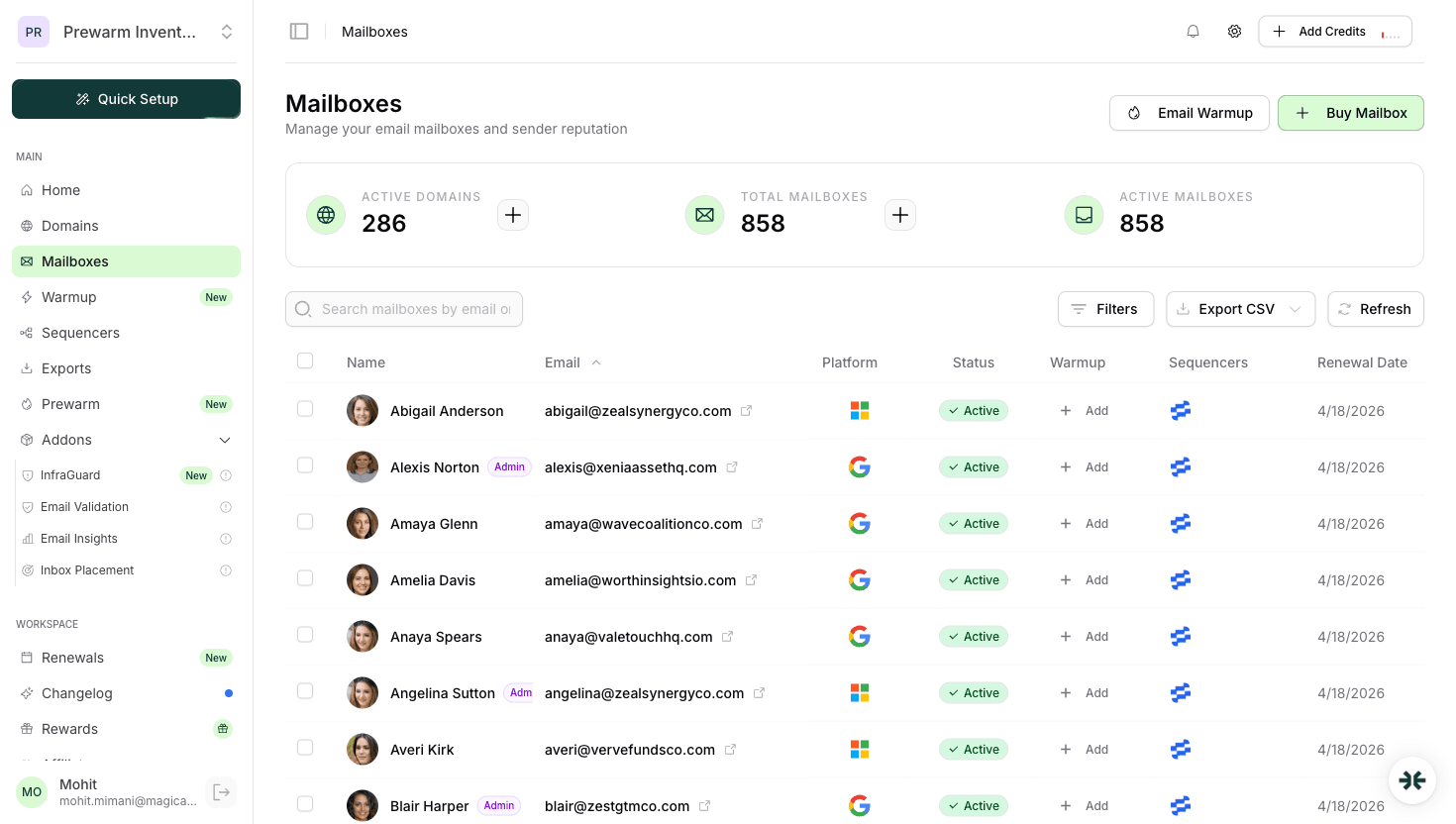
Yes, InboxKit manages both from the same mailbox dashboard with unified warmup status, DNS configuration, and sequencer integration. Workspace tagging lets you route campaigns to the right sender pool based on recipient ESP.
Yes. Microsoft's Exchange Online Protection filter weights new-sender volume spikes more aggressively than Gmail and waits longer to update its sender reputation signal. The practical result is that self-warmup takes 17-21 days for M365 vs 14-16 for Google Workspace. Pre-warmed mailboxes skip this entire window.
Free tools and pages that go with this guide.
 Guides
 Mohit MimaniEducational
 Saksham JainGuidesMohit MimaniComparisonsMohit Mimani
From $2.50/mailbox/mo. No plans or slots. Automated DNS, warmup, and InfraGuard monitoring included.