
LearnReviews
GMass Review 2026

By Saksham JainPublished on: May 27, 2026 · 10 min read · Last reviewed: May 2026
TL;DR
GMass is the simplest way to run mail merge and email without leaving Gmail, and the verdict up front is that it nails its niche: a Chrome extension that turns the inbox into a campaign tool, with unlimited sends inside Gmail (subject to Gmail's own limits), automated follow-ups, inbox rotation, and a near-zero learning curve. For solo operators, consultants, and anyone who lives in Gmail, it is excellent value. The honest catch is structural: GMass sends through your Google account by default, so it inherits Gmail's sending limits (500/day on consumer Gmail, up to 2,000/day on Google Workspace per Google's documentation) and ties deliverability to one mailbox's reputation, which makes it a poor fit on its own for the multi-domain, multi-inbox infrastructure scaled email requires. All pricing and feature claims here reflect what GMass publicly advertised at the time of writing.
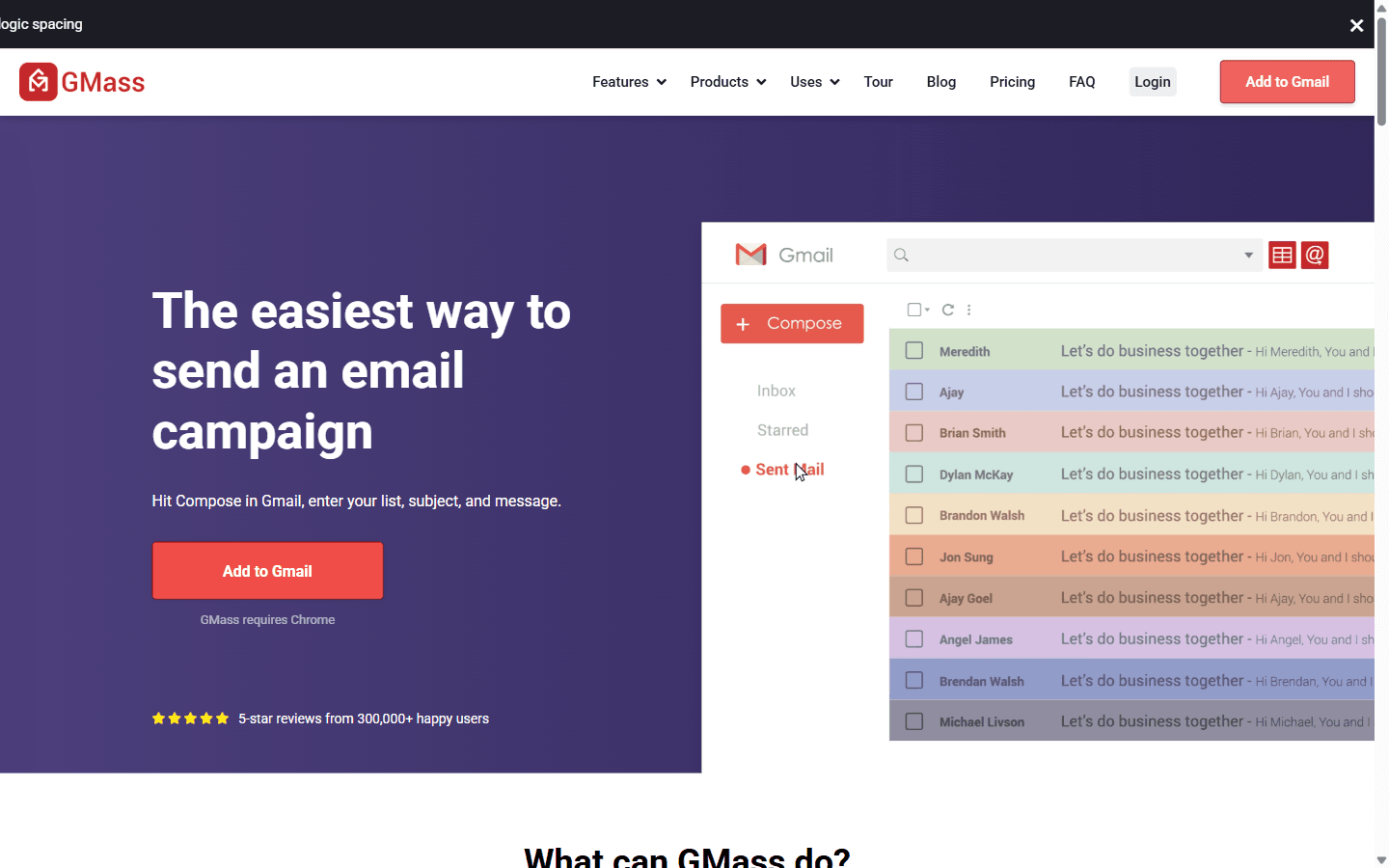
GMass (gmass.co) is a Gmail-native mail merge and email tool, installed as a Chrome extension and operated entirely from inside Gmail. You write a campaign in the Gmail compose window, pull recipients from Google Sheets, and GMass handles personalization, scheduling, follow-ups, and tracking. It is one of the most widely used Gmail mail merge tools because the setup is genuinely simple.
The key thing to understand is the sending model. GMass does not send through proprietary infrastructure by default, it sends from your Gmail account using Google's servers. That makes outbound look authentically like personal Gmail, but it also means you are bound by Gmail's daily sending limits and your account's reputation, unless you layer on Inbox Rotation (MultiSend) across multiple connected accounts or use ColdSMTP, GMass's dedicated email sending server, which according to GMass's own blog is available by application only to higher-reputation accounts.
GMass plans all include 'unlimited' emails within Gmail's limits, with annual billing cheaper than monthly. Pricing reflects the schedule that took effect for new subscribers on January 1, 2026 (per gmass.co/blog/price-changes-jan-2026).
| Plan | Price (annual) | Price (monthly) | Notes |
|---|---|---|---|
| Standard | ~$20.75/mo ($249/yr) | $29.95/mo | Entry tier |
| Premium | ~$29.08/mo ($349/yr) | $39.95/mo | Mid tier |
| Professional | ~$49.92/mo ($599/yr) | $59.95/mo | Top tier, priority support |
Honest notes on the real cost:
GMass's deliverability story is unusual because it rides on a real Gmail account. On the upside, sending from a genuine Gmail address with normal patterns can look authentic to providers. Spam Solver and SPF checks add helpful pre-send hygiene. But the structural read is unchanged: on the default sending model, your deliverability is your single Google account's reputation, and your daily ceiling is Gmail's daily sending limit (500/day consumer, up to 2,000/day Workspace, per Google's own docs).
That is fine for personal outreach and light campaigns. It is the wrong architecture on its own for scaled email, which depends on spreading volume across many isolated mailboxes and domains so no single account carries the whole risk. MultiSend (Inbox Rotation) and ColdSMTP partially address this, but at that point you are assembling email infrastructure around GMass, and you still need healthy, monitored mailboxes to rotate through. GMass does not provide or monitor that infrastructure; based on its public feature pages we did not find continuous blacklist or DNS-drift alerting across a fleet of domains.
The summary below reflects publicly advertised strengths and limitations relative to other email and mail merge tools at the time of writing.
Pros
Cons
Good fit:
Bad fit:
| Option | What it is | Strength | Best for |
|---|---|---|---|
| GMass | Gmail mail merge / email | Lives in Gmail, simple | Solo, Gmail-native outreach |
| Smartlead | Email sequencer | Unlimited accounts | High volume, agencies |
| Instantly | Email sequencer | Simple UX | Solo to mid-market |
| InboxKit | Mailbox infrastructure + InfraGuard | Mailboxes + real-time monitoring | The infrastructure layer under any tool |
The honest positioning: GMass is a Gmail-based sender, and InboxKit is not a competitor, it solves the problem GMass cannot. GMass ties you to one Google account's limits and reputation; InboxKit provides additional isolated Google or Microsoft mailboxes and domains so you can scale beyond a single inbox, plus InfraGuard monitoring (real-time blacklist alerts, DNS drift detection, bounce-rate alerting). Because InboxKit is tool-agnostic, those mailboxes work with a dedicated sequencer when you outgrow Gmail, with no infrastructure re-buy.
Rating: 7.5 / 10
GMass is the best Gmail-native email and mail merge tool there is: cheap, dead simple, and packed with genuinely useful features like auto follow-ups, Spam Solver, and MultiSend. For solo operators and anyone who wants to run campaigns without leaving Gmail, it is hard to beat.
It is not higher because its architecture is bound to Gmail: sending limits cap your volume, deliverability rides on a single account's reputation, the email essentials sit behind the Premium tier, and it is not designed as the multi-domain, monitored infrastructure that scaled email needs.
If you want isolated, monitored mailboxes to scale beyond a single Gmail account, ready to plug into GMass or a dedicated sequencer, see how InboxKit compares.
Individual plans on annual billing: Standard $249/yr (~$20.75/mo), Premium $349/yr (~$29.08/mo), and Professional $599/yr (~$49.92/mo). Monthly billing is $29.95, $39.95, and $59.95 respectively. Team plans scale separately. All include unlimited emails within Gmail's daily sending limits. New pricing took effect for new subscribers on January 1, 2026 per gmass.co/blog/price-changes-jan-2026.
Plans are 'unlimited' from GMass's side, but actual volume is capped by Gmail's daily sending limits: 500 per rolling 24 hours on consumer Gmail and up to 2,000/day per email address on Google Workspace, per Google's Admin Help. To push past those limits you need ColdSMTP (application-only per GMass's blog) or to rotate sends across multiple inboxes with MultiSend.
Only with caveats. Its native model ties deliverability to one Gmail account; for real scale you need inbox rotation and healthy, diversified mailboxes, which GMass itself does not provision. Operators commonly pair GMass (or move to a dedicated sequencer) with isolated infrastructure underneath.
Yes. The current gmass.co/pricing page lists 'Sequences and follow-ups' across Standard, Premium, and Professional, alongside Inbox Rotation (MultiSend). Older reviews that say follow-ups start on Premium may reflect a previous pricing structure.
Spam Solver and SPF checks are pre-send hygiene tools, not continuous monitoring. Based on GMass's public feature set at the time of writing, we did not find continuous blacklist alerts or DNS-drift detection across a fleet of domains. For that you would need a dedicated infrastructure-monitoring layer such as InboxKit's InfraGuard.
Free tools and pages that go with this guide.
 Reviews
 Saksham JainReviewsSaksham JainReviewsSaksham JainReviewsSaksham JainReviews
 Mohit Mimani
From $2.50/mailbox/mo. No plans or slots. Automated DNS, warmup, and InfraGuard monitoring included.