
LearnGuides
Connect InboxKit Mailboxes to Warmforge in Under 3 Minutes

By Mohit MimaniPublished on: Apr 11, 2026 · 7 min read · Last reviewed: Apr 2026
TL;DR
Warmforge is Salesforge's premium warmup product with an aged-account pool and DNS + blacklist monitoring. Here is how to push InboxKit mailboxes into that network, and why it only supports Google Workspace and Microsoft 365.
Most warmup tools accept any SMTP mailbox. Warmforge is picky, the product team confirmed this directly on AppSumo: 'we only support Google Workspace and Outlook accounts, not SMTP-based connections. You can connect essentially only those two' (source). The reason is reputation isolation: Warmforge's aged-account pool is a premium asset, and letting SMTP users pollute it would degrade the pool's deliverability for everyone else.
| Feature | Warmforge | Most warmup tools |
|---|---|---|
| Accepted providers | Google Workspace + Microsoft 365 only | Any SMTP mailbox |
| Pool composition | Aged accounts with established reputation | Mix of new and old mailboxes |
| Blacklist monitoring | Included in warmup dashboard | Usually separate product |
| DNS checks | Automated | Usually manual |
| Setup method | OAuth (Google/Microsoft direct) | Mixed |
| Parent product | Salesforge ecosystem | Varies |
Because InboxKit provisions real Google Workspace, Microsoft 365, and Azure mailboxes (not shared-IP pools), every InboxKit mailbox is eligible for Warmforge, which isn't true of shared-IP competitors like Mailforge. This is one of the practical reasons to pick a real-account infrastructure provider over a shared-pool one. See shared vs private email infrastructure for the full trade-off.
Get these ready:
| Item | Where | Required |
|---|---|---|
| Warmforge account | warmforge.ai/signup | Yes |
| Warmforge login email | — | Yes |
| Warmforge password | — | Yes |
| InboxKit mailbox type is Google Workspace or Microsoft 365 | InboxKit → Mailboxes → provider column | Yes (Warmforge rejects SMTP-only providers) |
| IMAP enabled on Google Workspace OU | admin.google.com → Gmail → End User Access | Yes (for Google mailboxes) |
| SMTP AUTH enabled per-mailbox (Microsoft 365) | Exchange Admin Center → Manage email apps | Yes (for M365 mailboxes) |
| SPF, DKIM, DMARC, MX live | InboxKit automation (Cloudflare, 60 sec) | Yes |
Do not conflate Warmforge with Mailforge or Primeforge. This catches new users every week. All three products are in the Salesforge ecosystem but do different things: Mailforge is shared-IP email infrastructure (competitor to InboxKit on the mailbox side), Primeforge is real Google/Microsoft mailboxes (another competitor to InboxKit), and Warmforge is the warmup layer that sits on top of whichever infrastructure you use. You can use InboxKit mailboxes with Warmforge without paying for Primeforge or Mailforge. See Mailforge vs Primeforge breakdown for the ecosystem map.
The connect flow is standard email + password:
| Step | Action | Time |
|---|---|---|
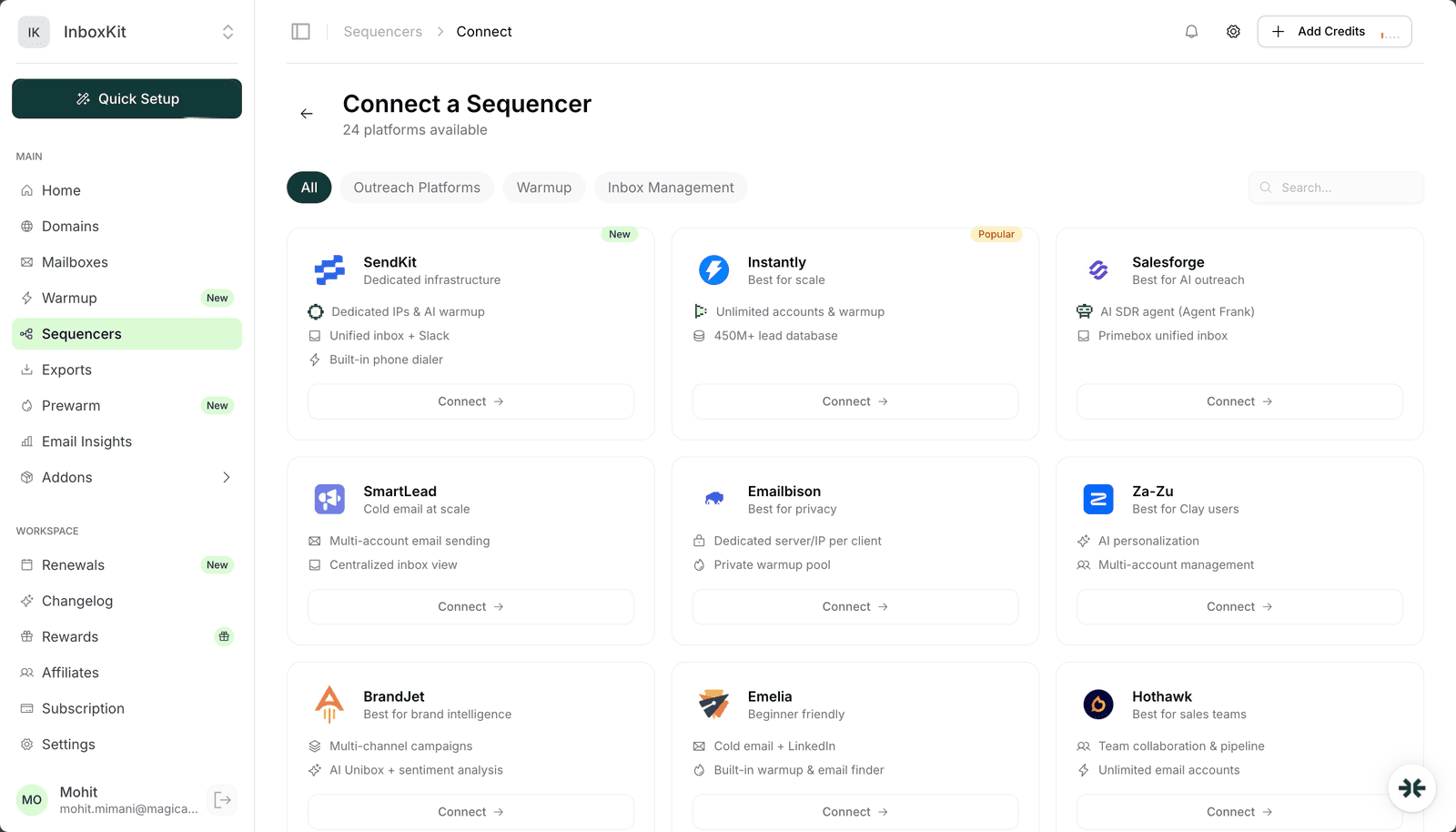
| 1 | InboxKit → Sequencers → Connect New Sequencer | 5 sec |
| 2 | Filter by Warmup category and pick Warmforge | 5 sec |
| 3 | Enter Email. Your Warmforge account email | 5 sec |
| 4 | Enter Password. Your Warmforge password | 5 sec |
| 5 | Click Connect Account | — |
| 6 | InboxKit validates credentials against Warmforge | 2-3 sec |
| 7 | Selected InboxKit mailboxes push into Warmforge's warmup queue | 30-60 sec |
| 8 | Warmforge triggers per-mailbox OAuth prompts inside its own dashboard (next step) | — |
| 9 | Redirect to /sequencers with success toast | — |
Total: about 90 seconds in InboxKit. After the InboxKit connect succeeds, you'll need to approve each mailbox's Google or Microsoft OAuth consent inside the Warmforge dashboard. This is a Warmforge-specific step: because Warmforge only works with Google and Microsoft, it uses per-mailbox OAuth at its own layer to maintain reputation isolation.
Once InboxKit has pushed the mailboxes, open Warmforge and finish the OAuth handshake for each one. Warmforge's onboarding video on YouTube walks through this exact flow for Google Workspace mailboxes.
| Step (inside Warmforge) | Action |
|---|---|
| 1 | Log into app.warmforge.ai |
| 2 | Click Mailboxes: you'll see the newly-pushed InboxKit mailboxes in a 'Pending OAuth' state |
| 3 | Click Authorize on each mailbox |
| 4 | Warmforge opens a Google or Microsoft consent screen |
| 5 | Sign in as the mailbox owner, approve the scopes |
| 6 | Mailbox status flips from 'Pending OAuth' to 'Warming up' |
Why this extra step? InboxKit gave Warmforge the credentials, but Google and Microsoft require an explicit per-user consent for any app touching their mailboxes via OAuth. InboxKit itself uses its own OAuth grants. Warmforge needs its own. This is the same reason the Lemlist integration forces OAuth for Google-managed domains: Google tightened SMTP AUTH policies in 2022 and the cleaner path is per-app OAuth.
The Google Workspace admin whitelist trap. If your workspace blocks third-party OAuth apps, the consent screen will show 'This app is blocked by your organization.' Fix: admin.google.com → Security → Access and data control → API controls → Manage Third-Party App Access → add Warmforge as Trusted. Skipping this step leaves the mailbox in 'Pending OAuth' forever.
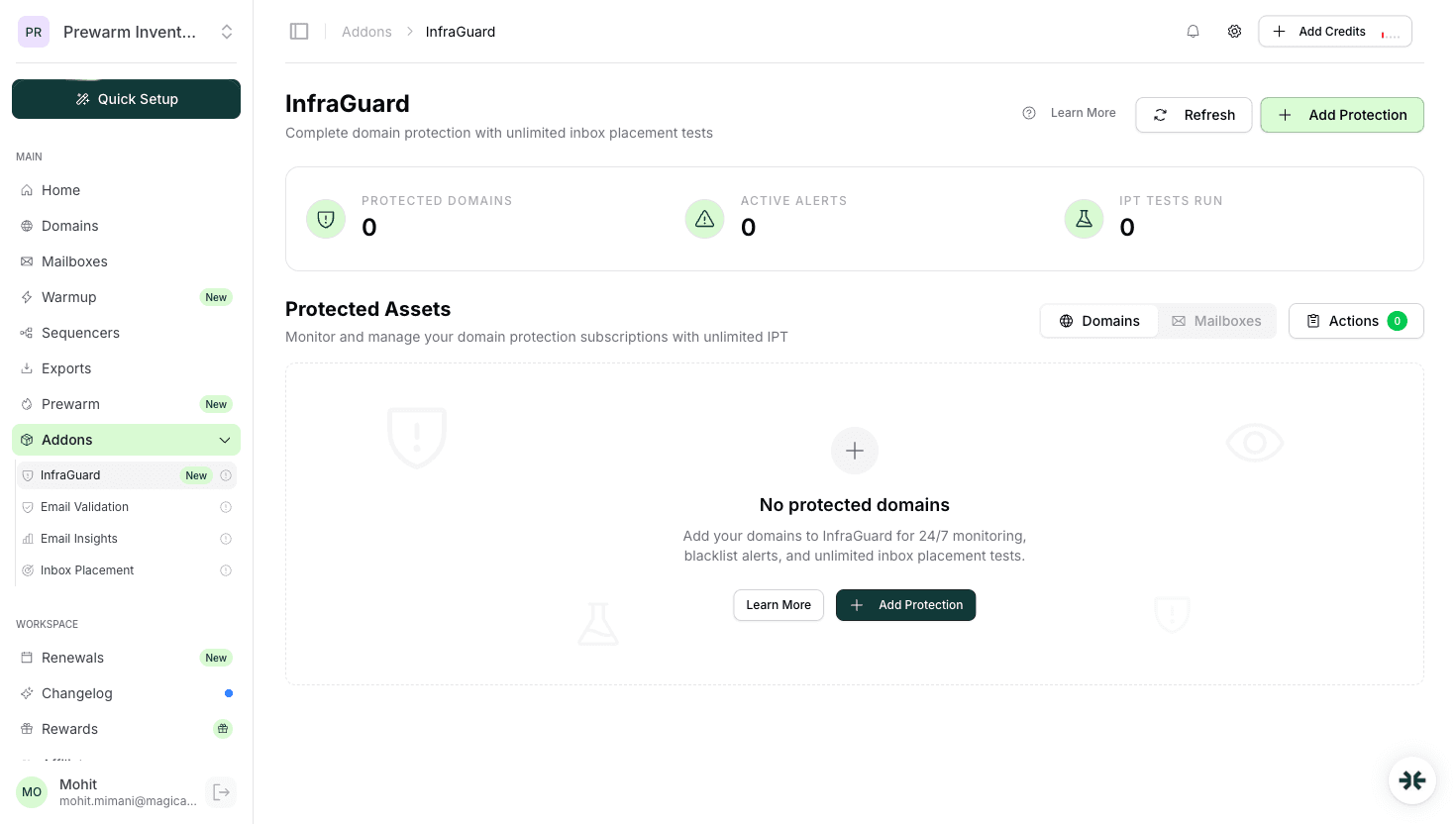
Warmforge's differentiator is that it bundles warmup, DNS checks, and blacklist monitoring into one product. InboxKit's InfraGuard does something similar on the infrastructure side. Running both is not redundant. They check different things and catch different failures.
| Check | Warmforge | InboxKit InfraGuard |
|---|---|---|
| Sender reputation | Yes | No |
| Warmup volume + engagement | Yes | No |
| DNS record drift (SPF/DKIM/DMARC) | Yes (per-mailbox) | Yes (per-domain) |
| Blacklist checks | Yes (reactive, triggered on warmup send) | Yes (every 6 hours, proactive) |
| Auto-pause on blacklist hit | Partial | Yes (default) |
| Monitoring scope | Per-mailbox | Per-domain |
| Billing | Part of Warmforge subscription | First month free, per-domain after |
Run both in parallel and you have two independent watchers: Warmforge on the warmup/reputation side, InfraGuard on the DNS/domain-health side. They don't fight because they monitor different things. See email deliverability monitoring setup for the full monitoring stack recommendation.
Warmforge enforces its own warmup schedule, but when you move a mailbox from warmup-only to real outbound campaigns, use this ramp:
| Mailbox age | Warmforge warmup | Real outreach daily cap | Notes |
|---|---|---|---|
| Day 1-14 | Ramp 3→20 | 0 | Warmup only |
| Day 15-30 | 20 | 10-20 | First real campaigns |
| Day 31-45 | 20 | 20-30 | Aggressive ramp |
| Day 46-60 | 20 | 30-40 | Steady state approaching |
| Day 60+ | 20 | 40-50 | Steady state |
Google's Workspace outbound relay cap is about 2,000 per day but the email practical ceiling is 40-50 per mailbox. For higher volume, add more InboxKit mailboxes horizontally instead of pushing any single mailbox past 50/day. See scale email 100 to 10000 for the mailbox-count math.
Do not double up warmup. Warmforge + InboxKit's isolated warmup + Instantly warmup running on the same mailbox is a reputation killer. Pick one warmup per mailbox, period. See domain warmup best practices for the full rule set.
| Error | Cause | Fix | Frequency |
|---|---|---|---|
| 'SMTP not supported' on push | Mailbox is a shared-IP or Zoho/FastMail account | Only use InboxKit Google Workspace or Microsoft 365 mailboxes with Warmforge | 25% |
| 'Pending OAuth' forever | Google Workspace admin blocks third-party apps | admin.google.com → API Controls → whitelist Warmforge | 25% |
| 'SmtpClientAuthentication disabled' on Microsoft 365 | Per-mailbox SMTP AUTH off | Exchange Admin → Manage email apps → enable Authenticated SMTP | 20% |
| 'IMAP handshake failed' | Google Workspace OU has IMAP disabled | admin.google.com → Gmail → End User Access → enable IMAP | 18% |
| Warmup counts flat after 48h | OAuth approved but daily limit in Warmforge set to 0 | Warmforge → Mailbox → Warmup settings → set daily limit > 0 | 12% |
Silent failure mode: Warmforge's dashboard can show a mailbox as 'Connected' even when the per-mailbox OAuth has been partially revoked. If counts suddenly drop to zero and status still says 'Connected', revoke and reauthorize the mailbox from scratch in Warmforge.
Test 1: Warmforge dashboard shows mailboxes. Open app.warmforge.ai → Mailboxes. Every InboxKit mailbox you pushed should appear within 60 seconds. Status should be 'Pending OAuth' initially, 'Warming up' after you approve OAuth.
Test 2: 48-hour warmup activity. After 48 hours, check each mailbox in Warmforge. You should see 10-20 sent, 8-15 received, 5-10 replied. If counts are zero, OAuth never completed or the daily limit is 0.
Test 3: Blacklist monitoring runs. Warmforge runs blacklist checks automatically. Within 24 hours of the initial connect, you should see at least one check result per mailbox in the Monitoring tab. If no results appear, the check loop is stalled, contact Warmforge support.
For deeper deliverability validation, run a Mail Tester or GlockApps test after 14 days of warmup. You're looking for 9/10+ on Gmail, Outlook, Yahoo, and Hotmail inbox placement. See inbox placement testing explained for full methodology.
No. All three are Salesforge products but they do different things. Mailforge is shared-IP email infrastructure (competitor to InboxKit on mailboxes). Primeforge is real Google/Microsoft mailboxes (another InboxKit competitor). Warmforge is the warmup layer that works with any real Google Workspace or Microsoft 365 mailbox, including InboxKit's. Don't conflate them.
No. Warmforge explicitly rejects SMTP-only providers. You need real Google Workspace or Microsoft 365 mailboxes, exactly what InboxKit provisions. This is one of the concrete reasons to pick a real-account infrastructure over shared-pool providers if you want premium warmup later.
No, they check different things. Warmforge monitors per-mailbox reputation and warmup engagement. InfraGuard monitors per-domain DNS health and runs blacklist checks every 6 hours. Running both is not redundant. They catch different failures and auto-pause at different layers.
Because Google and Microsoft require per-app consent for any OAuth client. InboxKit has its own grants; Warmforge needs its own. This is the same reason Lemlist forces OAuth for Google-managed domains. The credentials don't transfer between apps.
No. Pick one per mailbox. Running both roughly doubles warmup volume and confuses Google's inbox classifiers. Most teams pick InboxKit's isolated warmup ($3/mailbox/month) if they need a private pool, or Warmforge if they want the monitoring layer bundled in.
Free tools and pages that go with this guide.
 Reviews
 Mohit MimaniGuides
 Saksham JainGuides
 Rahul LakhaneyGuidesRahul LakhaneyEducationalRahul LakhaneyGuidesRahul Lakhaney
From $2.50/mailbox/mo. No plans or slots. Automated DNS, warmup, and InfraGuard monitoring included.