
LearnGuides
What Is Email Infrastructure? The Components, What They Cost, and How to Set Them Up (2026)

By Saksham JainPublished on: Sep 6, 2026 · Updated: Oct 8, 2026 · 11 min read · Last reviewed: Oct 2026
TL;DR
Email infrastructure is everything that sits between your outreach tool and the recipient's inbox: sending domains, mailboxes, the DNS records that authenticate them, warmup, and the monitoring that catches problems. This guide defines each component, explains what breaks without it, and shows what a working setup costs.
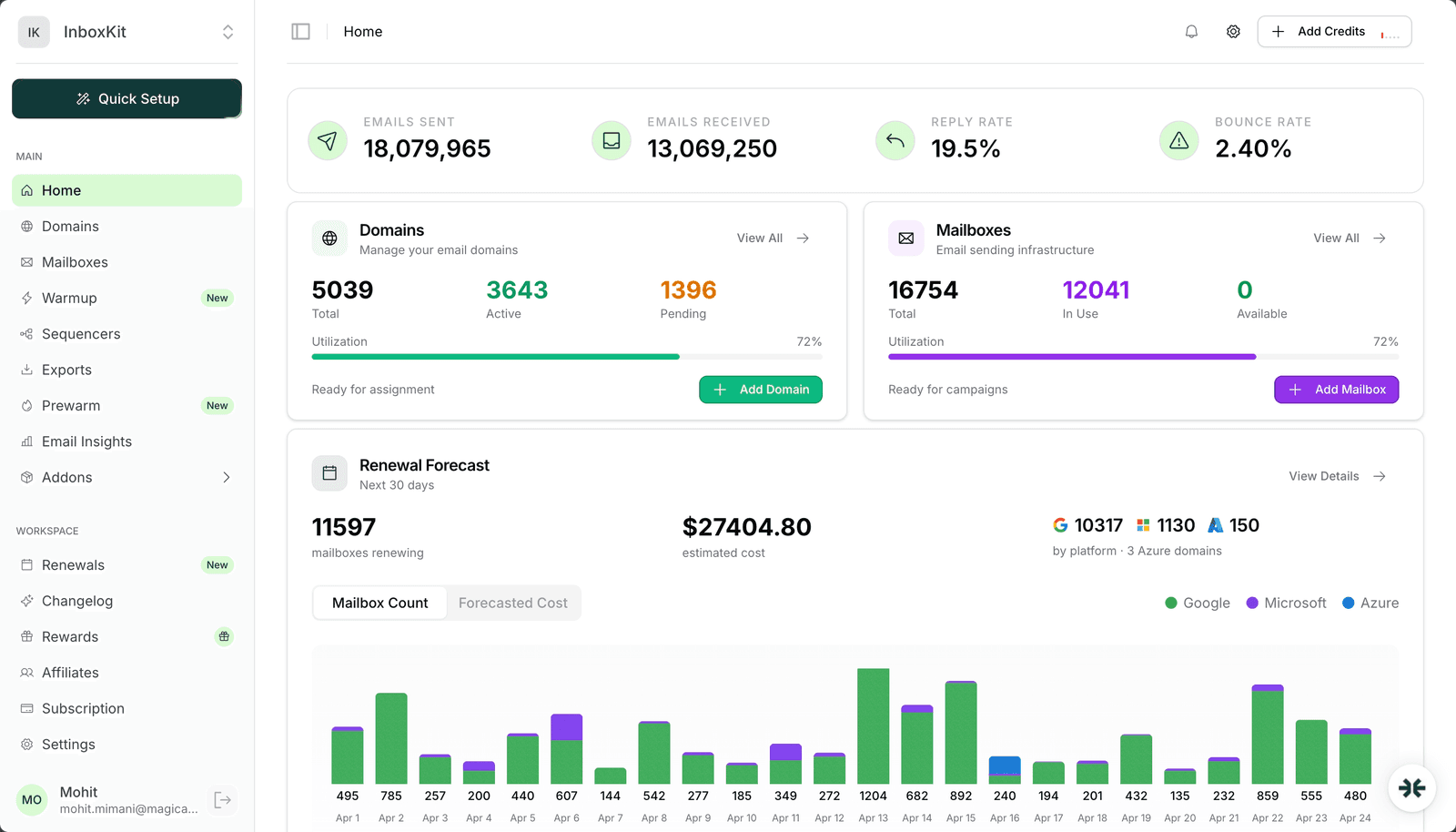
Email infrastructure is the set of domains, mailboxes, DNS records, warmup processes and monitoring that a sender controls in order to get email delivered to the primary inbox. It sits underneath the tool you write and schedule email in. The sequencer decides what gets sent and when; the infrastructure decides whether it arrives.
The distinction matters because inbox placement is decided almost entirely below the sequencer. Gmail and Microsoft score the sending domain, the mailbox's history, the authentication records in DNS, and the reputation of the IP the mail left from. None of those live in the outreach tool. A team that swaps sequencers to fix a spam problem usually finds the problem travels with them, because the infrastructure did.
For a company sending a few dozen emails a day from its main domain, the infrastructure is whatever Google Workspace or Microsoft 365 set up by default. For outreach at any volume, it becomes a deliberate system: secondary domains so the primary is never at risk, several mailboxes per domain so no single one is overworked, records published and verified on every domain, a warmup period before any volume, and checks that run whether or not anyone remembers to look.
Every working setup has the same six parts. The table lists each one, what it does, and what happens when it is missing or wrong.
| Component | What it does | What breaks without it |
|---|---|---|
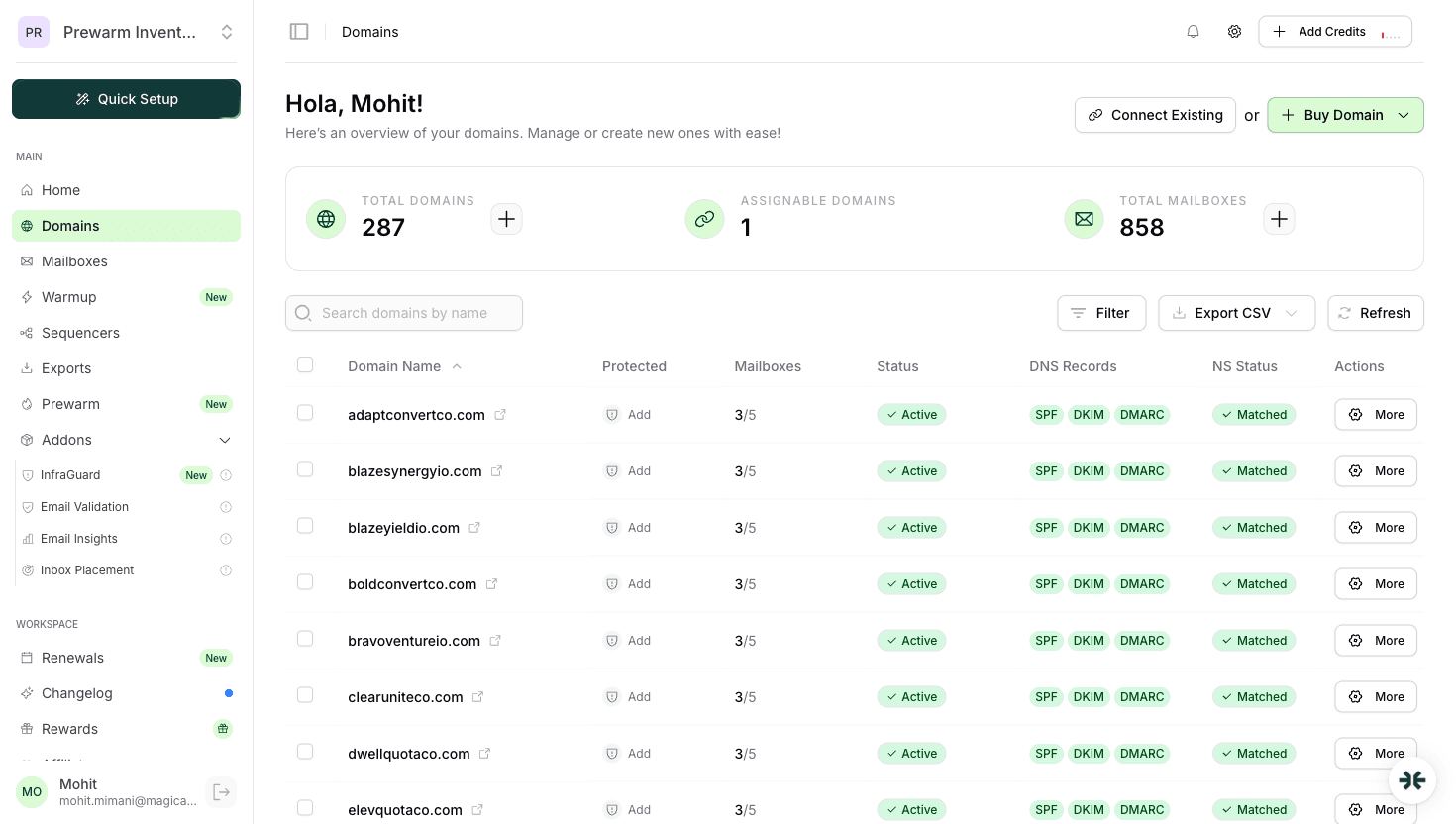
| Sending domains | Secondary domains (yourbrand-mail.com, tryyourbrand.com) that carry outreach so the primary domain's reputation is never exposed | One bad campaign blacklists the domain your invoices and support mail come from |
| Mailboxes | Real Google Workspace, Microsoft 365 or Azure accounts on those domains, usually 2 to 3 per domain, each sending a small daily volume | A single mailbox pushed past 30 to 50 a day trips provider limits and reputation filters |
| DNS authentication | SPF, DKIM and DMARC records that prove the mail is yours, plus MX and a custom tracking domain | Unauthenticated mail is rejected outright by Gmail and Yahoo under the 2024 sender requirements |
| Warmup | Two weeks of gradually rising volume with real replies before outreach starts, then a low ongoing trickle | A new mailbox sending 100 emails on day one looks like a compromised account and lands in spam |
| Monitoring | Scheduled checks on blacklists, DNS integrity, bounce rate and inbox placement, with alerts | A DKIM key rotation or a Spamhaus listing goes unnoticed until reply rates collapse |
| Sequencer connection | The link between mailboxes and the outreach tool, with per-mailbox sending limits and rotation | Mailboxes are used unevenly, limits are exceeded, and one hot mailbox burns the whole domain |
The first three are set up once per domain. Warmup runs once per mailbox and then continuously at low volume. Monitoring never stops. Most deliverability failures trace back to one of these six being skipped or left to decay, which is why the email deliverability checklist walks through them in the same order.
The two layers are often confused because some sequencers now sell mailboxes and some infrastructure providers offer basic sending. The responsibilities stay distinct.
| Email infrastructure | Email platform or sequencer | |
|---|---|---|
| Owns | Domains, mailboxes, DNS, warmup, monitoring | Contacts, sequences, copy, scheduling, replies |
| Decides | Whether mail reaches the inbox | What is sent, to whom, and when |
| Examples | InboxKit, Google Workspace and Microsoft 365 direct, self-hosted SMTP | Instantly, Smartlead, lemlist, SendKit, Woodpecker |
| Scales by | Adding domains and mailboxes | Adding contacts and campaigns |
| Fails as | Spam placement, bounces, blacklistings, suspended accounts | Low reply rates, bad targeting, broken sequences |
A sequencer connects to the infrastructure through the mailbox's SMTP or API credentials. That connection is where per-mailbox daily limits and rotation are configured; the sequencer integration guide covers the settings for each major tool.
This is the order that avoids rework. Each step links to the detailed guide.
Done by hand, steps 1 to 4 take roughly a day per batch of domains, most of it waiting on DNS and provider verification. A managed provider collapses steps 1 to 3 into a purchase and runs 4 and 7 automatically.
Costs scale with mailbox count, not with sending volume, because the safe volume per mailbox is fixed. These are the line items for a 10-domain, 30-mailbox setup, which supports roughly 600 to 900 outreach emails a day.
| Item | Typical cost | Notes |
|---|---|---|
| Domains | $10 to $15 per domain per year | Cheaper TLDs exist, but unusual extensions carry reputation baggage; see best domain extensions for email |
| Mailboxes | $2.50 per mailbox per month on InboxKit for Google Workspace or Microsoft 365; $6 to $7 direct from the providers | Direct pricing also requires you to run DNS, warmup and monitoring yourself |
| Azure mailboxes | $30 per tenant per month | Microsoft tenants provisioned by InboxKit; the cheapest route to Microsoft-side volume |
| Warmup | $3 per mailbox per month as an InboxKit add-on; $15 to $50 per mailbox on standalone warmup tools | Standalone tools use shared pools that mix your mailboxes with unknown senders |
| Monitoring | Included with InboxKit's InfraGuard; $20 to $100 a month on standalone blacklist and DNS monitors | Manual checking is free and almost never sustained |
| Sequencer | $30 to $100 a month, separate | Not infrastructure, but part of the total |
At those prices the 30-mailbox setup runs about $75 a month in mailboxes plus $10 to $15 a month in domains, before warmup and the sequencer. The email infrastructure cost analysis breaks down larger setups, and the mailbox calculator sizes one from your target daily volume.
Both routes end with the same six components. The difference is who runs them.
Building it yourself means buying domains at a registrar, creating Google Workspace or Microsoft 365 tenants, publishing DNS by hand, warming with a standalone tool, and checking blacklists and DNS on a schedule you set. It costs less per mailbox on paper and gives full control. It also fails quietly: the most common outage we see is a DNS record that was right on day one and wrong by month three, and nobody looking.
Managed infrastructure means a provider such as InboxKit provisions the domains and mailboxes, publishes and verifies DNS through Cloudflare, runs the 14-day warmup on an isolated network of its own accounts, and re-checks blacklists, DNS, bounces and placement every six hours. Setup for a new domain takes under a minute instead of a day, and the monitoring runs whether or not anyone remembers.
The decision usually comes down to headcount. A team with someone who owns deliverability full-time can build. A team where deliverability is a side task for the person running campaigns should buy, because the failure mode of building is not higher cost, it is silent decay. Shared vs private email infrastructure covers the other axis of the decision: whether your mailboxes share IPs and reputation with other senders.
Infrastructure health is measured below the campaign metrics. Reply rate depends on the list and the copy; these numbers depend only on the setup.
| Signal | Healthy | Investigate |
|---|---|---|
| Inbox placement (seed test) | 90% or better | Under 80% |
| Hard bounce rate | Under 2% | Over 3% |
| Spam complaint rate | Under 0.1% | Over 0.3% |
| Blacklist listings | None | Any listing on Spamhaus, Barracuda or Spamcop |
| DNS status | SPF, DKIM, DMARC and MX all passing on every domain | Any record missing or failing |
| Google Postmaster domain reputation | High or Medium | Low or Bad |
Check the first five with the free tools: the DNS checker for records, the blacklist checker for listings, and a placement test before every campaign. If any signal is in the investigate column, stop adding volume and work through the deliverability guide from the top.
It is everything between your outreach tool and the recipient's inbox that you control: the domains you send from, the mailboxes on them, the DNS records that prove the mail is yours, the warmup that builds their reputation, and the monitoring that catches problems. The outreach tool decides what to send; the infrastructure decides whether it arrives.
Six: sending domains, mailboxes, DNS authentication (SPF, DKIM, DMARC, MX and a tracking domain), warmup, monitoring, and the connection to the sequencer with per-mailbox limits. Domains, mailboxes and DNS are set up once; warmup runs per mailbox; monitoring runs continuously.
No. Transactional email APIs such as SendGrid, Amazon SES or Postmark send application mail from shared or dedicated IPs with your domain authenticated. Outreach infrastructure uses real Google Workspace, Microsoft 365 or Azure mailboxes, because provider-hosted mailboxes with warmed reputations are what reach the primary inbox for person-to-person mail.
For a 30-mailbox, 10-domain setup: about $75 a month in mailboxes at $2.50 each, $10 to $15 a month in domains, and $3 per mailbox per month for warmup if you add it. Running the same setup directly through Google or Microsoft costs $6 to $7 per mailbox before you account for the time spent on DNS, warmup and monitoring.
Divide your target daily volume by 20 to 30 emails per mailbox, then put 2 to 3 mailboxes on each domain. 600 emails a day is roughly 25 mailboxes on 10 domains. The mailbox calculator does the arithmetic and adds headroom for warmup and rotation.
Domains, mailboxes and DNS take about a day per batch when done by hand, most of it waiting on DNS propagation and provider verification, or under a minute per domain on a managed provider. Warmup then takes 14 days regardless of route, which is the real lead time before the first campaign.
Free tools and pages that go with this guide.
 Guides
 Saksham JainGuides
 Rahul LakhaneyGuidesRahul LakhaneyComparisons
 Mohit Mimani
From $2.50/mailbox/mo. No plans or slots. Automated DNS, warmup, and InfraGuard monitoring included.