
LearnGuides
DMARC Failed in Gmail? Fix Guide (2026)

By Saksham JainPublished on: Apr 11, 2026 · Updated: Oct 8, 2026 · 11 min read · Last reviewed: Oct 2026
TL;DR
Gmail showing dmarc=fail means your SPF or DKIM passed on the wrong domain, an alignment mismatch, not a missing record. Here's how to find which one and fix it.
When you open a Gmail message, click the three dots, and choose Show Original, you see three authentication results at the top. If DMARC shows dmarc=fail, Gmail is not saying you have no DMARC record. It is saying your DMARC record exists but neither SPF nor DKIM passed in alignment with your visible From: domain.
DMARC requires one of two things to be true:
d= tag of the DKIM signature matches the domain in the visible From: header. This is "DKIM identifier alignment."DMARC passes if either one of those is true. It fails only when both are misaligned. So in ~95% of dmarc=fail cases, the underlying record (the TXT record at _dmarc.yourdomain.com) is fine, the problem is that SPF or DKIM is passing on a different domain than the one users see in the From: field.
The fix is not to delete and rewrite your DMARC record. The fix is to make sure one of SPF or DKIM passes on your actual sending domain. The next section shows you how to tell which one is broken.
Open Gmail > your message > three dots > Show Original. Look for this block near the top of the authentication results:
Authentication-Results: mx.google.com;
       dkim=pass header.i=@sendgrid.com
       spf=pass (google.com: domain of bounces+123@sendgrid.net designates ...)
       dmarc=fail (p=NONE sp=NONE dis=NONE) header.from=yourdomain.com
Read it like this:
| Field | What to Read |
|---|---|
| header.from= | Your visible sender domain. This is what DMARC requires alignment against. |
| dkim=pass header.i=@X | X is the DKIM signing domain. If X ≠ header.from, DKIM alignment fails. |
| spf=pass ... domain of ...@Y | Y is the envelope sender domain. If Y ≠ header.from, SPF alignment fails. |
| dmarc=fail | Both DKIM and SPF failed alignment. |
Three typical failure patterns:
| Pattern | DKIM d= | SPF Return-Path | Root Cause |
|---|---|---|---|
| Sequencer relay | @sendgrid.com | bounces@sendgrid.net | Your sequencer (Instantly, Apollo, etc.) sends through a transactional ESP. Both identifiers belong to the ESP, not you. |
| Google Workspace with custom From: | @yourdomain.com | @yourdomain.com | Rare, usually a forwarding chain or SRS rewrite broke alignment mid-transit. |
| Subdomain mismatch | @mail.yourdomain.com | @mail.yourdomain.com | You're sending from a subdomain but your DMARC policy has aspf=s and adkim=s (strict). Relax to relaxed (default). |
Decide your fix based on which you see. Relay mismatches (pattern 1) are 80% of email cases. Subdomain strictness (pattern 3) is 15%. The rest are rare.
DKIM alignment is usually easier to fix than SPF alignment because most sequencers and ESPs support custom DKIM signing on behalf of your domain. The steps:
s1._domainkey.yourdomain.com pointing to the ESP's DKIM infrastructure.header.i=@yourdomain.com instead of the ESP's domain.Critical detail: make sure the DKIM signer your sequencer uses has d=yourdomain.com in the signature. Some ESPs sign with their own domain and yours; DMARC passes as long as one signature aligns. But if the ESP only signs with its own domain (and ignores your CNAME setup), the alignment remains broken. Verify in Show Original: the dkim=pass line must contain header.i=@yourdomain.com or header.d=yourdomain.com. For record syntax reference see dkim-setup-email.
SPF alignment is trickier because the envelope sender (Return-Path:) is set by the sending infrastructure, not by you. For bounces to work, many ESPs set Return-Path to their own domain (e.g., bounces@sendgrid.net) so they can process bounce notifications. That breaks SPF alignment automatically.
Three ways to get SPF aligned:
| Method | Works With | Tradeoff |
|---|---|---|
| Send directly from a real mailbox (Google Workspace, Microsoft 365) | Google Workspace, Microsoft 365, InboxKit | Envelope sender = your domain automatically. No ESP relay. |
| Custom bounce domain on the ESP | Sendgrid, Mailgun, Postmark | You set up bounces.yourdomain.com as a CNAME to the ESP's bounce infrastructure. Return-Path then reads @bounces.yourdomain.com, which is in alignment (relaxed alignment considers subdomain matches valid). |
| Skip SPF alignment entirely | Any setup | Rely on DKIM alignment alone. DMARC passes if either SPF or DKIM aligns, not both. |
Most email setups should use the third option. Get DKIM alignment working (Fix 1) and stop trying to force SPF alignment, the overhead is not worth it if DKIM already aligns. The only reason to fix SPF alignment explicitly is when your DMARC policy is aspf=s (strict) and you can't change it for compliance reasons.
Verify the fix: re-send to seed > Show Original > confirm dmarc=pass. The line should now read: dmarc=pass (p=NONE sp=NONE dis=NONE) header.from=yourdomain.com. See spf-record-setup-email for the full record syntax.
If you send email from a subdomain (e.g., go.yourdomain.com instead of yourdomain.com), strict DMARC alignment can fail even when your setup is otherwise correct. Check your current DMARC record:
dig TXT _dmarc.yourdomain.com +shortLook for two tags: aspf= and adkim=.
| Tag | Values | Effect |
|---|---|---|
| aspf | r (relaxed, default) or s (strict) | Strict requires exact domain match for SPF alignment. Relaxed allows subdomains. |
| adkim | r (relaxed, default) or s (strict) | Strict requires exact domain match for DKIM alignment. Relaxed allows subdomains. |
The default when you omit both tags is r (relaxed), which is correct for email. If your record has aspf=s or adkim=s, that is almost certainly why subdomains are failing alignment. The fix: remove those tags or set them explicitly to r.
Corrected record for subdomain sending:
`
v=DMARC1; p=quarantine; pct=100; aspf=r; adkim=r; rua=mailto:dmarc@yourdomain.com
`
You can also set a different policy for subdomains via sp=:
`
v=DMARC1; p=quarantine; sp=none; pct=100; rua=mailto:dmarc@yourdomain.com
`
This gives the root domain p=quarantine while subdomains run under sp=none, useful during subdomain warmup. Full reference in dmarc-setup-email.
Across ~20 common sequencers, three recurring DMARC alignment traps account for most of the outstanding issues:
| Sequencer | Gotcha | Fix |
|---|---|---|
| Instantly | When using shared IP pool, SPF points to Instantly's domain and DKIM can be unsigned unless you explicitly set up custom tracking domain. | Go to Email Account settings and complete "Custom tracking domain" setup. This also enables DKIM alignment. |
| SmartLead | Custom tracking domain requires both CNAME and TXT records; a missing TXT breaks DKIM alignment silently. | Verify both records exist via dig CNAME track.yourdomain.com and dig TXT track.yourdomain.com. |
| Apollo | Default "Apollo tracking" wraps the From: header with Apollo's domain. | Disable Apollo tracking wrapping in Sequences > Settings > Tracking. |
| Sendgrid (as relay) | Domain authentication uses CNAMEs; if your DNS provider flattens CNAMEs at the apex, authentication breaks. | Use a subdomain like em.yourdomain.com for the authentication records. |
| Gmass | Sends from Gmail directly, but tracking links rewrite through Gmass domain. DKIM is Google's, alignment is fine. | Usually no fix needed; dmarc=fail reports are usually the click tracking domain, not the mail. |
| Self-hosted Postfix | Missing milter for DKIM signing; messages go out unsigned. | Install OpenDKIM, add the milter line to main.cf. |
One more common one: if you forward your email Google Workspace account to another mailbox (e.g., your team's shared inbox), forwarded messages are rewritten by Gmail's forwarding and SPF alignment breaks on the forward. This shows up in DMARC reports as fails from Google IPs, usually safe to ignore because the original delivery still passed. The alignment fail is on the forwarded copy, not the original send.
DMARC reports are the only way to know whether your fix worked at scale. When you include rua=mailto:dmarc@yourdomain.com in your DMARC record, receiving servers (Gmail, Microsoft, Yahoo) send you daily aggregate XML reports listing every sending IP, the SPF/DKIM/DMARC status, and the recipient count.
Raw XML is painful to read. Use one of these report parsers:
| Parser | Type | Cost |
|---|---|---|
| Postmark DMARC | Hosted, free tier | Free for small volume |
| dmarcian | Hosted SaaS | Free tier + paid |
| Valimail | Hosted SaaS | Paid |
| parsedmarc (open source) | Self-hosted | Free |
What to watch in the reports:
Do not panic at small fail counts. Forwarding chains (rule-based forwards in Gmail, mailing list rewrites) break alignment without indicating a real problem. Focus on the sources you control. For a complete monitoring setup see email-deliverability-monitoring-setup.
InboxKit is designed to make DMARC alignment the default state, not a configuration project. Here's how:
| InboxKit Feature | DMARC Effect |
|---|---|
| Real Google Workspace / Microsoft 365 mailboxes | Sends go directly from your domain's authoritative mail server. Envelope sender and DKIM signer are both on your actual domain, automatic alignment. |
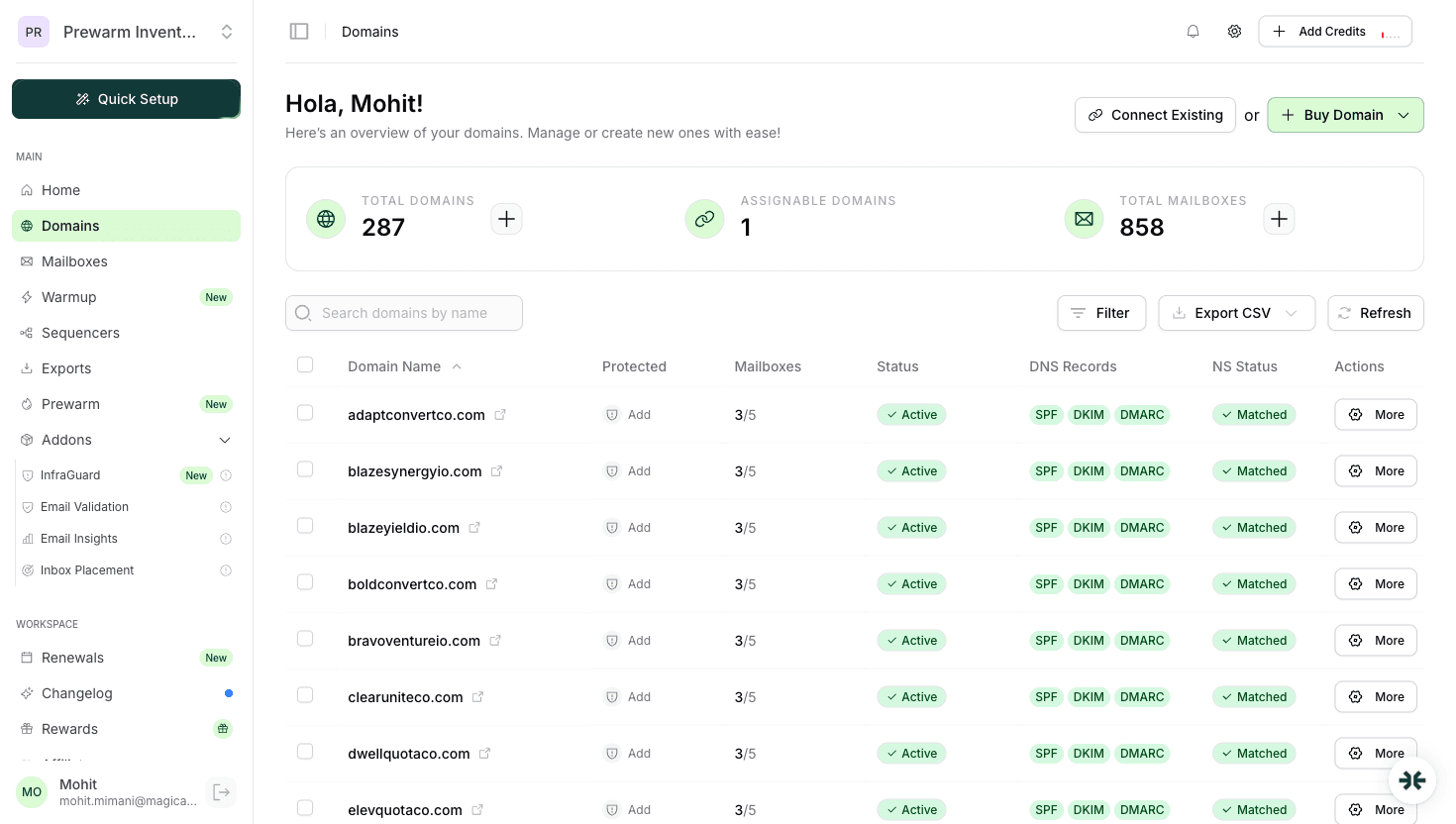
| Cloudflare-automated DNS | SPF, DKIM, DMARC TXT records are created in the correct shape in under 60 seconds per domain. No manual editing means no misalignment from typos. |
| InfraGuard continuous monitoring | Checks DMARC record integrity every 6 hours. If the record is deleted or modified externally, alerts within hours instead of weeks. |
| DNS drift alerts | If you or a teammate accidentally change a record, InfraGuard pauses sending on the affected domain and notifies you, preventing the silent dmarc=fail spiral. |
| Isolated warmup at $3/mailbox/mo | Warmup traffic also sends from your aligned domain, building reputation and DMARC pass history simultaneously. |
InboxKit pricing starts from $2.50/mailbox/mo with no base fee or minimum. Azure tenants are $30/tenant/mo for higher-scale setups. See inboxkit-pricing.
If your current dmarc=fail is caused by sending through an ESP relay (Sendgrid, Mailgun, Apollo), migrating to real Google Workspace or Microsoft 365 mailboxes is usually a cleaner fix than layering custom authentication onto the relay. The math on relay vs real mailbox is in email-infrastructure-setup-guide.
Yes. Without DMARC, receiving servers make their own decisions when SPF or DKIM fails. Also, as of 2024, Google and Yahoo require a DMARC record (even p=none) for any sender pushing more than ~5000 messages/day to Gmail or Yahoo.
Start with p=none during warmup (first 2 weeks). Move to p=quarantine after SPF and DKIM pass consistently. Most emailers stay at p=quarantine permanently, p=reject provides marginal security gain and one typo can cause 100% mail loss.
Gmail forwarding breaks SPF alignment because the forwarding server becomes the envelope sender. The original DKIM signature still passes, so DMARC should still pass via DKIM. If it doesn't, the forwarder may be rewriting the body in a way that invalidates the DKIM signature. Usually safe to ignore in aggregate reports.
It's one of the top three reasons. Gmail explicitly downgrades unaligned senders in its filter. Fix alignment first, then check domain reputation in Postmaster Tools. See [emails-going-to-spam-gmail-fix](/learn/emails-going-to-spam-gmail-fix) for the full diagnostic flow.
No, only one DMARC TXT record at `_dmarc.yourdomain.com`. Multiple records are a hard fail. If you need different policies for subdomains, use the `sp=` tag in the main record instead of creating separate records.
Free tools and pages that go with this guide.
 Guides
 Saksham JainGuidesSaksham JainGuidesSaksham JainGuides
 Rahul LakhaneyGuidesSaksham Jain
From $2.50/mailbox/mo. No plans or slots. Automated DNS, warmup, and InfraGuard monitoring included.