
LearnGuides
Connect InboxKit Mailboxes to Manyreach in Under 4 Minutes

By Mohit MimaniPublished on: Apr 11, 2026 · Updated: Oct 8, 2026 · 7 min read · Last reviewed: Oct 2026
TL;DR
Manyreach charges per email sent instead of per sender, which changes the calculus for how many InboxKit mailboxes you push. Here is the exact connect flow, plus the math on when it beats subscription pricing.
Manyreach connects to InboxKit via standard email + password in the Sequencers Connect screen. Paste your Manyreach login, InboxKit validates against Manyreach's API, and every selected InboxKit mailbox gets provisioned inside Manyreach as a new sender. The full connect takes about 90 seconds.
Manyreach's differentiator is the pricing model: you pay per email sent instead of per sender seat. That inverts the economics of how many InboxKit mailboxes you should push. With seat-based tools (Instantly, Smartlead), you want fewer mailboxes because each seat costs money. With Manyreach, you can push 30-100 mailboxes without added cost, and doing so actually reduces per-mailbox volume, which protects reputation.
Most outreach tools charge per sending seat: $37-$99/month no matter how many emails you send. Manyreach charges per email sent. Here is how the math looks for a typical 10,000-email/month campaign:
| Model | Monthly cost | Per-mailbox load | Reputation risk |
|---|---|---|---|
| Instantly Professional (10 seats) | $37 | 1,000 emails/mailbox/month (~33/day) | Medium |
| Smartlead Basic (limited seats) | $39 | 1,000 emails/mailbox/month (~33/day) | Medium |
| Manyreach pay-per-email (30 InboxKit mailboxes) | ~$100 (usage-based) | 333 emails/mailbox/month (~11/day) | Low |
At 10,000 emails/month spread across 30 mailboxes instead of 10, each mailbox sends 11/day instead of 33/day. That's a 3x reduction in per-mailbox load, which directly translates to lower spam-flag rates and higher inbox placement. See scale email 100 to 10000 for the full volume-vs-reputation math.
The trade-off. At lower volumes, pay-per-email can cost more than a fixed subscription. For 1,000 emails/month, a $39 Instantly plan is usually cheaper than Manyreach's pay-per-email rate. The inflection point is typically around 5,000-10,000 emails/month depending on the exact per-email price Manyreach quotes you.
Gather these first:
| Item | Where | Required |
|---|---|---|
| Manyreach account with funded credit balance | manyreach.com | Yes |
| Manyreach login email | — | Yes |
| Manyreach password | — | Yes |
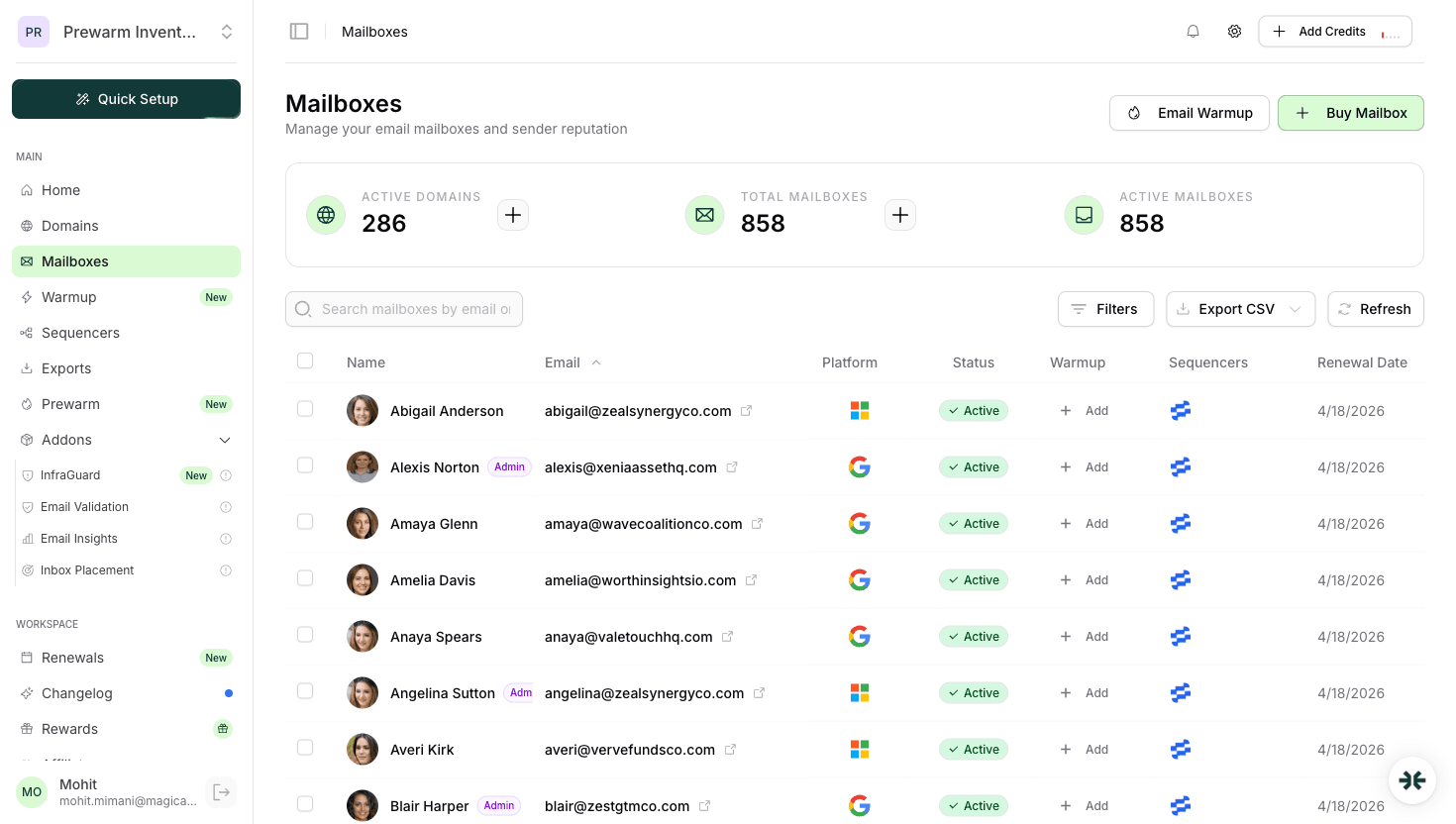
| InboxKit mailboxes provisioned | InboxKit → Mailboxes | Yes |
| IMAP enabled on Google Workspace OU | admin.google.com → Gmail → End User Access | Yes |
| Target send volume per mailbox | Your campaign plan | Recommended |
On Manyreach credit funding. Manyreach requires a prepaid credit balance before it will accept sends. If you connect InboxKit mailboxes but haven't funded the account, the connection itself succeeds but the sender mailboxes show as 'unfunded' inside Manyreach and won't send until you add credits. Fund before you connect.
The full click path:
| Step | Action | Time |
|---|---|---|
| 1 | Inside Manyreach: fund your credit balance (Billing → Add Credits) | 2 min |
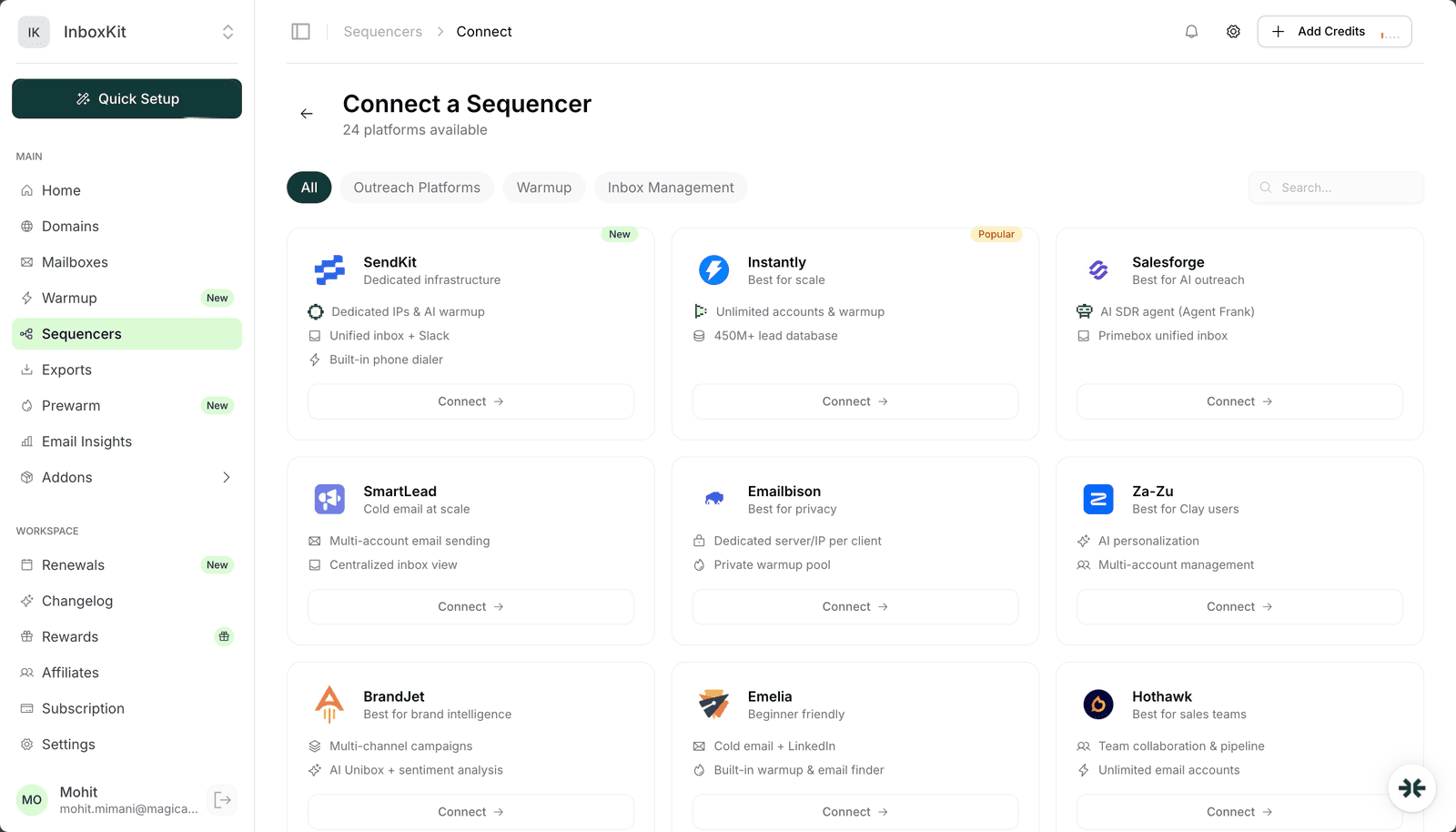
| 2 | InboxKit → Sequencers → Connect New Sequencer | 5 sec |
| 3 | Filter by Outreach and pick Manyreach | 5 sec |
| 4 | Enter Email. Your Manyreach login | 5 sec |
| 5 | Enter Password. Your Manyreach password | 5 sec |
| 6 | Click Connect Account | — |
| 7 | InboxKit validates credentials and pushes every selected mailbox | 20-40 sec |
| 8 | Redirect to /sequencers with success toast | — |
Total: about 3 minutes including funding the Manyreach account.
One thing to know about the Manyreach connect: because there is no sender seat cap, InboxKit lets you push as many mailboxes as you have provisioned. If you are on InboxKit with 100 mailboxes, you can push all 100 into Manyreach in one export and pay only for the actual emails sent. That's the main reason teams running high-volume outreach pair these two.
Because Manyreach has no per-seat cost, you should push as many mailboxes as possible and spread volume thin. Here is the recommended distribution by total monthly send volume:
| Monthly sends | Recommended InboxKit mailbox count | Per-mailbox/day | Mailbox cost |
|---|---|---|---|
| 1,000 | 5 | ~7 | 5 × $2.50 = $12.50/mo (annual) |
| 5,000 | 15 | ~11 | 15 × $2.50 = $37.50/mo (annual) |
| 10,000 | 30 | ~11 | 30 × $2.50 = $75/mo (annual) |
| 25,000 | 60 | ~14 | 60 × $2.50 = $150/mo (annual) |
| 50,000 | 100 | ~17 | 100 × $2.50 = $250/mo (annual) |
The thin-distribution strategy is deliberate: lower per-mailbox volume means Gmail Postmaster sees each mailbox as a moderate sender (not a spammer), and your overall deliverability stays above 90% much longer than if you ran 10 mailboxes at 1,000 each.
Warmup interaction. None of this math works if the mailboxes are not warmed. Run InboxKit warmup add-on ($3/mailbox/month) or a dedicated warmup tool like TrulyInbox or Warmy for the first 14-21 days. Manyreach itself ships unlimited warmup as part of the pay-per-email plan, which is another reason the economics work at volume.
Most outreach tools describe 'unlimited accounts' but then cap you via plan limits or throttle per account. Manyreach's 'unlimited senders' is actually unlimited, here is what is and isn't true:
| Feature | Limit | Notes |
|---|---|---|
| Number of senders you can connect | Unlimited | No cap on InboxKit mailbox count |
| Number of campaigns running simultaneously | Unlimited | Multi-campaign per sender is fine |
| Per-mailbox daily send cap | Enforced by Gmail/Microsoft, not Manyreach | ~40/day practical limit |
| Email send volume | Pay-per-email, buy more credits, send more | Usage-based billing |
| Warmup | Unlimited, included in plan | No per-mailbox warmup charge |
The practical meaning. You can run 50 campaigns across 100 mailboxes without Manyreach charging you extra. You just pay for the emails that actually go out. Combined with InboxKit's per-mailbox pricing from $2.50/mailbox/mo (100 × $2.50 = $250/mo on annual billing), this is one of the cheapest ways to run high-volume outreach in 2026.
The common failure modes for InboxKit → Manyreach connections:
| Error | Cause | Fix |
|---|---|---|
| 'Authentication failed' | Wrong password, or 2FA on Manyreach | Verify login in a clean browser, disable 2FA during connect |
| Mailboxes show 'unfunded' in Manyreach | Manyreach account credit balance = $0 | Fund via Manyreach Billing → Add Credits |
| Some mailboxes missing from Manyreach after export | Rate limit on Manyreach's side during batch import | Export in groups of 20 with 60s between |
| Sends paused despite credits available | Mailbox SMTP session failed | Re-sync from InboxKit → Sequencers → Manyreach → Retry |
| Unexpected cost spike | Campaign volume exceeded planned budget | Set a per-campaign daily cap in Manyreach → Campaign Settings |
On unexpected cost spikes. This is the one thing worth being defensive about. Pay-per-email means a runaway campaign is a runaway bill. Set daily spend caps in Manyreach → Account Settings → Daily Limit (e.g., $20/day) as a hard stop. If the cap is hit, Manyreach pauses all campaigns until you release it, which is exactly what you want if a misconfigured sequence starts blasting.
Three smoke tests before running a high-volume campaign:
Test 1: 10-prospect pilot. Before loading 10,000 prospects, run a 10-prospect test campaign from a single mailbox for 1 day. Check: did Manyreach send all 10 from the InboxKit mailbox? Did DKIM pass on the recipient side? Did any bounce?
Test 2, multi-mailbox rotation. Run a second 10-prospect campaign using a round-robin across 5 mailboxes. Confirm all 5 mailboxes actually sent (2 each). Manyreach should distribute by round-robin, not stack on one mailbox.
Test 3, cost dry run. After the first 20 test sends, check Manyreach → Billing → Usage. Confirm the per-email cost matches what you budgeted. If the rate is higher than expected, you may be on a tier you didn't intend. Fix before you scale.
Test 4, inbox placement test. Run a seed-list inbox placement test through Gmail, Outlook, Yahoo, Hotmail. Target: 9/10+. For a pay-per-email tool, good inbox placement is especially important because every email going to spam is money wasted.
Usually yes. Most pay-per-email rates in 2026 come out to roughly $40-$80 for 5,000 emails, competitive with a seat-based tool at that volume. The advantage grows as you scale: at 25,000+ emails/month, pay-per-email is often 30-50% cheaper than equivalent seat-based plans, and you get better reputation outcomes from thin mailbox distribution.
Yes. Manyreach is SMTP/IMAP-based, so both Google Workspace and Microsoft 365 work. The prereq for Microsoft 365 is Authenticated SMTP enabled at the mailbox level. InboxKit provisions this automatically during mailbox creation.
Pick one. Manyreach's warmup is a shared peer network; InboxKit's is an isolated peer network. Running both on the same mailbox roughly doubles warmup-sent volume and confuses Gmail Postmaster reputation signals. The simpler choice for Manyreach users is to use Manyreach's built-in warmup since it's included in the plan, toggle InboxKit warmup OFF for those mailboxes.
Manyreach uses round-robin distribution by default. If you have 10 mailboxes connected and a campaign of 100 prospects, each mailbox sends to 10 prospects. You can override this per-campaign by pinning a specific mailbox pool, which is how most agencies segment by client.
Manyreach pauses the campaign and notifies you. Messages already sent stay sent; new sends are blocked until you add credits. InboxKit's side is unaffected, the mailboxes stay provisioned and ready to resume the moment credits are added.
Free tools and pages that go with this guide.
 Reviews
 Mohit MimaniGuides
 Saksham JainGuidesSaksham JainGuidesMohit MimaniGuides
 Rahul LakhaneyEducationalRahul Lakhaney
From $2.50/mailbox/mo. No plans or slots. Automated DNS, warmup, and InfraGuard monitoring included.