
LearnGuides
Connect InboxKit Mailboxes to Emelia in Under 4 Minutes

By Mohit MimaniPublished on: Apr 11, 2026 · Updated: Oct 8, 2026 · 7 min read · Last reviewed: Oct 2026
TL;DR
Emelia is the beginner-friendly multichannel tool: email and LinkedIn in one dashboard. InboxKit handles the mailbox side via a standard credential flow. Here is the full setup.
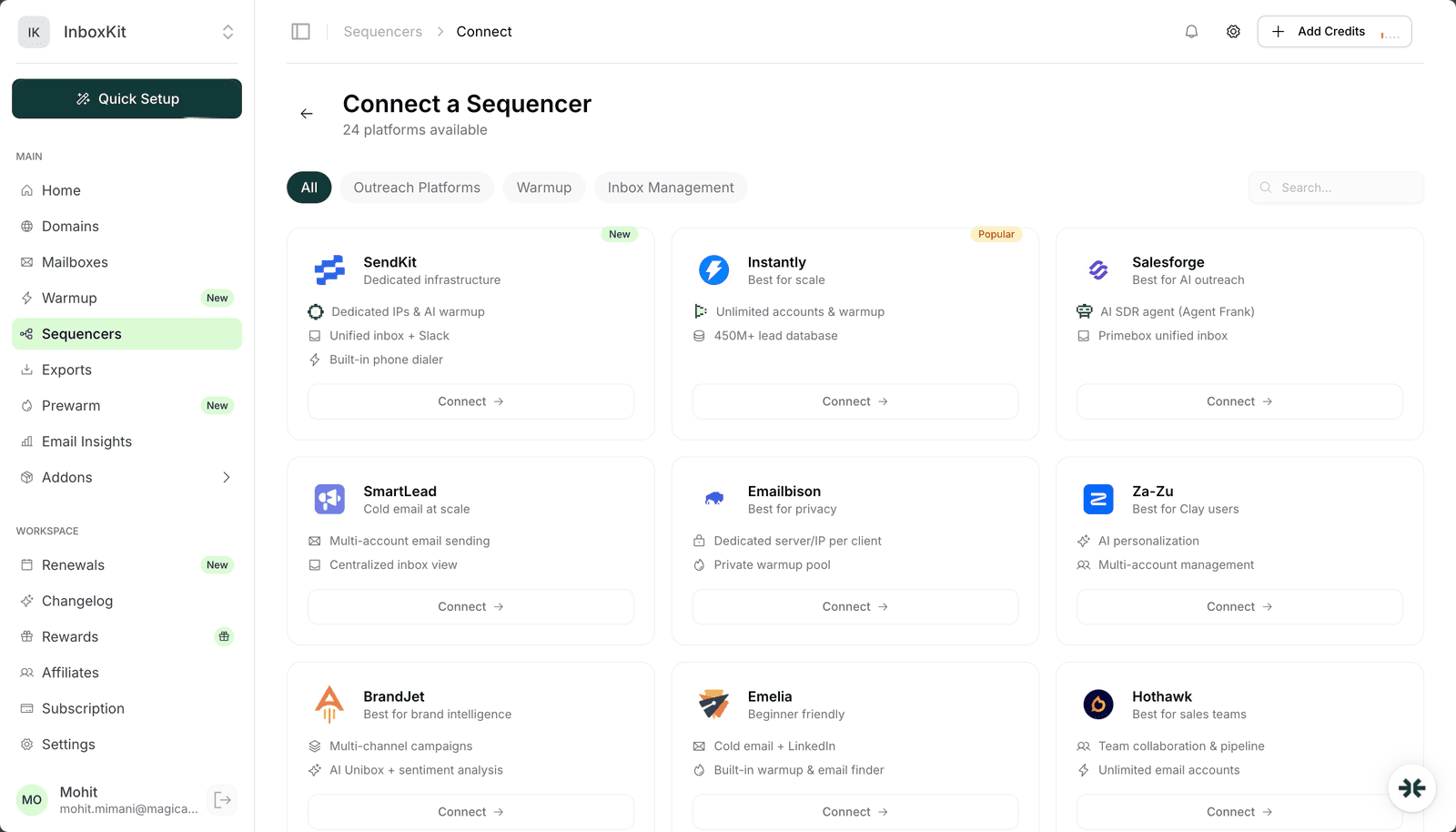
Emelia connects to InboxKit via a standard credential form in the Sequencers Connect screen. You paste your Emelia login email and password, InboxKit validates them against Emelia's API, and every selected InboxKit mailbox gets provisioned inside Emelia as a new sender. The entire connect takes about 90 seconds end to end.
Emelia positions itself as the 'beginner-friendly' option in the outreach category: one dashboard for email plus LinkedIn, a built-in warmup engine, and a unified view of both channels. That design choice matters for InboxKit users because Emelia's LinkedIn side does not touch the InboxKit mailbox at all, it runs from your LinkedIn session. The InboxKit connection only handles the email half of the pipeline.
Gather these before opening the Sequencers Connect screen:
| Item | Where | Required |
|---|---|---|
| Emelia account (any paid plan) | emelia.io | Yes |
| Emelia login email | , | Yes |
| Emelia account password | , | Yes |
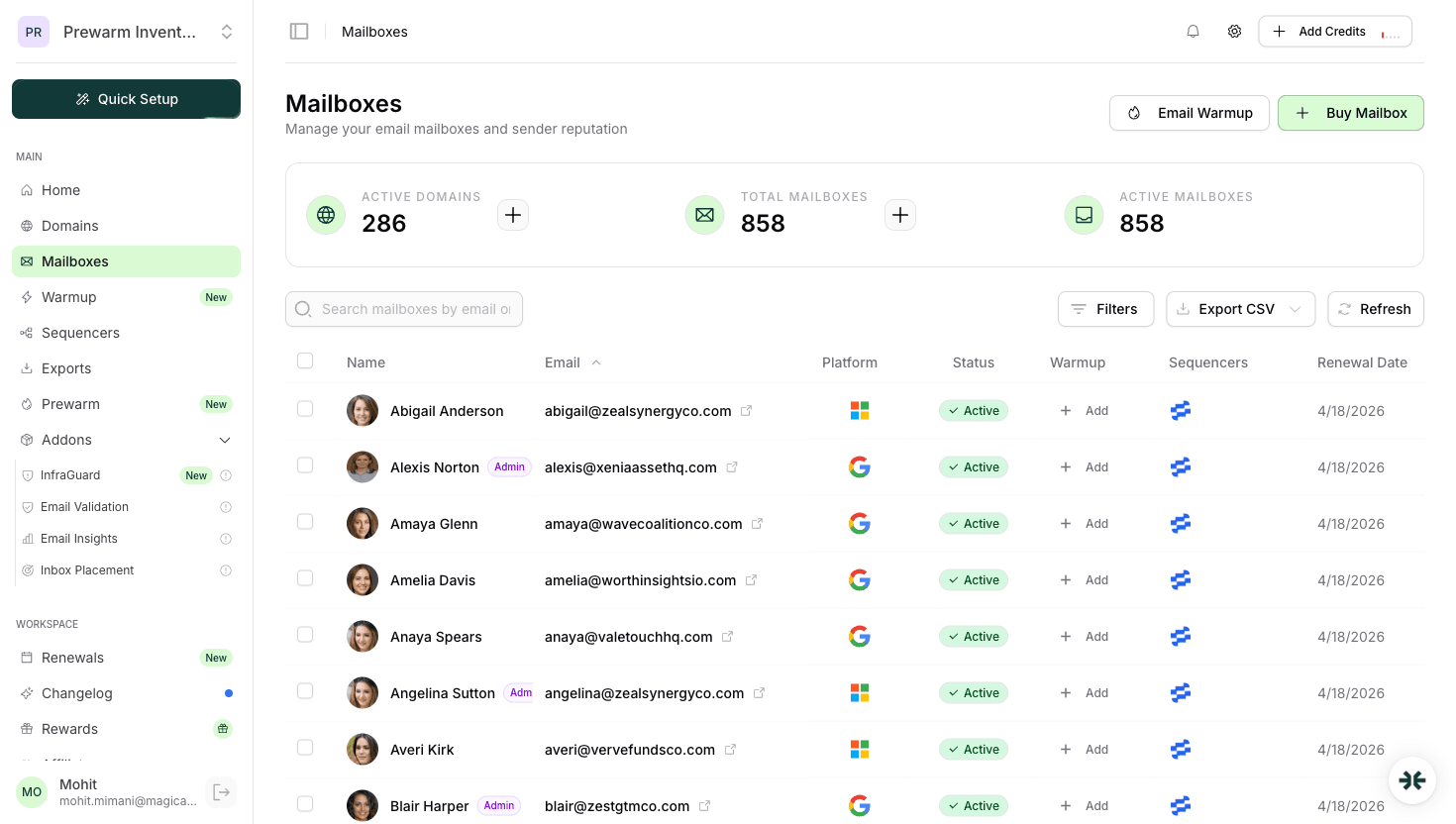
| InboxKit mailboxes provisioned and DNS live | InboxKit → Mailboxes | Yes |
| IMAP enabled on Google Workspace OU | admin.google.com → Gmail → End User Access | Yes (for reply tracking) |
| LinkedIn sales account (if using LinkedIn side) | linkedin.com | Optional |
The beginner note. Emelia's UX is more hand-holdy than Smartlead or Instantly, but the underlying SMTP/IMAP mechanics are identical. The same Google Workspace admin settings that block a Smartlead connection will block an Emelia connection, IMAP at OU level, 2-Step Verification for Gmail app passwords, and Authenticated SMTP for Microsoft 365. Don't let Emelia's friendly wizard fool you into skipping those prereqs. See the email domain setup checklist for the complete admin checklist.
The full click path:
| Step | Action | Time |
|---|---|---|
| 1 | InboxKit → Sequencers → Connect New Sequencer | 5 sec |
| 2 | Filter by Outreach and pick Emelia | 5 sec |
| 3 | Enter Email: your Emelia login | 5 sec |
| 4 | Enter Password: your Emelia password | 5 sec |
| 5 | Click Connect Account | , |
| 6 | InboxKit validates credentials against Emelia's API | 1-3 sec |
| 7 | Selected InboxKit mailboxes pushed to Emelia as senders | 20-40 sec |
| 8 | Redirect to /sequencers with success toast | , |
Total: about 90 seconds.
Emelia uses the standard credential flow: no workspace picker, no API key, no custom validation UI. Validation happens on submit, so you'll know within 2 seconds whether the credentials are correct.
Emelia is one of the few outreach tools that bundles LinkedIn automation into the same dashboard as email. For InboxKit users, it is important to understand that the LinkedIn side of Emelia runs entirely off your LinkedIn session, it has nothing to do with your InboxKit mailboxes.
| Channel | What Emelia handles | What InboxKit provides |
|---|---|---|
| Sequence orchestration, inbox warmup, reply routing | The actual Google Workspace / Microsoft 365 mailbox | |
| LinkedIn messages | Connection requests, follow-ups via your LinkedIn session | , (LinkedIn doesn't use email mailboxes) |
| LinkedIn profile views | Automated profile views | , |
| Multi-channel sequences | Email step → LinkedIn step → email step | Only the email steps touch InboxKit mailboxes |
The practical implication. If you are using Emelia's multichannel sequences, only the email steps hit your InboxKit mailboxes and count against your daily send limits. The LinkedIn steps run from your LinkedIn session and are limited by LinkedIn's own rate limits (~100 connection requests per week, ~80 messages per day).
If email is the priority and LinkedIn is secondary, Emelia is fine. If LinkedIn is the priority, you may want a LinkedIn-first tool instead. For InboxKit users focused mostly on email, Smartlead or Instantly typically deliver more campaign-management power per dollar.
Emelia ships a built-in warmup engine as part of every paid plan. The InboxKit isolated warmup add-on costs an extra $3/mailbox/month. You have to pick one per mailbox.
| Warmup option | Cost | Network | When to pick |
|---|---|---|---|
| Emelia built-in | Included in Emelia plan | Emelia shared pool | If every mailbox lives inside Emelia long-term |
| InboxKit isolated | $3/mailbox/month | Separate peer network | Multi-sequencer setups, or if you move mailboxes |
Emelia's warmup is a shared-pool design, your mailbox's warmup traffic mingles with other Emelia tenants' warmup. That is typical for bundled-warmup outreach tools and is fine for most use cases. InboxKit's isolated warmup is a separate peer network, which gives you cleaner reputation signals but costs $3/month extra.
Do not run both at once. Running two warmup engines on one mailbox roughly doubles warmup-sent volume, confuses reputation signals at Google Postmaster Tools, and can cause a deliverability dip. Toggle one off when the other turns on. For a deeper look at how warmup networks work internally, see email warmup guide.
Set these inside Emelia → Accounts → (select mailbox) → Daily Limit after the import completes:
| Mailbox age | Safe daily send | Emelia daily_limit | Notes |
|---|---|---|---|
| Day 1-14 | 0 | 0 | Warmup only |
| Day 15-30 | 10-20 | 15 | Ramp slowly |
| Day 31-60 | 25-35 | 30 | Full ramp |
| Day 60+ | 40-50 | 40 | Steady state |
Emelia's ramp-up recommendation is slightly more conservative than Instantly's by default, it tends to cap new mailboxes at 10/day for the first two weeks of real sending. You can override this inside Emelia → Campaign Settings, but for deliverability reasons, keep the cap low in the first two weeks even if the tool allows more. See email sending volume limits guide for the math on how ramp-up affects reputation.
The typical failure modes for InboxKit → Emelia connections:
| Error | Cause | Fix |
|---|---|---|
| 'Authentication failed' | Wrong password, or 2FA on Emelia account | Verify login in a clean browser tab; disable 2FA during connect, re-enable after |
| Success but mailboxes missing in Emelia | Sender cap reached on Emelia plan | Upgrade Emelia tier or delete unused senders, then Retry Export |
| 'IMAP handshake failed' on reply fetch | IMAP disabled at Google Workspace OU level | Enable IMAP in admin.google.com → Gmail → End User Access |
| Mailbox shows 'Warming' in Emelia forever | Emelia warmup engine requires 5+ days of history before switching to Active | Wait 5 days; if stuck longer, contact Emelia support |
| LinkedIn step in a sequence fails but email step succeeds | LinkedIn session cookie expired: not an InboxKit issue | Re-authenticate LinkedIn inside Emelia → Integrations |
The LinkedIn failure mode is important to flag because the error can masquerade as an InboxKit connection problem. If the email steps work fine but the LinkedIn step fails, that is entirely on Emelia's LinkedIn integration and has nothing to do with your InboxKit mailboxes. Debug it from Emelia → Integrations → LinkedIn, not InboxKit.
Four checks before launching your first sequence:
Test 1: mailbox test send. In Emelia → Accounts → (select InboxKit mailbox) → Send Test. Confirm delivery in <30 seconds with DKIM passing in headers.
Test 2: reply round-trip. Reply to the test. Within 2 minutes, Emelia's unified inbox should show the reply. If not, IMAP is broken: fix that before anything else.
Test 3: pilot sequence. Run a 10-prospect test sequence from one mailbox for 2 days. Watch for zero bounces, zero complaints, and Emelia's deliverability score ≥85%. If all green, scale the sequence.
Test 4: inbox placement test. Send a seed-list test (Gmail, Outlook, Yahoo, Hotmail). Look for 9/10+. Below 8/10 means the DNS or warmup layer needs more time. See inbox placement testing explained for the diagnostic tree.
Emelia bills by sender count on most plans. Each InboxKit mailbox you push into Emelia counts as one sender seat. Compare InboxKit's per-mailbox pricing (from $2.50/mailbox/mo, so 10 mailboxes is 10 × $2.50 = $25/month on annual billing) against Emelia's sender-seat pricing before you export, and make sure your Emelia tier supports the mailbox count you're planning.
Pick one. Running both at the same time roughly doubles warmup volume and confuses Gmail Postmaster reputation signals. If you are using the InboxKit $3/mailbox/month isolated warmup, turn Emelia's warmup toggle OFF for that mailbox. If you want to use Emelia's warmup instead, turn InboxKit's warmup OFF in InboxKit → Mailboxes → Warmup.
No. Emelia's email side is fully functional without LinkedIn. If you skip the LinkedIn integration, the multichannel sequence types will be hidden but email-only sequences work exactly the same. Many Emelia customers run email-only and ignore the LinkedIn features entirely.
Emelia stores the SMTP session credentials at connection time, so rotating the underlying password invalidates them. The next send from that mailbox will fail with 'Authentication failed' and Emelia will pause the mailbox after 3 failures. Fix: re-connect the mailbox in Emelia, or re-export from InboxKit → Sequencers → Emelia → Retry Export.
Emelia's UX is built for beginners and the built-in warmup reduces the number of decisions you have to make on day one. The trade-off is less power and fewer analytics than Smartlead or Instantly. If you're completely new to email and don't want to think about warmup separately, Emelia is a reasonable starter. Once you scale past ~5 mailboxes, most teams graduate to a tool with more granular controls.
Free tools and pages that go with this guide.
 Reviews
 Mohit MimaniGuides
 Saksham JainGuides
 Rahul LakhaneyGuidesMohit MimaniGuidesMohit MimaniComparisonsRahul Lakhaney
From $2.50/mailbox/mo. No plans or slots. Automated DNS, warmup, and InfraGuard monitoring included.