
LearnGuides
Connect InboxKit Mailboxes to Saleshandy in Under 4 Minutes

By Mohit MimaniPublished on: Apr 11, 2026 · Updated: Oct 8, 2026 · 7 min read · Last reviewed: Oct 2026
TL;DR
Saleshandy bundles an 800M+ B2B database with sender rotation and a unified inbox. InboxKit provides the mailboxes. Here is the exact connect flow, plus how rotation changes volume math.
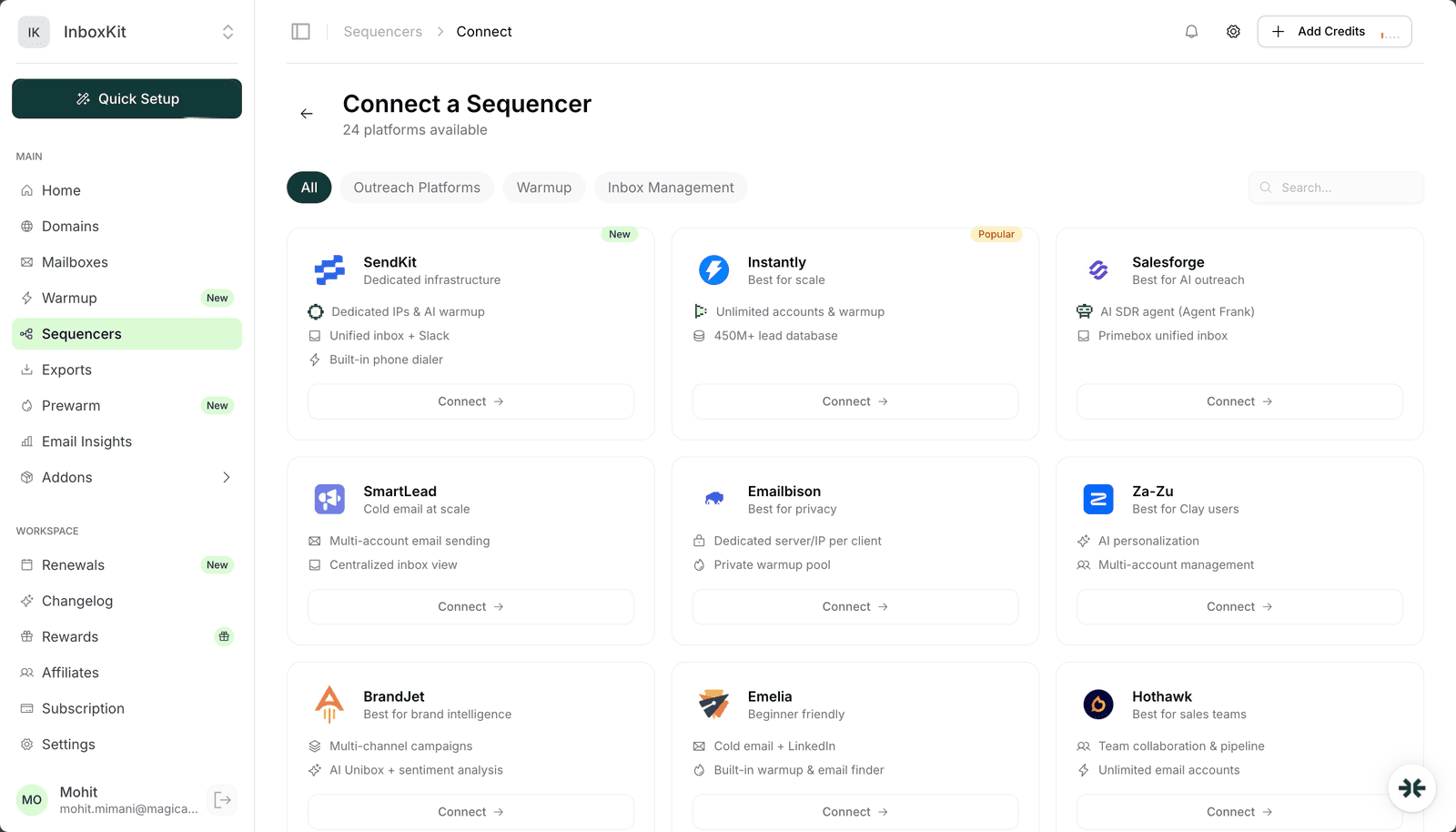
Saleshandy connects to InboxKit via standard email + password in the Sequencers Connect screen. Paste your Saleshandy login, InboxKit validates against their API, and every selected InboxKit mailbox gets provisioned inside Saleshandy as a new sender. The connect takes about 90 seconds.
Saleshandy's differentiators are its built-in 800M+ B2B contact database (you can source prospects directly inside the tool instead of importing from Apollo or ZoomInfo) and its sender rotation logic (Saleshandy automatically splits a campaign across multiple mailboxes to keep each one under reputation thresholds). Both of those work best when paired with real mailboxes, which is where InboxKit comes in.
Saleshandy's sender rotation distributes a campaign's daily send volume across every connected mailbox automatically. You don't manually configure 'mailbox 1 does 10, mailbox 2 does 15', Saleshandy just spreads the load. The practical effect is that you should push more InboxKit mailboxes than you would for tools without rotation.
| Campaign size | No rotation (manual split) | Saleshandy rotation | Mailboxes needed |
|---|---|---|---|
| 1,000 sends/month | 1 mailbox at 33/day | 3 mailboxes at 11/day | 3 |
| 5,000 sends/month | 4 mailboxes at 41/day (risky) | 12 mailboxes at 14/day | 12 |
| 10,000 sends/month | 8 mailboxes at 42/day (risky) | 25 mailboxes at 13/day | 25 |
The thin-distribution approach is what protects reputation. At 13-14/day per mailbox, each sender looks like a moderate-volume professional, not a bulk email machine. Reputation holds steady and deliverability stays high. For the math on how per-mailbox volume maps to reputation, see scale email 100 to 10000.
InboxKit pricing fit. 25 mailboxes are billed from $2.50/mailbox/month ($3.00 monthly). The math is: 25 × $2.50 = $62.50/month for 25 mailboxes on annual billing. Compare that to pushing 8 mailboxes into a tool without rotation and getting worse deliverability. InboxKit's per-mailbox pricing plus Saleshandy rotation is a much better cost-per-reliable-send ratio at volume.
Gather these:
| Item | Where | Required |
|---|---|---|
| Saleshandy account (any paid plan) | saleshandy.com | Yes |
| Saleshandy login email | , | Yes |
| Saleshandy password | , | Yes |
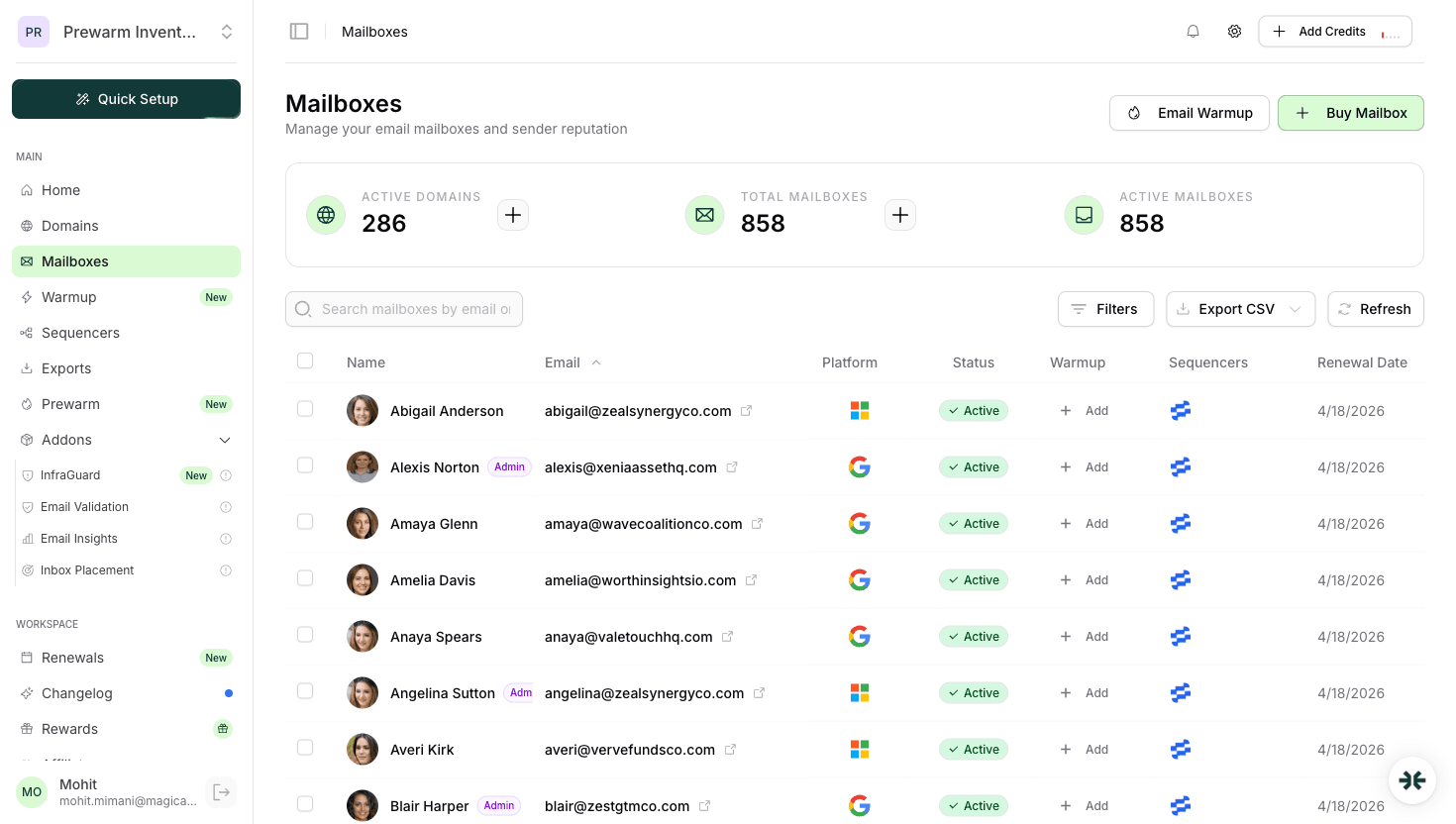
| InboxKit mailboxes provisioned (10+ recommended) | InboxKit → Mailboxes | Yes |
| IMAP enabled on Google Workspace OU | admin.google.com → Gmail → End User Access | Yes |
| Saleshandy plan with B2B database access (optional) | Saleshandy → Billing | Optional: only if using the database |
On the 800M database. Saleshandy's contact database is behind a paid tier of the Saleshandy plan, it's not free with every account. If you're not using the database, you can connect on a lower tier and use Saleshandy purely as a sender + unified inbox. For teams bringing their own prospect data (from Clay, Apollo, LinkedIn Sales Navigator), the basic Saleshandy plan plus the InboxKit mailbox layer is the cheapest configuration.
The full click path:
| Step | Action | Time |
|---|---|---|
| 1 | InboxKit → Sequencers → Connect New Sequencer | 5 sec |
| 2 | Filter by Outreach category and pick Saleshandy | 5 sec |
| 3 | Enter Email: your Saleshandy login | 5 sec |
| 4 | Enter Password: your Saleshandy password | 5 sec |
| 5 | Click Connect Account | , |
| 6 | InboxKit validates credentials via Saleshandy's API | 1-3 sec |
| 7 | Selected InboxKit mailboxes pushed into Saleshandy | 30-60 sec (slightly slower than most because of rotation registration) |
| 8 | Redirect to /sequencers with success toast | , |
Total: about 2 minutes.
The slightly longer export time is because Saleshandy registers each mailbox into its rotation pool during the push, which requires an extra API call per mailbox. For a 10-mailbox export, expect ~40-60 seconds.
Because Saleshandy rotates automatically, you set a total daily volume at the campaign level and Saleshandy figures out the per-mailbox distribution. The ramp-up still matters, though: new mailboxes should stay in warmup-only for days 1-14 and gradually contribute to campaigns after that.
| Mailbox age | Safe per-mailbox send | Campaign total possible (10 mailboxes) |
|---|---|---|
| Day 1-14 | 0 (warmup only) | 0 |
| Day 15-30 | 15 | 150/day |
| Day 31-60 | 30 | 300/day |
| Day 60+ | 40 | 400/day |
Mixed-age pool. If you have some mailboxes at day 30 and others at day 60, Saleshandy applies per-mailbox caps and rotates accordingly. Set the mature mailboxes to 40/day and the new ones to 15/day, and the rotation will naturally skew volume toward the mature mailboxes. This is the right way to scale a campaign: add new mailboxes to the pool, start them at 15/day, let them mature, bump them up after day 30.
Warmup. Saleshandy does not ship built-in warmup: pair with InboxKit isolated warmup at $3/mailbox/month, or a dedicated tool like TrulyInbox or Warmy.io. Do not run two warmup engines on the same mailbox simultaneously.
Saleshandy's unified inbox aggregates replies across every connected InboxKit mailbox. At 25 mailboxes running, you could see 50-200 replies/day depending on response rate. The unified inbox is the tool that makes this manageable.
| Feature | Saleshandy Unified Inbox |
|---|---|
| Reply aggregation | Yes, all mailboxes in one view |
| Auto-classification | Positive / neutral / OOO / bounce / unsub |
| Assignment to team members | Yes (on Agency and up) |
| SLA tracking | Yes |
| Cross-tool aggregation | No, Saleshandy-only |
For a single-sender-tool setup (Saleshandy only), the unified inbox is plenty. If you're running multiple senders (Saleshandy + Instantly + Smartlead), stack Master Inbox on top for cross-tool aggregation.
The failure modes for InboxKit → Saleshandy connections:
| Error | Cause | Fix |
|---|---|---|
| 'Authentication failed' | Wrong password, or 2FA on Saleshandy account | Verify login in a clean browser; disable 2FA during connect |
| Mailboxes in Saleshandy but rotation not active | Campaign not yet configured to use the mailbox pool | Saleshandy → Campaign → Sender Settings → attach the pool |
| Some mailboxes missing after batch export | Sender cap on Saleshandy plan hit | Upgrade Saleshandy or delete unused senders |
| 'IMAP handshake failed' on reply fetch | IMAP disabled at Google Workspace OU | Enable IMAP in admin.google.com → Gmail → End User Access |
| Rotation fires but some mailboxes never used | Saleshandy per-account throttle detected new mailbox as risky | Wait 7 days, Saleshandy's throttle auto-releases as reputation improves |
On the rotation throttle. This is worth flagging because it looks like the rotation is broken when it's actually working correctly. Saleshandy tracks per-mailbox reputation internally and throttles mailboxes it thinks are at risk. For new mailboxes, Saleshandy may skip them in rotation for the first 3-7 days even if they're technically available. The fix is patience: let warmup finish, let Saleshandy observe a week of healthy sending, and the throttle auto-releases.
Five checks before scaling a campaign:
Test 1: all mailboxes appear in Saleshandy. Log into Saleshandy and open Email Accounts. Confirm every InboxKit mailbox you exported is listed with status 'Active'.
Test 2: rotation is firing. Run a 100-prospect test campaign. After Saleshandy sends the first 50, check which mailboxes actually sent. You want to see ~5 per mailbox across 10 mailboxes, not 50 from one mailbox. If it's lopsided, rotation is either disabled or throttled.
Test 3: reply round-trip into unified inbox. Reply to one of the test sends. Within 2 minutes, the reply should appear in Saleshandy's unified inbox with an auto-classification. If it doesn't, IMAP is broken.
Test 4: inbox placement. Run a seed-list test across Gmail, Outlook, Yahoo, Hotmail. Target 9/10+. Saleshandy's thin-rotation approach should land you consistently above 9/10 for any properly warmed mailbox pool.
Test 5: sender reputation after 7 days. After a week of real campaign sends, check Google Postmaster Tools for your sending domain. You want 'High' or 'Medium' reputation. If it's declining, something is wrong: usually warmup or DNS, not Saleshandy itself.
Yes, but the advantage shrinks. Sender rotation's whole point is thin distribution, and at 2-3 mailboxes you're already near the per-mailbox ceiling. Rotation really kicks in at 10+ mailboxes, which is why we recommend around 30 InboxKit mailboxes (30 × $2.50 = $75/mo on annual billing) when pairing with Saleshandy. For small-scale outreach with 1-3 mailboxes, [Instantly](/learn/inboxkit-instantly-integration) or [Smartlead](/learn/inboxkit-smartlead-integration) are simpler fits.
Saleshandy supports CSV upload, so you can bring data from Clay, Apollo, LinkedIn Sales Navigator, or anywhere else. The built-in 800M database is an add-on for teams that want to skip the enrichment step and source prospects inside Saleshandy directly. Many users bring external enriched data and skip the database.
Saleshandy's unified inbox is scoped to Saleshandy-only, it aggregates replies from Saleshandy campaigns and nothing else. [Hothawk](/learn/inboxkit-hothawk-integration) and [Master Inbox](/learn/inboxkit-masterinbox-integration) aggregate across multiple tools. If you're running Saleshandy as your only outreach tool, the built-in unified inbox is enough. If you're running multiple tools, add a cross-tool aggregator on top.
Yes. Saleshandy → Campaign Settings → Sender Strategy → Manual. This disables rotation and lets you pick which mailbox handles each prospect. Most teams use rotation as the default and only override for specific VIP prospects where they want a specific sender's relationship history.
Saleshandy will start getting SMTP auth failures on sends routed to the deleted mailbox and pause it after 3 consecutive failures. Rotation automatically excludes paused mailboxes, so the campaign keeps running on the remaining pool. Clean up the Saleshandy sender list manually once a quarter to remove stale references.
Free tools and pages that go with this guide.
 Reviews
 Mohit MimaniGuides
 Saksham JainGuidesSaksham JainGuidesMohit MimaniGuidesMohit MimaniGuides
 Rahul Lakhaney
From $2.50/mailbox/mo. No plans or slots. Automated DNS, warmup, and InfraGuard monitoring included.