
LearnGuides
Connect InboxKit Mailboxes to BrandJet in 90 Seconds

By Mohit MimaniPublished on: Apr 11, 2026 · 7 min read · Last reviewed: Apr 2026
TL;DR
BrandJet is one of only three sequencers in InboxKit that skips email + password entirely and uses an API-key-only validation flow. Here is the exact connect sequence, plus how the AI Unibox routes your replies.
BrandJet is one of only three sequencers in the entire InboxKit catalog that uses API-key-only authentication, the other two are SendKit and Supersend. Everything else uses email + password. That matters because the connect screen for BrandJet looks different: a single API Key field, no email, no password, and a debounced validation that calls BrandJet's verify endpoint after 800 milliseconds of typing idle.
You paste the key, InboxKit validates it, and a green badge appears showing your BrandJet account name and email. Click Connect Account and every selected InboxKit mailbox flows into BrandJet as a new sender. Total time: about 90 seconds. This is the integration to pick if you are running brand-intelligence outreach and want AI Unibox sentiment tracking on every reply.
When you paste a BrandJet API key into the InboxKit Connect screen, the flow is:
| Phase | What happens | Time |
|---|---|---|
| 1 | User pastes the API key into the single API Key field | 0s |
| 2 | InboxKit waits 800ms for keystroke idle (debounce) | 0.8s |
| 3 | InboxKit POSTs {platform: 'brandjet', api_key} to its own verify endpoint | , |
| 4 | Verify endpoint calls BrandJet's API to confirm the key and fetch account info | 100-500ms |
| 5 | On success, InboxKit shows a green card with brandjetAccountInfo: account name, email | 1-2s |
| 6 | On failure, a toast appears: 'Invalid API Key' | 1-2s |
| 7 | The Connect Account button stays disabled until the key is validated | , |
The reason for the debounce is UX: pasting a long key character-by-character would trigger dozens of validation calls without it. The 800ms wait means BrandJet's API gets exactly one verify call per paste operation, even if you type the key instead of pasting it.
What the green card shows you. After a successful validation, the connect screen renders Connected as {account.email} plus a small card with the account's full name and email address. This is your confirmation that you are about to push mailboxes into the correct BrandJet account. If the name on the card does not match who you think you are connecting to, stop and check, you may have pasted a key for a different BrandJet account.
Gather these items before opening the InboxKit Sequencers Connect screen:
| Item | Where | Required |
|---|---|---|
| BrandJet account | brandjet.ai | Yes |
| BrandJet API key | BrandJet → Settings → API Keys → Generate new key | Yes |
| At least one InboxKit mailbox | InboxKit → Mailboxes | Yes |
| Domain DNS (SPF, DKIM, DMARC, MX) live | InboxKit auto-configures via Cloudflare in under 60 seconds | Yes |
| Sentiment tracking enabled on your BrandJet plan | BrandJet → Plan features | No: degrades to basic Unibox if disabled |
On finding the BrandJet API key. API keys live in Settings → API Keys inside BrandJet. Generate a new key rather than reusing one you already shared with another tool, that way revoking it later doesn't break other integrations. Keys are long (usually 40+ characters) and prefixed with something like bj_ so you can tell them apart from other sequencer keys. For a comparative look at how email tools authenticate, see email sequencer integration guide.
The full click path from InboxKit dashboard:
| Step | Action | Time |
|---|---|---|
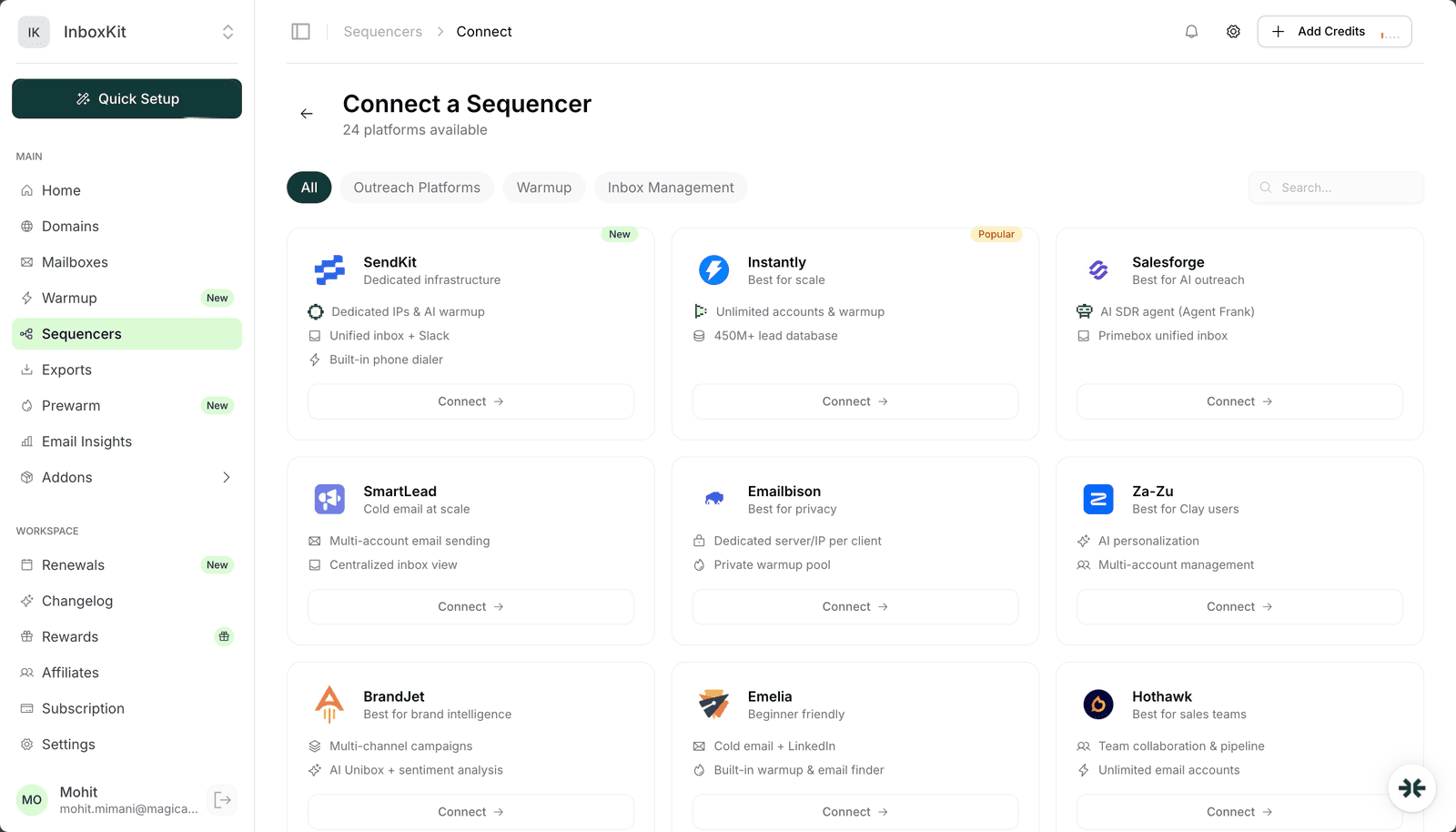
| 1 | InboxKit → Sequencers → Connect New Sequencer | 5 sec |
| 2 | Filter by Outreach and pick BrandJet | 5 sec |
| 3 | Paste the BrandJet API key into the single API Key field | 5 sec |
| 4 | Wait for the debounced validation (800ms): green badge appears with Connected as {email} | 1-2 sec |
| 5 | Review the account card: confirm name and email match the BrandJet account you expect | 5 sec |
| 6 | Click Connect Account | , |
| 7 | InboxKit pushes every selected InboxKit mailbox into BrandJet as a new sender | 20-40 sec |
| 8 | Redirect to /sequencers with success toast | , |
Total: about 90 seconds.
Note that the Connect Account button stays disabled until the API key is validated, you cannot bypass the check. If you see the button disabled and the green card not showing, the validation is still pending or the key is invalid. Wait 2 seconds, then check for the red 'Invalid API Key' badge.
AI Unibox is BrandJet's differentiator. Every reply to a mailbox connected via the InboxKit integration lands inside Unibox, and BrandJet classifies each reply automatically:
| Classification | What it means | Typical reply |
|---|---|---|
| Positive | Interested, asks for a meeting | 'Sure, Tuesday at 2pm works' |
| Neutral | Acknowledges, no commitment yet | 'Send me more info' |
| Objection | Disputes pricing, timing, fit | 'We just signed a 12-month contract with X' |
| Out-of-office | Auto-reply | 'I'm out until Friday' |
| Unsubscribe | Opt-out request | 'Please remove me' |
| Bounce | SMTP failure | Postmaster auto-reply |
BrandJet's AI triages these so you can focus on the positives and objections, not the out-of-offices. This is similar to what ReachInbox's Onebox does for AI classification, but BrandJet layers in brand-sentiment on top, it tracks whether the brand-mention sentiment across all your outreach is trending positive or negative over time. For high-volume outreach where you cannot hand-read every reply, this is the main reason to pick BrandJet over a standard unified-inbox tool.
How it works with InboxKit. InboxKit does not touch the reply classification, that is 100% on the BrandJet side. InboxKit's job ends when the mailbox is successfully provisioned in BrandJet. From there, BrandJet pulls replies via IMAP (standard flow) and runs them through its classifier.
Set these inside BrandJet once the import completes:
| Mailbox age | Daily send | BrandJet daily_limit | Notes |
|---|---|---|---|
| Day 1-14 | 0 | 0 | Warmup only: pause the sender in BrandJet |
| Day 15-30 | 15-20 | 15 | Early sends |
| Day 31-60 | 25-40 | 30 | Full ramp |
| Day 60+ | 40-50 | 40 | Steady state |
BrandJet does not ship a first-party warmup product, so pair it with either the InboxKit isolated warmup add-on ($3/mailbox/month) or a dedicated warmup tool like TrulyInbox or Warmy. Pick one: running two warmup engines on the same mailbox generates inconsistent signals at Gmail Postmaster. For a side-by-side of the major warmup options, see the email warmup tools comparison.
The specific error badges InboxKit will surface during a BrandJet connect, and what to do:
| Error | Cause | Fix |
|---|---|---|
| 'Invalid API Key' (red badge) | Typo in the pasted key, or key was revoked | Regenerate key in BrandJet → Settings → API Keys and paste the new value |
| 'Enter your API key to validate' stays indefinitely | Key field is empty or whitespace only | Paste the key again, watch for the debounce to fire (~1s) |
| 'Validating API Key...' never resolves | Network issue between InboxKit and BrandJet | Check internet connection; retry in 30 seconds |
| Connect Account button stays disabled after green badge | Should not happen: indicates a UI state mismatch | Refresh the page and re-paste the key |
| Mailboxes export but BrandJet shows zero new senders | BrandJet plan hit sender cap | Upgrade BrandJet plan or delete unused senders |
On API key rotation. BrandJet API keys do not expire automatically, but you should rotate them every 6 months as security hygiene. When you rotate, the existing InboxKit connection will keep syncing until the next export attempt, then fail with 'Invalid API Key'. Fix: edit the connection in InboxKit → Sequencers → BrandJet → paste the new key. The existing mailboxes inside BrandJet are not affected.
Four smoke tests:
Test 1: account card matches expectations. Before clicking Connect Account, confirm the BrandJet account name and email on the green card match who you think you're connecting to. If they don't match, stop.
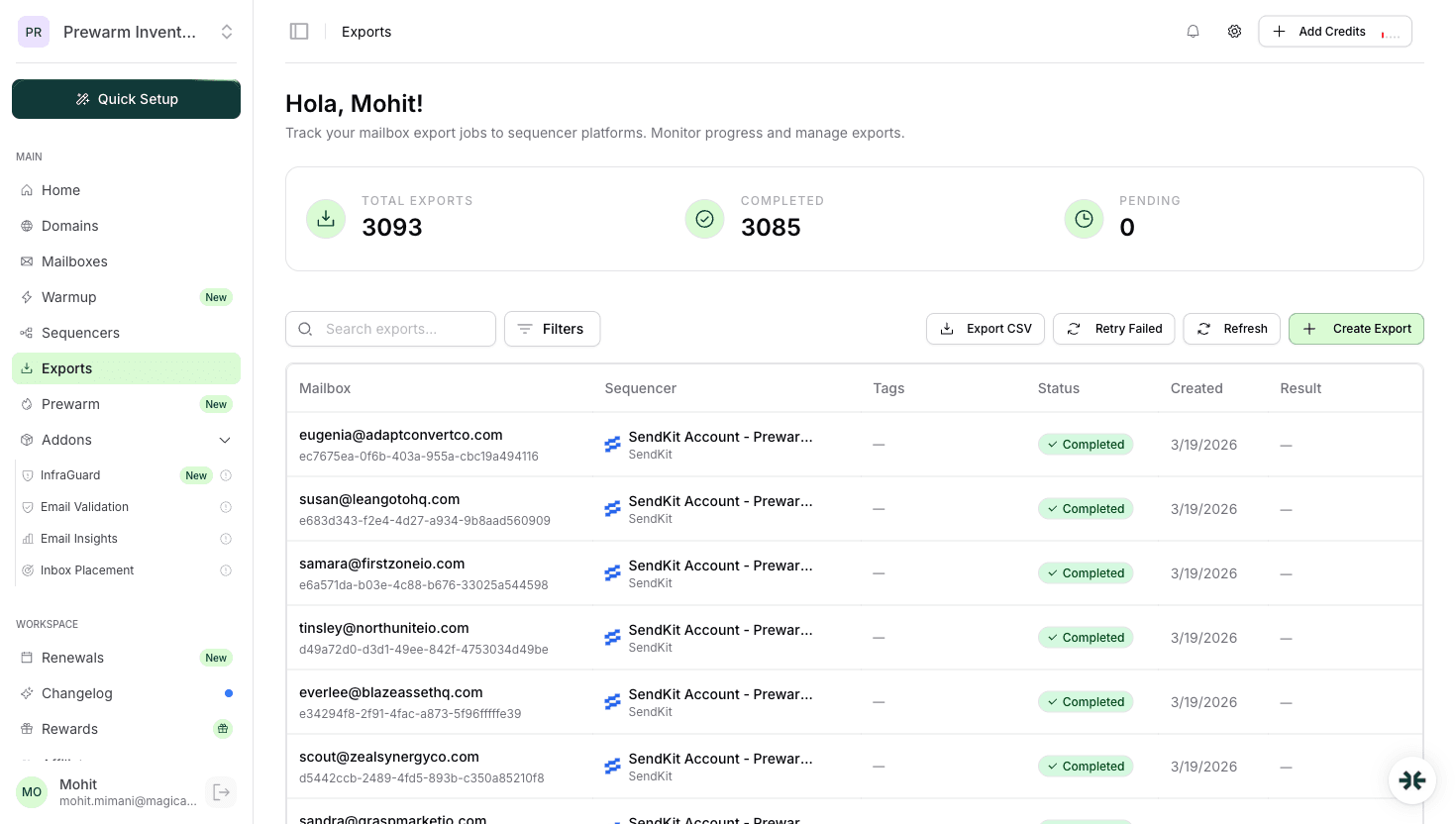
Test 2: mailbox appears in BrandJet. After the connect completes, log into BrandJet and open Senders. Confirm every InboxKit mailbox you selected is listed. If one is missing, the export hit BrandJet's per-call rate limit: retry that mailbox alone from InboxKit → Exports → Retry.
Test 3: send test. From BrandJet, send a test email to your own address. Confirm delivery in <30 seconds with DKIM passing in headers.
Test 4: reply triage. Reply to the test with 'yes I'm interested'. Within 2 minutes, BrandJet's AI Unibox should classify it as 'Positive'. If the classification is missing, the sentiment feature may be gated behind your BrandJet plan tier. Check BrandJet → Plan Features.
Yes, as long as all those workspaces should push mailboxes into the same BrandJet account. If you have multiple BrandJet accounts (e.g. one per client), generate a separate API key per account and paste each into its matching InboxKit connection. Keys are account-scoped, not workspace-scoped.
Depends on the BrandJet plan tier. Basic plans get binary classification (positive/negative). Higher tiers get the full multi-class Unibox (positive / neutral / objection / OOO / unsub / bounce). Check BrandJet → Plan Features to confirm your tier includes the full classification. If not, replies still flow into Unibox, they just appear as 'Unclassified' until you manually tag.
The next time InboxKit tries to sync a new mailbox, validation will fail with 'Invalid API Key' and the InboxKit Sequencers page flags the connection as needing attention. Existing mailboxes already pushed to BrandJet continue to function because BrandJet handles sending via stored SMTP credentials, not the API key. But you lose the ability to add new mailboxes until you rotate the key.
Yes. Any tags you set on the InboxKit side are included in the export payload and arrive at BrandJet as sender-level metadata. You can filter BrandJet campaigns by InboxKit tag, which is handy for agencies running multiple client pools from a single BrandJet account.
BrandJet's big wedge is AI Unibox sentiment analysis at scale, the more replies you process, the more value the classifier adds. At 100 emails/day you might only see 5-10 replies, which you can easily hand-triage. BrandJet is typically more cost-effective above 500 emails/day. For smaller volume, [Instantly](/learn/inboxkit-instantly-integration) or [Lemlist](/learn/inboxkit-lemlist-integration) may be a simpler fit.
 Reviews
 Mohit MimaniGuides
 Saksham JainGuidesMohit MimaniGuidesMohit MimaniComparisons
 Rahul LakhaneyGuidesSaksham Jain
From $2.50/mailbox/mo. No plans or slots. Automated DNS, warmup, and InfraGuard monitoring included.