
LearnGuides
Connect InboxKit Mailboxes to Hothawk in Under 4 Minutes

By Mohit MimaniPublished on: Apr 11, 2026 · Updated: Oct 8, 2026 · 7 min read · Last reviewed: Oct 2026
TL;DR
Hothawk sits in the 'inbox management' category, it's where sales teams collaborate on replies and run pipeline. InboxKit plugs in via a standard credential flow. Here is the exact setup.
Hothawk connects via standard email + password in the InboxKit Sequencers Connect screen. You paste your Hothawk login, InboxKit validates against Hothawk's API, and every selected InboxKit mailbox gets provisioned inside Hothawk as a shared team inbox. The entire connect takes about 90 seconds.
Hothawk is the only outreach-adjacent tool in the InboxKit catalog that lives in the Inbox Management category (alongside Master Inbox), not the Outreach category. That distinction matters: Hothawk is not an email sender. It is a shared inbox and pipeline tool for sales teams to collaborate on replies from email sequences they're already running elsewhere. You still need a sender like Instantly or Smartlead to actually send the first touches. Hothawk handles the reply side.
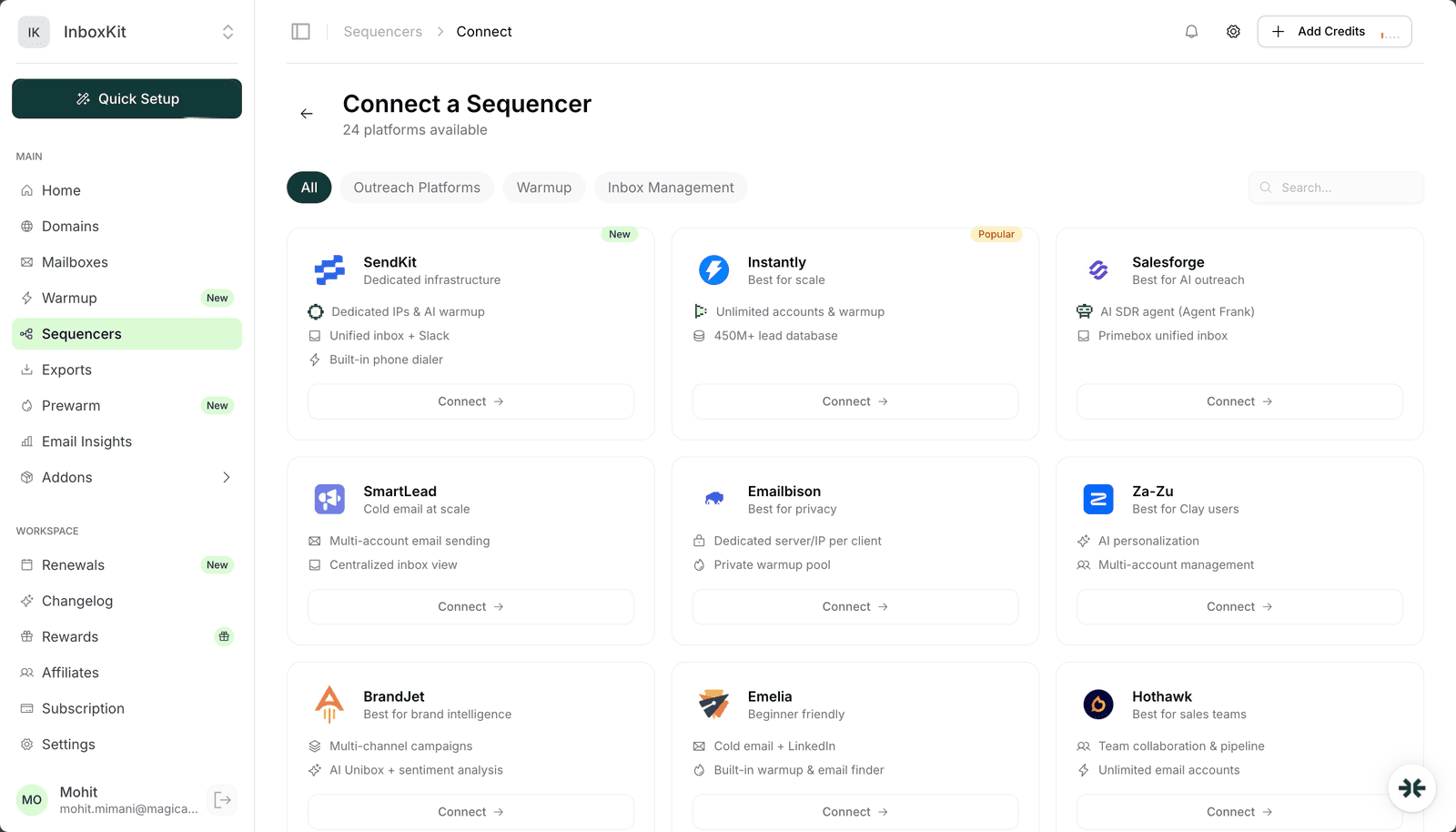
The InboxKit Sequencers Connect screen groups platforms by category: Outreach, Warmup, and Inbox Management. Hothawk sits in Inbox Management because its entire value prop is on the reply side of the funnel, not the send side.
| Layer | What Hothawk does | What Hothawk does NOT do |
|---|---|---|
| Reply assignment | Auto-assign replies to a sales rep | Generate first touches |
| Pipeline tracking | Kanban view of deals at each stage | Warmup |
| Team collaboration | Notes, mentions, shared views | SMTP sending |
| SLA tracking | First-response-time metrics per rep | Sequence orchestration |
| Unlimited accounts | No per-seat limit on connected mailboxes | Import prospects |
What this means for your stack: run Instantly or Smartlead as the sender, run Hothawk as the shared inbox and pipeline layer, and use InboxKit to provision the real mailboxes underneath both. When a prospect replies, the reply lands in Gmail / Outlook as normal, Hothawk pulls it via IMAP, auto-assigns it to the right rep, and tracks it through the pipeline. Your senders on the email tool side (Instantly / Smartlead) still see the reply in their own Unibox, but the team-management layer is handled by Hothawk.
Have these ready:
| Item | Where | Required |
|---|---|---|
| Hothawk account with team workspace | hothawk.ai | Yes |
| Hothawk login email | — | Yes |
| Hothawk account password | — | Yes |
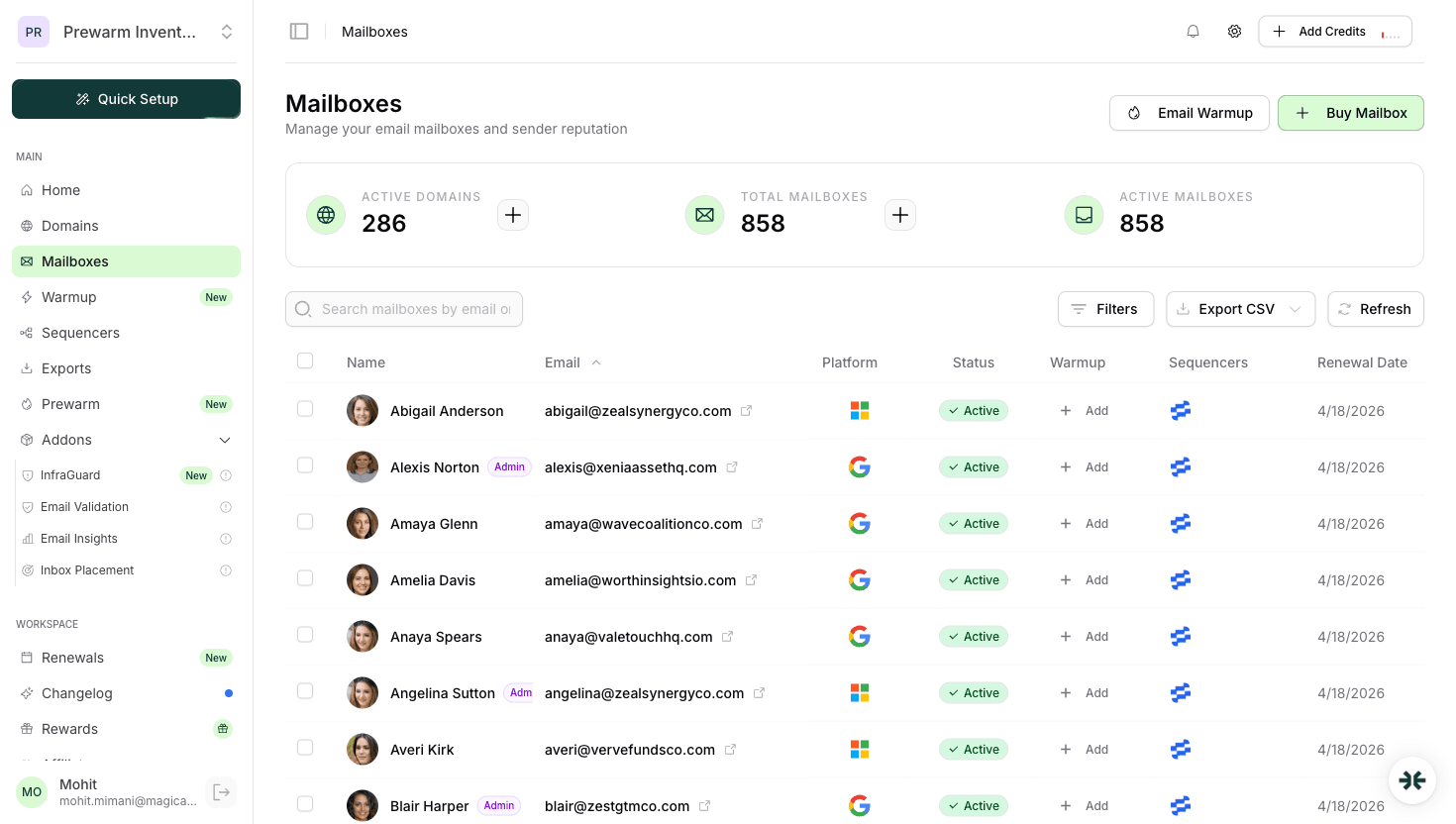
| InboxKit mailboxes provisioned | InboxKit → Mailboxes | Yes |
| IMAP enabled on Google Workspace OU | admin.google.com → Gmail → End User Access | Yes (Hothawk pulls replies via IMAP) |
| Team members invited to Hothawk | Hothawk → Team → Invite | Recommended, otherwise assignments have nowhere to go |
IMAP is non-negotiable. Hothawk's entire model is reading replies from connected mailboxes, classifying them, and assigning them to reps. It does this via IMAP. If IMAP is disabled for the Google Workspace OU containing your InboxKit mailboxes, Hothawk will show the mailbox as 'connected' but pull zero replies, a state that looks like the tool is broken but is actually a one-line admin fix. See the email domain setup checklist for the full list of Google Workspace admin settings that email tools require.
The full click path:
| Step | Action | Time |
|---|---|---|
| 1 | InboxKit → Sequencers → Connect New Sequencer | 5 sec |
| 2 | Filter by Inbox Management and pick Hothawk | 5 sec |
| 3 | Enter Email. Your Hothawk login | 5 sec |
| 4 | Enter Password. Your Hothawk password | 5 sec |
| 5 | Click Connect Account | — |
| 6 | InboxKit validates credentials against Hothawk's API | 1-3 sec |
| 7 | Selected InboxKit mailboxes pushed into Hothawk team workspace | 20-40 sec |
| 8 | Redirect to /sequencers with success toast | — |
Total: about 90 seconds.
Hothawk uses the standard credential form, no workspace picker, no API key. Validation is synchronous on submit. If you have a multi-workspace Hothawk setup and your login is associated with multiple workspaces, Hothawk defaults to your current active workspace, switch inside Hothawk before running the export if you need to target a specific one.
Once the connect is live, here is what happens to a reply sent to one of your InboxKit mailboxes:
| Step | Who does it | Time |
|---|---|---|
| Prospect sends reply | External | — |
| Reply lands in Google Workspace / Microsoft 365 inbox | Mailbox | 1-30s |
| Hothawk IMAP poll picks up the new message | Hothawk | 30-120s (configurable) |
| Hothawk classifies the reply (positive / OOO / bounce / unsub) | Hothawk AI | — |
| Hothawk assigns to a rep based on routing rules | Hothawk | — |
| Assigned rep gets notification | Hothawk | — |
| Rep replies inside Hothawk | Hothawk → SMTP via InboxKit mailbox | 2-5s |
| Reply lands in prospect inbox | SMTP | — |
The reply-send flow uses the InboxKit mailbox. When a rep replies inside Hothawk, Hothawk uses the stored SMTP credentials of the InboxKit mailbox to send the reply. This is why your InboxKit warmup and daily-send limits still matter for Hothawk workflows. Every rep reply counts against the mailbox's daily quota just like a sequence send would. See email sending limits google microsoft for the underlying Google and Microsoft caps.
Hothawk does not ship a warmup product. It is an inbox management tool, not an outreach tool. If you want warmup on your InboxKit mailboxes while running them through Hothawk, pair with one of:
The typical Hothawk stack runs: Instantly (send + warmup) → Hothawk (reply management) → InboxKit (mailbox provision). In this setup, Instantly handles warmup as part of its plan, and Hothawk never touches the warmup side. For a deeper look at which warmup engine to pick, see email warmup tools comparison.
The failure modes you are likely to hit:
| Error | Cause | Fix |
|---|---|---|
| 'Authentication failed' | Wrong password or 2FA on Hothawk | Verify login in a clean browser; disable 2FA during connect |
| Mailbox shows 'connected' but no replies arriving | IMAP disabled at Google Workspace OU level | Enable IMAP in admin.google.com → Gmail → End User Access |
| Replies arrive but aren't assigned to reps | Routing rules not configured in Hothawk | Hothawk → Settings → Routing Rules → create a default rule |
| Assigned rep can't send a reply from Hothawk | InboxKit mailbox SMTP session stale | Re-sync the mailbox from InboxKit → Sequencers → Hothawk → Retry |
| Pipeline stages out of sync with actual deal status | Not an integration issue. Hothawk pipeline state is manual | Train reps to move cards as deals progress |
On IMAP polling interval. Hothawk defaults to a 60-second IMAP poll. If you need faster reply routing (e.g. for a high-response-rate campaign), upgrade to a Hothawk tier that supports 30-second polling. Below 30 seconds, you hit Google's IMAP rate limits and start getting throttled, which causes missed replies, a strictly worse state than 60-second polling with reliable pickup.
Three smoke tests before you trust Hothawk with a real pipeline:
Test 1, reply round-trip. Send yourself a test email from one of your InboxKit mailboxes (use the mailbox's Gmail webmail directly). Reply to it from a different address. Within 2 minutes, the reply should appear in Hothawk's shared inbox and get auto-assigned according to your routing rules. If it doesn't appear, IMAP is broken.
Test 2, rep reply from inside Hothawk. Reply to that test from inside the Hothawk UI as one of your team members. Confirm the outgoing message actually reaches the prospect inbox in <30 seconds with DKIM passing. This verifies Hothawk can use the stored SMTP credentials to send.
Test 3, pipeline state change. Move the test conversation across Hothawk's pipeline stages (New → Contacted → Replied → Interested → Closed). Confirm each move triggers the notifications you expect for the assigned rep. This isn't an integration test. It is a workflow test for your team's pipeline setup.
It supplements, not replaces. Your sender's Unibox still shows every reply. Hothawk just adds a team-management layer on top, with routing, assignment, and pipeline tracking. Some teams disable the sender's Unibox entirely and use Hothawk as the single source of truth for replies; others keep both. The right call depends on whether reps work primarily inside Hothawk or inside the sender UI.
Hothawk advertises unlimited email accounts on its paid tiers, so the limit is effectively however many InboxKit mailboxes you buy. [InboxKit charges from $2.50 per mailbox per month](/learn/inboxkit-pricing), with no base fee or minimum. Push as many as you need. Hothawk won't cap you on the mailbox count.
Yes. Hothawk's AI classifier tags replies as positive, objection, out-of-office, unsubscribe, or bounce, similar to [BrandJet's AI Unibox](/learn/inboxkit-brandjet-integration). The classification runs on every incoming reply automatically. You can add custom categories in Hothawk → Settings → Classification Rules if the defaults don't match your sales process.
Hothawk keeps working for the mailboxes you've connected. You can reply, track pipeline, and run team workflows entirely from Hothawk without ever sending an email sequence. Some teams use it this way. They run outbound via sales calls or LinkedIn and only need shared inbox management for inbound replies.
Only when reps reply through Hothawk, those outgoing messages count against the mailbox's daily send limit. If you're already running 40 sends/day from a sequencer, and reps send 5 replies/day from Hothawk, the mailbox is at 45 total. Stay aware of the combined total and scale horizontally with more mailboxes if needed. See [scale email 100 to 10000](/learn/scale-email-100-to-10000) for the math.
Free tools and pages that go with this guide.
 Reviews
 Mohit MimaniGuides
 Saksham JainGuidesMohit MimaniGuidesMohit MimaniGuidesMohit MimaniGuides
 Rahul Lakhaney
From $2.50/mailbox/mo. No plans or slots. Automated DNS, warmup, and InfraGuard monitoring included.