
LearnGuides
Connect InboxKit Mailboxes to PlusVibe in Under 4 Minutes

By Mohit MimaniPublished on: Apr 11, 2026 · 7 min read · Last reviewed: Apr 2026
TL;DR
PlusVibe (formerly known as pipl) runs 80+ AI personalization sources per prospect and ships unlimited warmup. InboxKit connects via standard credentials. Here is the exact flow.
PlusVibe connects to InboxKit via a standard email + password flow in the Sequencers Connect screen. You paste your PlusVibe login, InboxKit validates against the PlusVibe API, and every selected InboxKit mailbox gets provisioned inside PlusVibe as a new sender. The full connect takes about 90 seconds.
One naming note that confuses new users: inside InboxKit's sequencer metadata, PlusVibe is listed under the internal platform key pipl (the product's original name). The user-facing name everywhere else is PlusVibe, and the website is plusvibe.ai. You will see 'PlusVibe' in the connect screen, but if you look at the underlying API payload or database entries the platform key shows as pipl. That's cosmetic, it doesn't affect the flow.
PlusVibe's big wedge is AI personalization pulling from 80+ data sources per prospect: not just name and company, but recent LinkedIn posts, GitHub commits, podcast appearances, funding announcements, job changes, and more. For InboxKit users, the relevant consequence is that each outgoing email has much higher variance than templated outreach, which matters for Gmail's spam filter.
| Personalization level | Variance per 1000 sends | Gmail spam classification risk |
|---|---|---|
| Templated (Hi [firstName]) | Low, ~50 unique variations | High: patterns get flagged |
| Merge-tag based | Medium, ~500 unique variations | Medium |
| PlusVibe-style 80-source AI | High: essentially unique per prospect | Low |
The more unique each message is, the less likely Gmail's classifier is to detect it as bulk outreach. This is the same principle behind Salesforge's Agent Frank and similar AI-writing tools, but PlusVibe's multi-source approach pushes it further. For a deeper look at how message variance affects spam scoring, see why emails go to spam.
Gather these first:
| Item | Where | Required |
|---|---|---|
| PlusVibe account (any paid plan) | plusvibe.ai | Yes |
| PlusVibe login email | , | Yes |
| PlusVibe password | , | Yes |
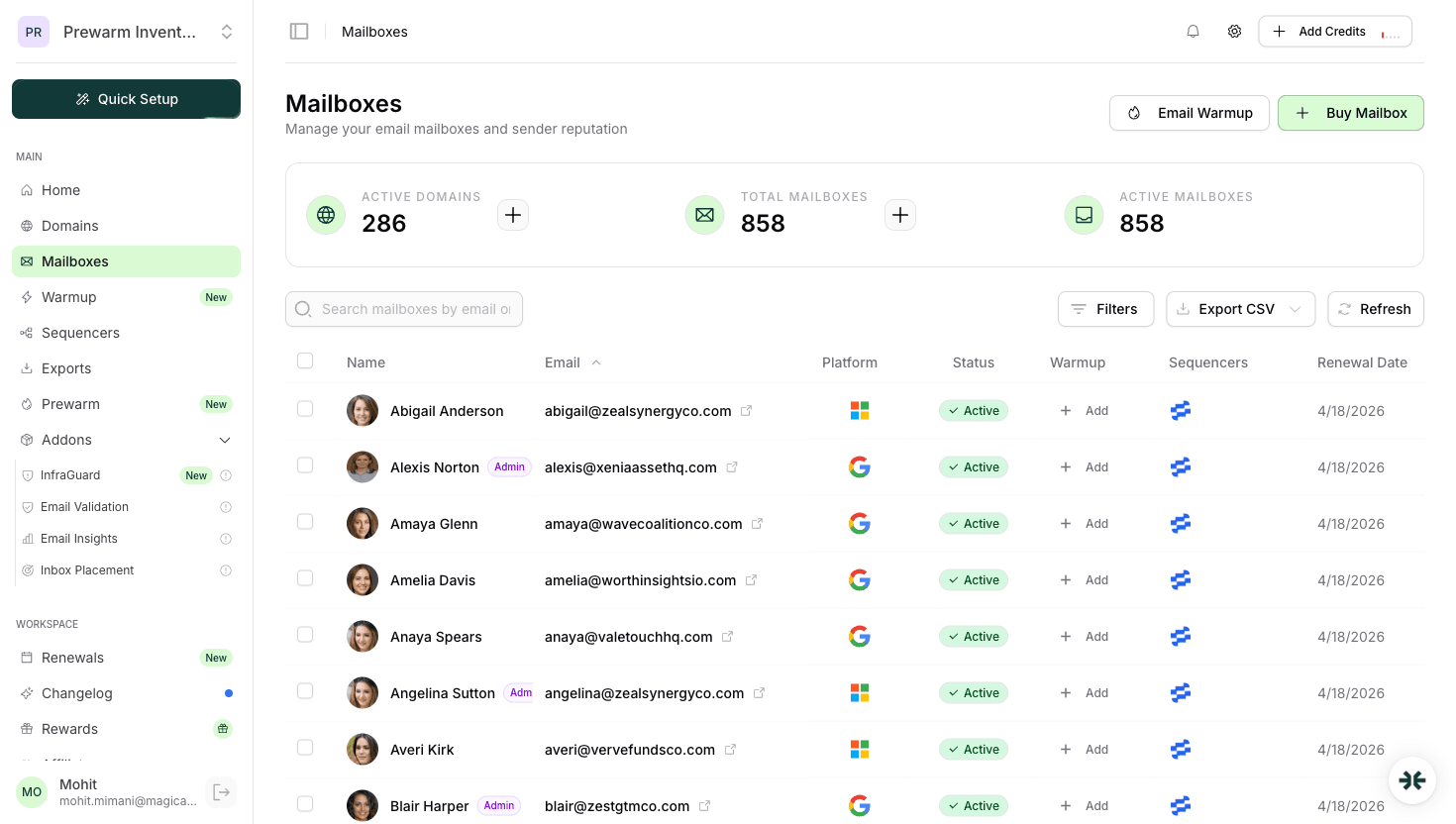
| InboxKit mailboxes provisioned | InboxKit → Mailboxes | Yes |
| IMAP enabled on Google Workspace OU | admin.google.com → Gmail → End User Access | Yes |
| Prospect list with enrichable fields (LinkedIn URL at minimum) | Your source | Yes, for the 80-source AI to actually work |
The enrichment prereq. PlusVibe's personalization engine works by looking up 80+ sources per prospect, but it needs something to look up from. At minimum, you want a LinkedIn URL or a company domain per row. Without those anchor fields, PlusVibe falls back to basic merge tags, which defeats the whole reason to pay for it. Build your prospect list with enrichable fields before you run a campaign: most teams source from Clay, Apollo, or LinkedIn Sales Navigator and feed the output into PlusVibe via CSV.
The full click path:
| Step | Action | Time |
|---|---|---|
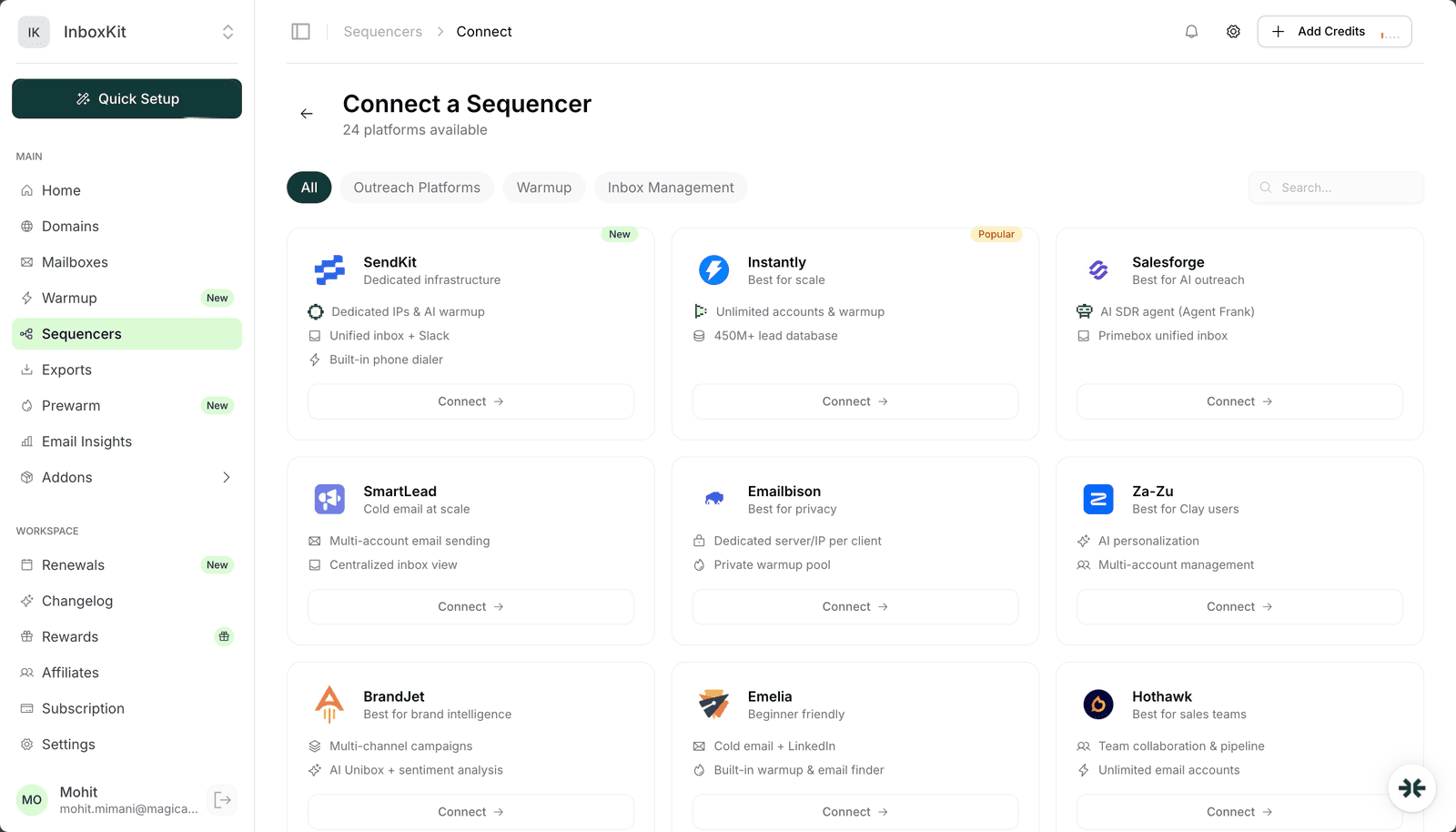
| 1 | InboxKit → Sequencers → Connect New Sequencer | 5 sec |
| 2 | Filter by Outreach category and pick PlusVibe | 5 sec |
| 3 | Enter Email: your PlusVibe (pipl) login | 5 sec |
| 4 | Enter Password: your PlusVibe password | 5 sec |
| 5 | Click Connect Account | , |
| 6 | InboxKit validates credentials against PlusVibe's API | 1-3 sec |
| 7 | Selected InboxKit mailboxes pushed into PlusVibe as senders | 20-40 sec |
| 8 | Redirect to /sequencers with success toast | , |
Total: about 90 seconds.
PlusVibe uses the standard credential flow: no workspace picker, no API key, no custom validation UI. If you have access to multiple PlusVibe workspaces, the connect defaults to your active workspace; switch inside PlusVibe before running the export if you need a specific one.
PlusVibe includes unlimited warmup as part of every paid plan, the same design as Emelia and Instantly. Here is how it stacks against the InboxKit isolated warmup add-on:
| Warmup option | Cost | Network | When to pick |
|---|---|---|---|
| PlusVibe built-in | Included in PlusVibe plan | Shared peer pool | If every mailbox stays in PlusVibe long-term |
| InboxKit isolated warmup | $3/mailbox/month | Separate peer network | Multi-sequencer setup, or if you move mailboxes |
For PlusVibe-only users, the built-in warmup is the right choice because it's free at the margin. For mixed setups (some mailboxes in PlusVibe, some in Smartlead, some in Instantly), the InboxKit isolated warmup gives you one consistent reputation trajectory regardless of which sender uses a given mailbox on a given day.
Do not run both at once. The double-warmup trap applies here just like with MailToaster and Warmy. Running two warmup engines on one mailbox roughly doubles warmup volume and confuses Gmail Postmaster reputation signals. Pick one and toggle the other off.
Set these inside PlusVibe → Accounts → (select mailbox) → Daily Limit after the import completes:
| Mailbox age | Safe daily send | PlusVibe daily_limit | Notes |
|---|---|---|---|
| Day 1-14 | 0 | 0 | Warmup only |
| Day 15-30 | 15-20 | 15 | Early sends |
| Day 31-60 | 25-40 | 30 | Full ramp |
| Day 60+ | 40-50 | 40 | Steady state |
PlusVibe's personalization-heavy sends actually tend to land better than templated outreach at the same daily volume, but don't push the mailbox beyond 50/day as a hard ceiling. Google Workspace's per-day cap is 2,000 external recipients, but nobody running real email should ever come close to that number on a single mailbox. Scale horizontally with more mailboxes: see scale email 100 to 10000 for the math.
The failure modes to watch for:
| Error | Cause | Fix |
|---|---|---|
| 'Authentication failed' | Wrong password, or 2FA on PlusVibe | Verify login in a clean browser; disable 2FA during connect |
| Success but mailboxes missing in PlusVibe | Plan sender cap hit | Upgrade PlusVibe plan or delete unused senders, then Retry Export |
| Personalization falls back to merge tags | Prospect records missing LinkedIn/domain | Fix the source CSV before re-running the campaign |
| 'IMAP handshake failed' on reply fetch | IMAP disabled at Google Workspace OU | Enable IMAP in admin.google.com → Gmail → End User Access |
| Warmup volume stuck at 0 | PlusVibe warmup paused or double-warmup conflict | Check PlusVibe → Mailbox → Warmup toggle, and turn off InboxKit warmup if active |
On the personalization fallback. This is a silent failure mode specific to PlusVibe. If the source data is thin, PlusVibe will send the email using basic merge tags instead of full AI personalization, and you will only notice because your open rate doesn't improve. Check PlusVibe → Campaign → (select sequence) → Personalization Coverage. You want ≥80% of rows showing 'Full AI' personalization. Below that, your source data is the problem, not PlusVibe.
Four smoke tests:
Test 1: mailbox test send. In PlusVibe → Accounts → (pick InboxKit mailbox) → Send Test. Confirm delivery in <30 seconds with DKIM passing in headers.
Test 2: personalization quality. Run a 5-prospect test sequence with real enriched data. Read each generated first touch. Are they actually distinct? Do they reference something specific about the prospect (a recent post, a company announcement)? If every email looks the same, the personalization engine isn't firing: check your source data.
Test 3: reply round-trip. Reply to one of your test sends. Within 2 minutes, PlusVibe's unified inbox should show the reply. If not, IMAP is broken.
Test 4: inbox placement test. Run a seed-list test across Gmail, Outlook, Yahoo, Hotmail. Target 9/10+. PlusVibe's high-variance outputs should land better than templated alternatives, if your score is below 8/10 despite that, the DNS or warmup side needs work.
Same product, new name. The platform rebranded from pipl.ai to plusvibe.ai, but the underlying InboxKit integration still carries the internal platform key `pipl` in the sequencer metadata. You'll see 'PlusVibe' everywhere in the user-facing UI. The website is plusvibe.ai.
Yes. PlusVibe uses SMTP/IMAP, so Google Workspace and Microsoft 365 both work. The prereq for Microsoft 365 is Authenticated SMTP enabled at the mailbox level. InboxKit handles this automatically during provisioning.
Yes, but you lose most of the 80-source advantage. PlusVibe can fall back to company-level enrichment (domain → company data), but the quality drops significantly without prospect-level signals. For the best results, include LinkedIn URLs in your source list. If you can't get LinkedIn URLs, consider pairing with Clay enrichment before feeding the data into PlusVibe.
Both use AI to generate personalized first touches, but their approaches differ. Agent Frank is an autonomous SDR that runs a full sequence end-to-end with its own judgment on follow-up timing. PlusVibe is more of a personalization engine, it writes the email but leaves campaign orchestration to you. For a fully hands-off AI SDR, Salesforge. For maximum personalization with human oversight, PlusVibe.
PlusVibe uses round-robin distribution across connected mailboxes within a single campaign. If you run two campaigns simultaneously on the same mailbox pool, both draw from the same pool and can compete for daily send capacity. Set per-campaign daily caps in PlusVibe → Campaign Settings to prevent one campaign from eating all the send quota.
Free tools and pages that go with this guide.
 Reviews
 Mohit MimaniGuides
 Saksham JainGuides
 Rahul LakhaneyGuidesMohit MimaniComparisonsRahul LakhaneyEducationalRahul Lakhaney
From $2.50/mailbox/mo. No plans or slots. Automated DNS, warmup, and InfraGuard monitoring included.