
LearnReviews
wizeMails Review 2026

By Saksham JainPublished on: May 23, 2026 · 9 min read · Last reviewed: May 2026
TL;DR
wizeMails is one of the few email infrastructure providers built around monitoring rather than just provisioning. Per its homepage, every client gets a dedicated server and IP, and a "Signal Intelligence Engine" that scans every domain, IP, and mailbox every 15 minutes and responds automatically when it detects a threat. Pricing starts at $179/month with everything included. The verdict up front: wizeMails appears genuinely differentiated, its core thesis ("you don't have a sending problem, you have a landing problem") is well aligned with how email actually fails, and the always-on, auto-remediating monitoring is the right architecture most providers lack. The catches are that it is young and small-scale (the homepage states 150+ domains deployed; self-reported), it is private SMTP infrastructure rather than Google/Microsoft inboxes, and you connect your own warmup tool.
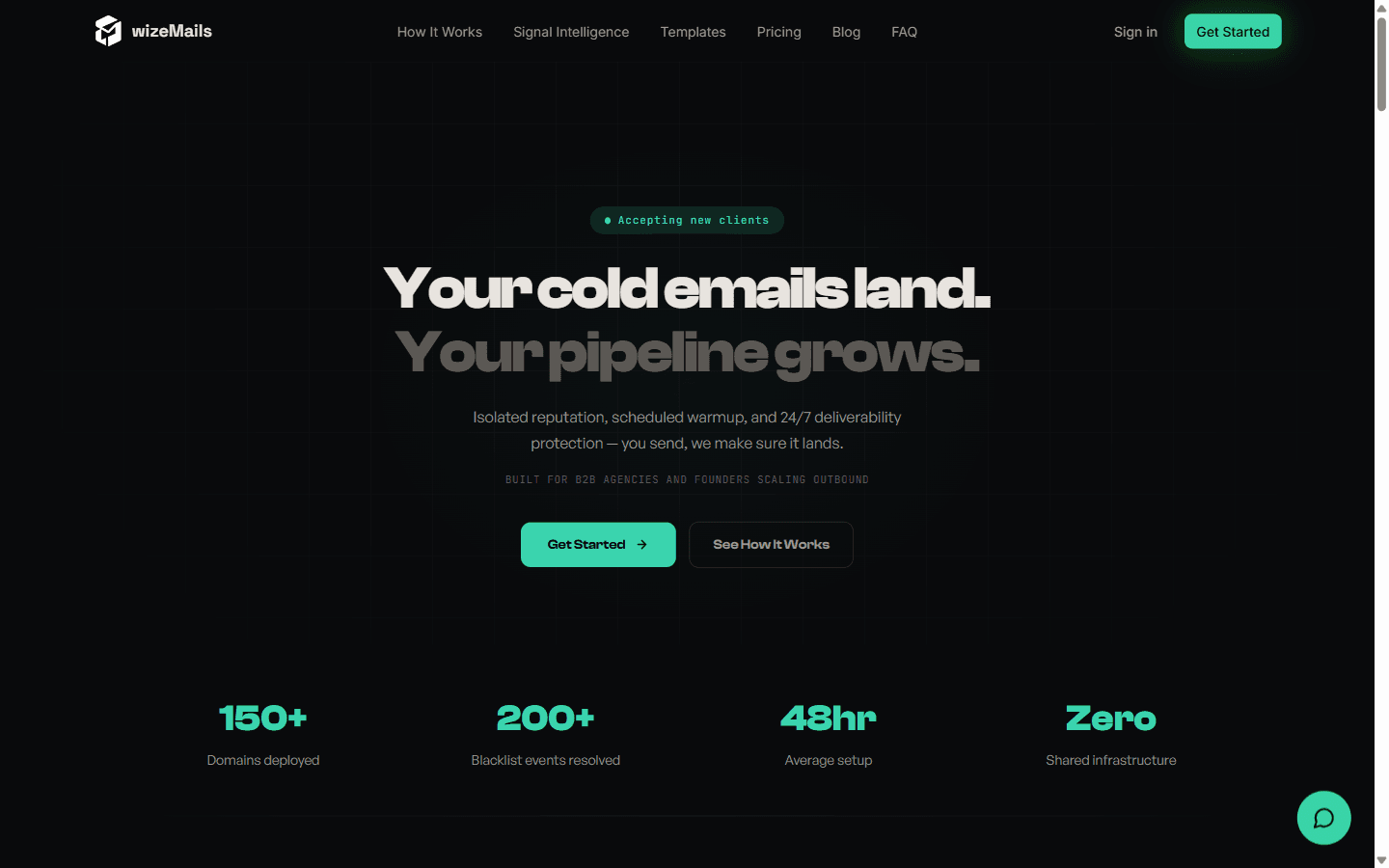
wizeMails (wizemails.com) is a fully managed, private email sending system "built for B2B agencies and founders scaling outbound," per its homepage. Its pitch cuts to a real failure mode in email: your sending tool says "delivered," but your prospects may never see the email, and most stacks do not show you the difference between delivered and actually landed in the inbox.
According to wizeMails, what you get is a complete private setup: a dedicated server, a dedicated IP, registered domains, individual mailboxes with credentials, automated warmup scheduling, and continuous monitoring. You receive SMTP credentials and plug them into any sending tool. The site states setup runs under 48 hours, most of which is DNS propagation and automated deployment, with no manual work required on your side.
The headline differentiator is the Signal Intelligence Engine (SIE): wizeMails states it monitors every domain, IP, and mailbox every 15 minutes, and when it detects a threat (a reputation drop, a blacklist event), it acts automatically, adjusting sending limits, pausing domains, or triggering recovery, "no tickets, no damage." We have not independently observed the SIE in production.
wizeMails keeps pricing simple and all-inclusive:
| Item | Detail |
|---|---|
| Starting price | $179 / month (plans scale up to Signal Max and custom enterprise) |
| Included | Dedicated server + IP, domains, mailboxes, warmup scheduling, SIE monitoring |
| Setup | Under 48 hours |
| Infrastructure | Private, isolated, zero shared resources |
| Warmup | wizeMails manages the schedule; you connect your own warmup tool |
At $179/month all-in, wizeMails prices like a managed deliverability service rather than a per-inbox reseller, you're paying for dedicated isolation plus the monitoring engine, not just mailboxes. For teams that have been quietly losing domains and didn't know why, that bundled monitoring is the value, not the raw inbox count.
The monitoring is the standout. wizeMails's homepage reports 200+ blacklist events resolved across 150+ deployed domains (self-reported), exactly the kind of catch-it-before-it-burns protection most providers leave entirely to the customer.
wizeMails's deliverability model is the most monitoring-forward in this tier, and that's a real strength. Dedicated server + dedicated IP gives true isolation, and the SIE's 15-minute scan-and-respond loop is the architecture email actually needs: the problem with deliverability isn't usually setup, it's that reputation degrades silently and you find out when replies disappear. wizeMails is built specifically to close that gap.
The honest caveats:
The honest read: wizeMails is one of the most conceptually sound providers in the micro-niche tier because it treats monitoring as the product, not an afterthought. If isolation plus always-on protection is what you want, it's compelling, just go in knowing it's young, private-SMTP-based, and warmup-tool-dependent.
The summary below reflects publicly advertised strengths and limitations at the time of writing.
Pros
Cons
Good fit:
Bad fit:
| Provider | Model | Starting price | Best for |
|---|---|---|---|
| wizeMails | Private infra + monitoring engine | $179/mo | Isolation plus always-on protection |
| Mission Inbox | IaaS, dedicated IPs + AI firewall | $199/mo | Owned infra for cold + transactional |
| InfraBoxes | Private/Google + burn alerts | ~$2.5-$3/mailbox | Cheap mailboxes with monitoring |
| SkySenders | Dedicated server per domain | From $59/mo | Domain-isolated infra with unified inbox |
| InboxKit | Self-serve + monitoring | Bundled mailbox + InfraGuard | Inboxes plus real-time deliverability monitoring |
The honest positioning: wizeMails and InboxKit are philosophically aligned, both treat continuous deliverability monitoring as core, not optional. wizeMails delivers it on private SMTP/dedicated-IP infrastructure with its Signal Intelligence Engine; InboxKit delivers it with warmed, isolated mailboxes plus InfraGuard (real-time blacklist alerts, DNS drift detection, and bounce-rate alerting). If you want the monitoring-first model with a more established provider and flexible inbox options, compare InboxKit; if dedicated-IP isolation with auto-remediation is exactly your need, wizeMails is a strong, focused choice. Disclosure: InboxKit is the publisher of this review.
Editorial rating: 7.5 / 10
wizeMails is one of the most thoughtfully designed providers in the micro-niche tier because it gets the core insight right: email fails when reputation degrades silently, so monitoring should be the product. The dedicated server-and-IP isolation plus the Signal Intelligence Engine's 15-minute scan-and-remediate loop is exactly the protection most providers leave to the customer, and the all-inclusive $179/month pricing is fair for what's bundled.
It is not higher than 7.5 because it's young and small-scale (150+ domains), it's private-SMTP infrastructure rather than Google/Microsoft inboxes (which suits some audiences better than others), warmup depends on your own tool, and the metrics are self-reported. Validate with a test batch, and if isolation-plus-monitoring is your priority, it's a genuinely strong option.
If you want monitoring-first deliverability with flexible inbox options and an established provider, see how InboxKit compares.
Plans start at $179/month, all-inclusive, covering a dedicated server and IP, domains, mailboxes, warmup scheduling, and the Signal Intelligence Engine monitoring. Higher Signal Max and custom enterprise tiers are also available.
wizeMails's monitoring system, it scans every domain, IP, and mailbox every 15 minutes and responds automatically to threats by adjusting sending limits, pausing affected domains, or triggering recovery protocols.
Neither. wizeMails provisions private infrastructure with a dedicated server and dedicated IP per client, giving you SMTP credentials to plug into your sending tool.
It manages the warmup schedule (limits and graduation timing), but you connect your own warmup tool to do the actual warmup sending.
Under 48 hours from signup to live sending, mostly DNS propagation and automated deployment, with no action required from you.
Free tools and pages that go with this guide.
From $2.50/mailbox/mo. No plans or slots. Automated DNS, warmup, and InfraGuard monitoring included.


